Their internet TV’s are not android, but some OS of their own, called Tizen.
I just did an MX update/upgrade. It added kernel 6.12.96.
Here is what I have in /boot
$ ls /boot

config-6.12.63+deb13-amd64        memtest86+x64.bin
config-6.12.69+deb13-amd64        memtest86+x64.efi
config-6.12.73+deb13-amd64        System.map-6.12.63+deb13-amd64
config-6.12.74+deb13+1-amd64      System.map-6.12.69+deb13-amd64
config-6.12.90+deb13.1-amd64      System.map-6.12.73+deb13-amd64
config-6.12.94+deb13-amd64        System.map-6.12.74+deb13+1-amd64
config-6.12.95+deb13-amd64        System.map-6.12.90+deb13.1-amd64
config-6.12.96+deb13-amd64        System.map-6.12.94+deb13-amd64
efi                               System.map-6.12.95+deb13-amd64
grub                              System.map-6.12.96+deb13-amd64
initrd.img-6.12.63+deb13-amd64    uefi-mt
initrd.img-6.12.69+deb13-amd64    vmlinuz-6.12.63+deb13-amd64
initrd.img-6.12.73+deb13-amd64    vmlinuz-6.12.69+deb13-amd64
initrd.img-6.12.74+deb13+1-amd64  vmlinuz-6.12.73+deb13-amd64
initrd.img-6.12.90+deb13.1-amd64  vmlinuz-6.12.74+deb13+1-amd64
initrd.img-6.12.94+deb13-amd64    vmlinuz-6.12.90+deb13.1-amd64
initrd.img-6.12.95+deb13-amd64    vmlinuz-6.12.94+deb13-amd64
initrd.img-6.12.96+deb13-amd64    vmlinuz-6.12.95+deb13-amd64
memtest86+ia32.bin                vmlinuz-6.12.96+deb13-amd64
memtest86+ia32.efi
It might be time for a cleanout.
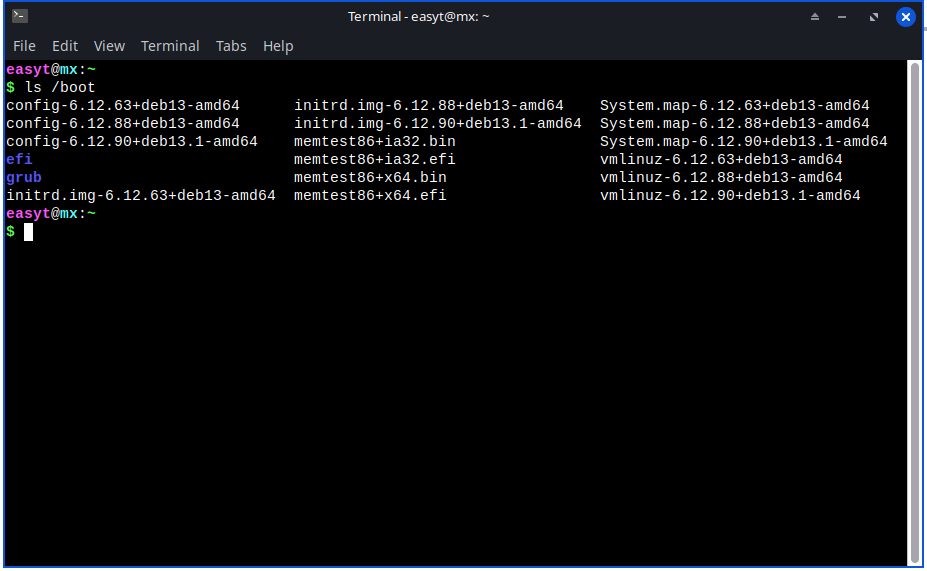
How is it that you have different kernels to me … we both have the same MX.
Do you delete kernels?
Maybe I update more frequently than you and pick up all the steps.?
You are right, I do not update as often.
MX is my guest OS and I do not use it as often as my daily OS.
I see I have 114 updates available right now of which 109 are upgrades.
I don’t know how to delete kernels under MX. In Mint it is very easy to remove a kernel.
But interesting about MX. I just perform the updates / upgrades.
The update loaded “config-6.12.96+deb13-amd64” but when I rebooted, it shows kernel 6.12.90 as being still the current kernel.
I dont know either. ? I will have to find out soon.
In Void there is a special command called vkpurge
You cant just delete files in /boot, there are other files like firmware modules.
AI was quick with an answer on how to remove a kernel form MX and I already used it.
A good example of using AI as a tool for information.
MX has a menu item called Cleanup or MX Cleanup.
Just cd /boot > ls and rm what you do not wish to keep!! At boot choose advanced and E for edit and F10 the kernel you wish to boot!!