The book may state that but Systemd is a nightmare compared to SysV!!!
2 Likes
VirtualBox works just as well in Linux!!! I only have one machine, that boots Gentoo, and I do not care to trash Gentoo for LFS, but the CPU does not support virtualization. Will not dual boot my two Windows machines with Linux.
2 Likes
Give it a try, in Vbox, if it does not work, then delete and start over!!!
A little hint, Exton has a LFS ISO, that runs well in Vbox , only problem, Exton will no longer update the LFS ISO, and rebuilding LFS, is just to complicated.
But!! you could grab the package list from SouceForge and use it as a template, to build LFS!!!
LFS base is rather easy, but you would have a file list for BLFS.
1 Like
Yes it works, I tried it for a while, but I found you have to have a Windows mentality to understand the buttons.
Virt-manager was a better fit for me.
2 Likes
Can’t agree. Install on Fedora. “Add your user for creating a machine to the — group”. Then “for usb access, add to another group”. then “install missing package ..” And last “Disable KVM to use”. This was too much.
2 Likes
Do not use Fedora, but Vbox ran well in Gentoo.
3 Likes
Well. I’m encountering some problems here.
I’m using the Gentoo live ISO.
- Cannot read the script in section 2.2, “Line 86: unexpected end of file: quitting” Everything is right, and Solus CAN read the script exactly same.
- It does not contain the tools needed.
- Using emerge to install the missing packages, complains about wrong and missing repos.
- Can’t save the file (after ONE line added) due to “full storage” and therefore removes it.
1 Like
Can you give the package name, I’ll check which other packages it would pull on my Gentoo. Also if you could list the tools you need, I’ll check if they are on other repo like Guru
edit: I read your message again and
You’re on live, so should you mount a partition? Like /mnt/gentoo or similar? I think you need three partitions for LFS on your disk but when using live usb you should have some partition on your disk for installing packages, saving files etc. Or you should have an extra partition on USB where you have the live iso
1 Like
Are you trying for a LFS Vbox or bare-metal install?
1 Like
The topic title seems to suggest you’re looking for a location to build your LFS. 
I highly suggest you do so at home, as it can take a while. 
2 Likes
I need to ask this shows my level of knowledge !
Why do a lfs ?
And where do you get the source, what do you add to give it a GUi and is that better than taking a standard release with GUI and just removing things you dont want.
Why climb a mountain? Why explore a cave?
An adventure is only an inconvenience rightly considered. An inconvenience is only an adventure wrongly considered.
— G. K. Chesterton
1 Like
Are you not, in the least. curious on how and what makes a Linux Distro, because they all have roots going back, even farther than LFS! I will say, doing an LFS is not for the “faint of heart” it takes patience and time and dedication, to work through, to the end!!!
I am hoping that @George1 follows through and tries doing an LFS, I am here, if he wants the help!!!
3 Likes
When I did a LFS - a long time ago, in a galaxy far, far away - I found the most difficult part getting the kernel to boot. That being said, I found it an educative experience. It gave me a basic understanding of all the tools involved.
However, once I got it on the internet I stopped soon after. You see, I was doing it on bare metal and lynx was all I got up and running. I didn’t bother with the rest in BLFS.
I can no longer be arsed to do one; I already have an understanding of the core OS and I think my knowledge of how Linux innards works is fine. If I want source based I’ll go with Gentoo.
4 Likes
Maybe in the train too, during the commute?
Jokes aside,
Learning by doing. And it’s an interesting attempt. @nevj’s statement puts it correctly, and @Daniel_Philips also has right. Thanks for the help offer.
I’m going to do it in Solus, my main go-to distro.
3 Likes
Are you using Solus with VirtualBox, for LFS or doing LFS on a partition and using Solus as the host?
2 Likes
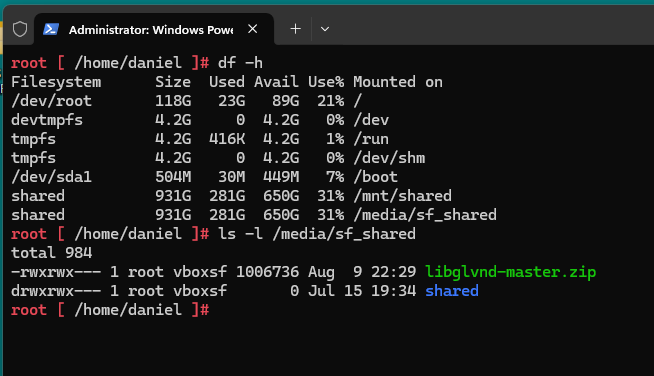
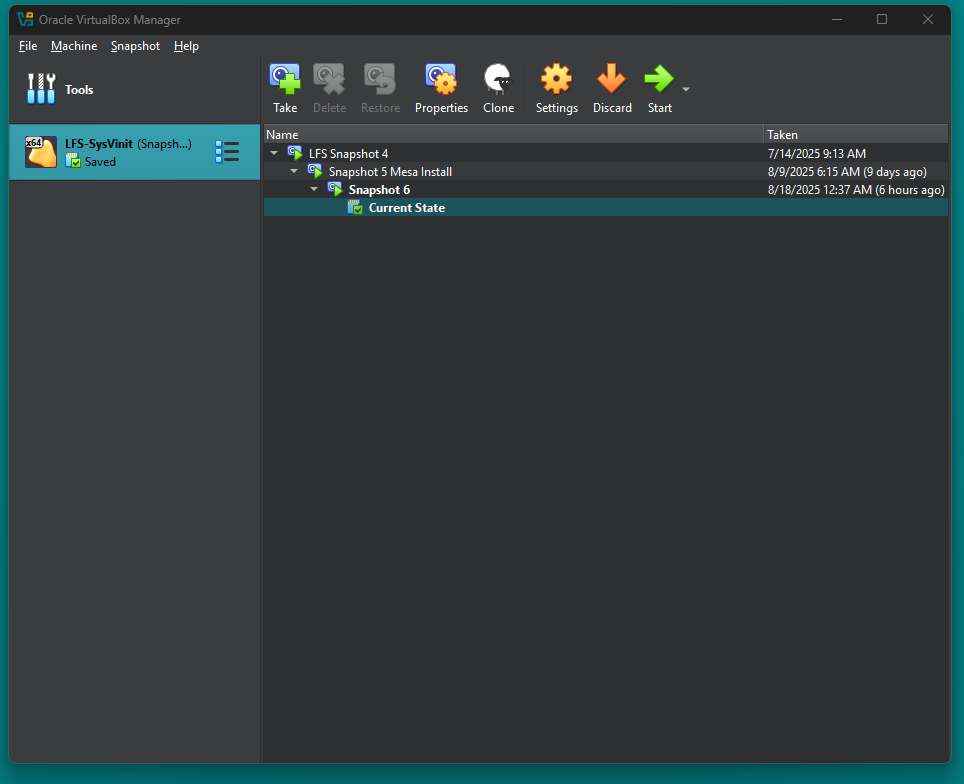
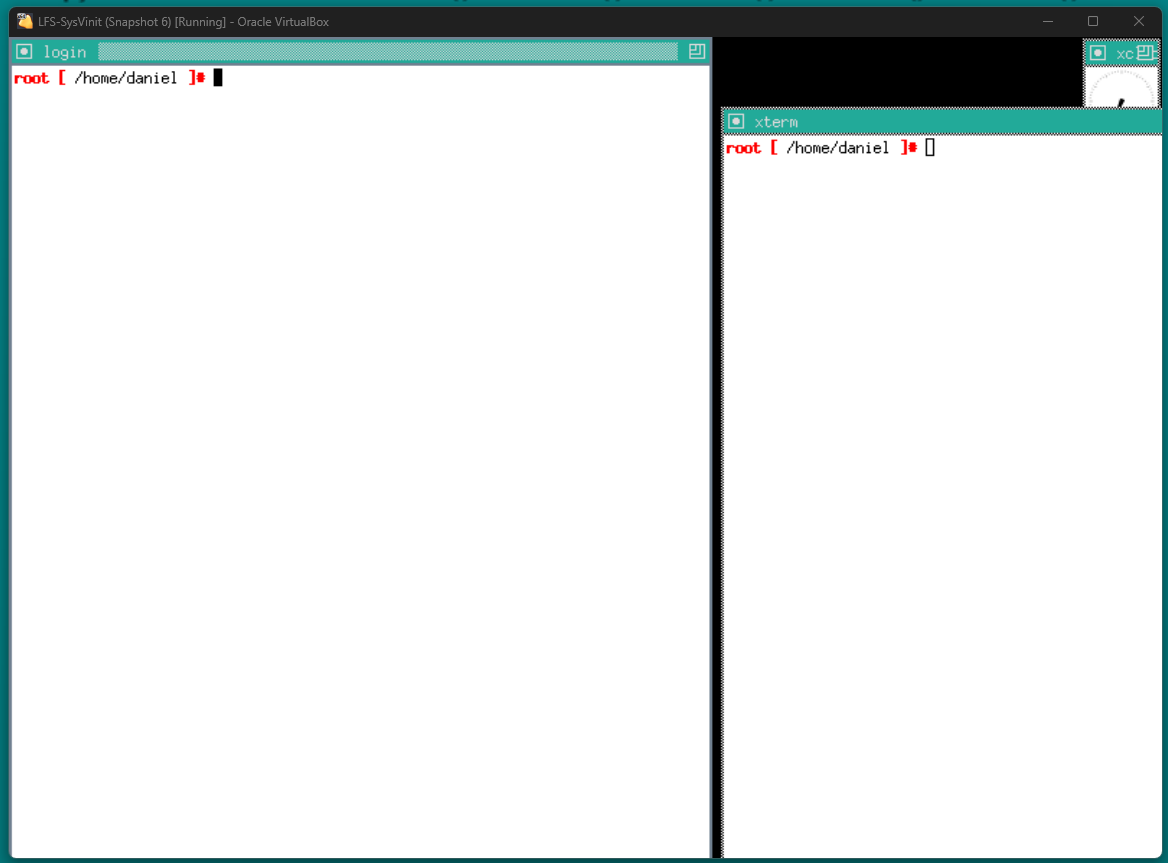
Is the top image LFS running in WSL?
1 Like
No LFS is running in VirtualBox, I was just showing where the /media/sf_shared is mounted!!! Going to be awhile before I miss with WSL!!
2 Likes