Your backups are st the filesystem level. So they are really snapshots?
You can avoid that complexity by using partition level backups … like Clonezilla images.
I am probably not telling you anything you dont know. It just amazes me how people become addicted to things like Timeshift, not realising that it is not a complete disk backup.
So the question
Can BastionGuard recover from a total disk failure?
I hope you dont think I am being pedantic. These things matter.
It is not criticism, I am trying to help with your planning.
We really need some ordinary user with a computer exposed to the internet to test BastionGuard… do we have any volunteers?
If I can get it to work with OpenRC I have an old 2-core laptop I can use for this. I just need to make the ebuild first and then try if it runs on OpenRC. I can of course install a supported OS to that machine too but first I’m learning to write the ebuild and build this app from source.
bastionguard-backup has a grub restore feature that uses a minimal squashfs image just for the software to run and for disaster recovery. Improvements have been made and it also supports Samba backups.
it starts perfectly and you just have to select the disk where the backup is and perform the restore
Just different . Full disk backup is to protect against disk failure. Filesystem snapshots ( like Timeshift) are to recover from software gliches and stupid errors with data files
It seems BastionGuard does both.It is looking rather comprehensive to me.
I’m running tests on openrc and sysinit, which are detected in some distros that use these init scripts. I’m preparing the ebuild to test it on my testing machine. But I need a few more days to complete this software improvement.
I am starting tests on various types of init systems; once I complete the build process to verify that it compiles, I will kindly ask for the other init systems—including OpenRC, sysinit, and dinit—to be tested as well.
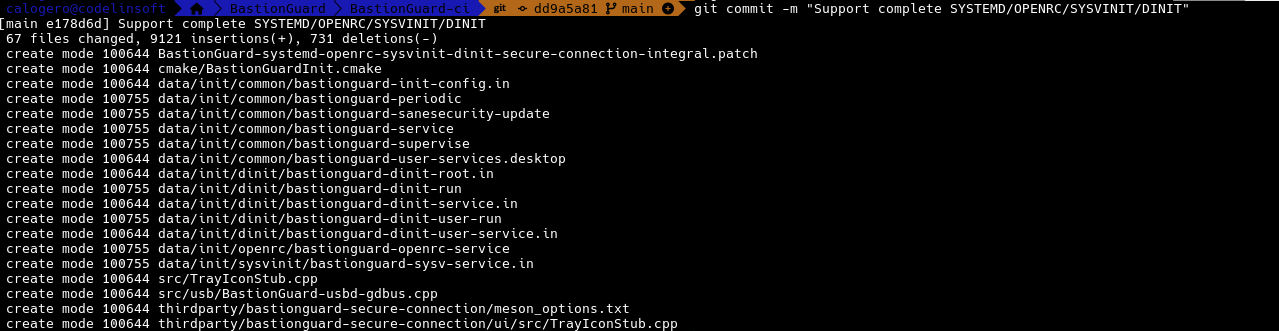
BastionGuard now officially supports four init systems: systemd, the most widely used standard on modern Linux distributions; OpenRC, a lightweight dependency-based service manager; SysVinit, the traditional script-based init system; and Dinit, a modern, simple, and reliable service supervisor.
Support has also been extended to Alpine Linux and Gentoo, with distribution-specific build configurations and native service integration.
The official BastionGuard repositories are now available, allowing users to install and update the software through their distribution’s native package manager.