All my versions of mint have always done that and then gone to normal screen thought that was normal process as it does not effect opération with a few mins and the desktop arrives.
I always set up to not require a password and auto log in
All my versions of mint have always done that and then gone to normal screen thought that was normal process as it does not effect opération with a few mins and the desktop arrives.
I always set up to not require a password and auto log in
Any distro that has the ‘quiet’ boot parameter option set on the command line will do that.
I’m curious now - this might be what happened to my old install of Pop!_OS on this desktop machine? i.e. GDM stopped presenting the login screen (or showed a bare black screen) - or - would never load X… I gave up - killed “gdm” and stopped it from running… So I’d boot straight to a TTY console, login and run startx… Radeon GPU (discrete PCIe XT6600)… Had been doing that for 6-9 months now till I got a new SSD and installed Noble Numbat (note the numbat is the faunal emblem for my state of Western Australia - it once lived across the whole country - but only found in WA today).
I had something happen at nearly the same time on my Thinkpad running Ubuntu 22.04 (GDM issue) - with Radeon GPU (Vega 8 via Ryzen APU)… I never got to the bottom of it - install Pop!_OS on it and I haven’t come across this again since…
Thinking I might wipe that ThinkPad too and install Ubuntu 24.04… Pop!_OS is pretty much EOL for me anyway - I don’t want to use Cosmic and be forced to use Wayland (which is a showstopper because I need Synergy KVM and while it mostly works - clipboard sharing doesn’t - a deal breaker for me).
I’ve noticed my Ubuntu desktop doesn’t heat up the CPU (e.g. CPU intensive tasks like re-encoding video files with ffmpeg) as hot as Pop!_OS did - so - Ubuntu 24.04 might be more battery friendly than Pop!_OS 22.04… A shame - I wanted to like Pop!_OS and been using it nearly 3 years as my daily driver… On Pop!_OS I can barely get 3 hours battery life on that ThinkPad (E495 with Ryzen 5 and Vega 8)…
Hi again,
Thanks for the info. Good to know, Paul.
I see. I guess that would circumvent the problem. Nice move.
@nevj :
Thanks for the info, Neville.
I just looked at my setup for Linux Lite:
cat /etc/default/grub
[..]
#GRUB_DISTRIBUTOR='Linux Lite'
GRUB_DISTRIBUTOR=`lsb_release -i -s 2> /dev/null || echo Debian`
GRUB_CMDLINE_LINUX_DEFAULT="noplymouth"
GRUB_CMDLINE_LINUX=""
[...]
That explains it all. I haven´t set the"quit" boot parameter. 
That might have been the case, Daniel.
I was just wondering about your Radeon GPU.
The info I got was:
[affected devices] particularly those with AMD Radeon GPUs
O.K., but “particularly” doesn´t mean “exclusively”.
So the theory presented here might be applicable to you as well. 
I just looked at Pop!_OS´s package list (version 22.04):
on distrowatch. It says:
libpciaccess0:amd64 0.16-3
That would explain it. Affected version seems to be
libpciaccess0:amd64 version 0.17-3build1.
Cheers from Rosika 
Seems there’s a bug in Ubuntu 24.04(.2) installer!
When you run it - it asks you to download (during the installer) an update for the installer…
I went just fine on my desktop PC - but - it crashed when I tried it on my thinkPad… i.e. it asked to download the installer update, I let it - then ran the installer… Stepped away for five minutes and the installer was no longer running… Tried again… Second time around - I think it got as far as setting up grub and creating my LUKS “/” partition… But failed on some other stuff… I rebooted and after unlocking my LUKS got a cursor and a grey background.
So - I’m downloading 24.04.3…
So - not really ideal for the newbie…
I read about lots of problems with encrypting the root partition.
The one that stands out is that if /boot is in the root partition , the bootloader cant read it.
That may not be your problem but I think I would be looking at LUKS.
Agree.
Newbie install scripts need to scan the PC and identify possible issues, before they start. Maybe even a separate pre-install script.
Been using LUKS for years, 10 maybe?
NEVER had a problem with it… I can imagine in dual boot scenarios it might cause issues but I don’t dual boot…
I have had problems with ZFS encryption on Linux… but I don’t think Linux ZFS support is anywhere near prime-time, but it’s fully mature and robust on BSD and Solaris… The Ubuntu 24.04 installer offers several options when you run it - there’s ext4, LVM, LUKS on LVM, ZFS, ZFS with encryption (and some other ZFS option)… Those last three ZFS options have BIG blue “EXPERIMENTAL” warnings on them - with good reason…
Problems I was having earlier with Pop!_OS (with LUKS) was nothing to do with LUKS - i.e. it would boot up and never present the GDM login gui… Mostly just a black screen… Kill and disable GDM and it boots (after LUKS decrypt) to TTY and I can login and run “Startx”.
I’d NEVER run an unencrypted system. I have too much “valuable” data to take that risk… i.e. mostly stuff about my employer and customers…
In your case ( @nevj ) - I don’t know if I see a need for encryption - but I kinda need it and LUKS is the best option for Linux IMHO. I have my Macs encrypted using Apple’s APFS… But I reckon LUKS is probably better… Never really tried / used Microsoft’s BitLocker 'cause I don’t run Windows anywhere…
– EDIT –
It’s for this reason I don’t store that data on any of my Pi systems - because unlocking LUKS is a bit tricky onboot with a headless device.
I’m going to read up on this - about running sshd in busybox in initramfs :
Unattended/headless Ubuntu server with disk encryption - how to set it up? - Ask Ubuntu (so you can SSH and unlock an ecrypted root folder)…
Booting (USB drive) the Ubuntu 24.04.3 installer fixed my issue.
Note : Ubuntu (and derivatives like Pop!_OS) don’t put /boot or /boot/efi on the same partition as root - i.e. they’re not on LUKS and they’re not encrypted…
Fresh install of Ubuntu 24.04.3 on Ryzen 5 ThinkPad E495 :
nvme0n1                     259:0    0 931.5G  0 disk
├─nvme0n1p1                 259:1    0     1G  0 part  /boot/efi
├─nvme0n1p2                 259:2    0     2G  0 part  /boot
└─nvme0n1p3                 259:3    0 928.5G  0 part
  └─dm_crypt-0              252:0    0 928.4G  0 crypt
    └─ubuntu--vg-ubuntu--lv 252:1    0 928.4G  0 lvm   /
I have had more problems with Display Managers than any other part of Linux.
My first reaction is to disable it and use a console login.
My current one is in Antix/runit… the slimski DM comes up with no mouse or KB. … but Antix/sysV is fine.?
I suppose the init system starts the DM , so there is a connection. I will not even try to debug it… just workaround.
Right. I dont use it , except for a few selected files
True, but I don’t think you’re using it like a newbie would. Most would just take all the defaults and away they go.
I understand your need to use LUKS, it makes sense. I see you use LVM too. I have had a few go arounds with LVM that were dicey. Probably something I did to cause myself issues, but I try to avoid it now. Most of our servers are on AWS and we can pretty easily expand the EBS volume and then extend the partition if we need more space. Are there other reasons to use LVM?
I can see no reason on a home computer.
I have about 30 partitions over 4 disks, and I have no trouble managing it by hand.
Adding something that is unnecessary is a recipe for trouble.
Ubuntu doesn’t do LVM (ext4) by default… You only get to choose LVM if you go into advanced mode…
That is DEFINITELY something a new user would have issues with - 30 partitions? The average new user, running Ubuntu, would probably only have one Linux partition…
LVM’s a piece of cake really… Sure - the nitty gritty might be a bit high level for a new user - but it’s not rocket science - I use LVM all the time in my job…
The issue I had with Ubuntu was completely unrelated to LUKS or even partitioning - my comment “not really ideal for the newbie…” was in reference to the Ubuntu installer crashing (even before it got to the point where you could choose LUKS if you wanted - that’s somewhat hidden - or buried - you have to know where to find it) … and having to patch the installer itself, during the installation…
Ubuntu 24.04.3 fixed that issue… Just a shame they couldn’t have addressed it earlier… And kinda amazing a big outfit like Canonical would drop the ball…
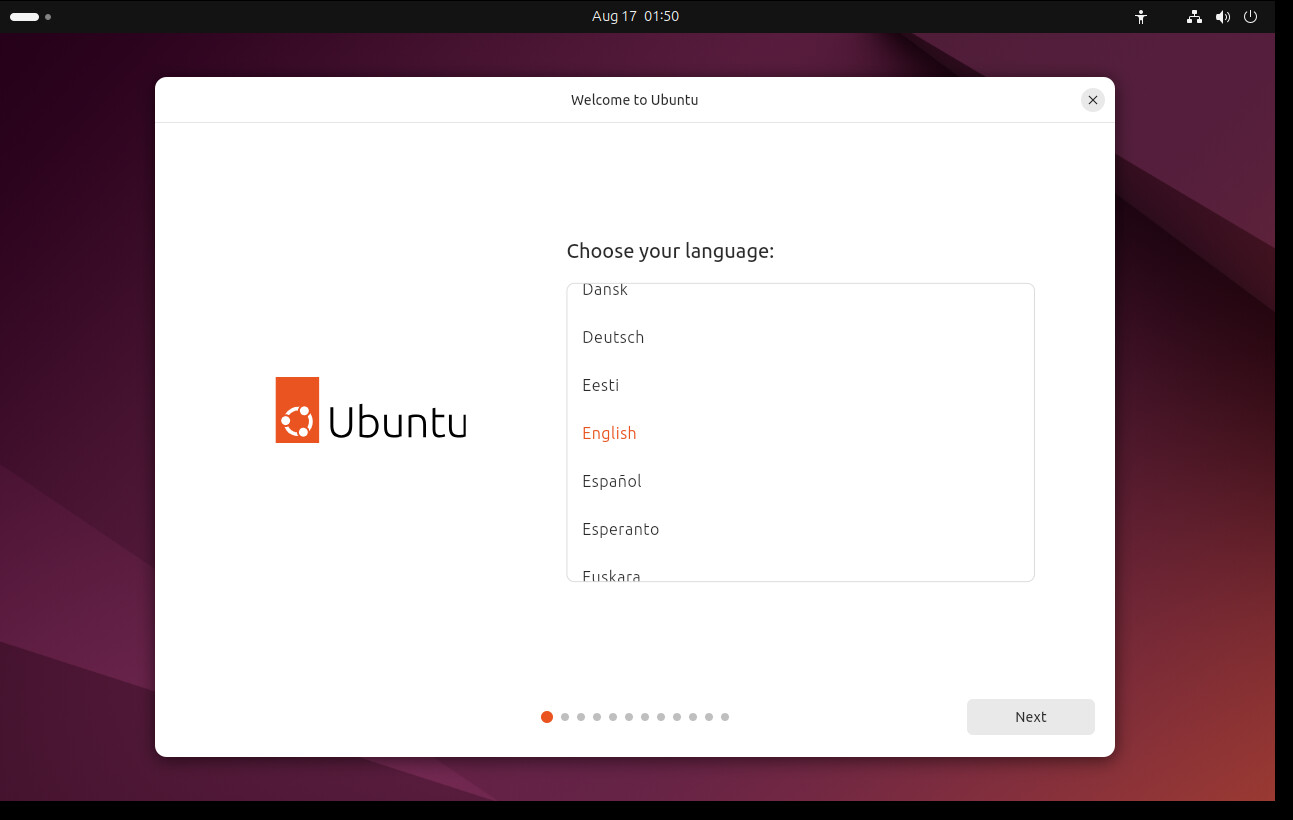
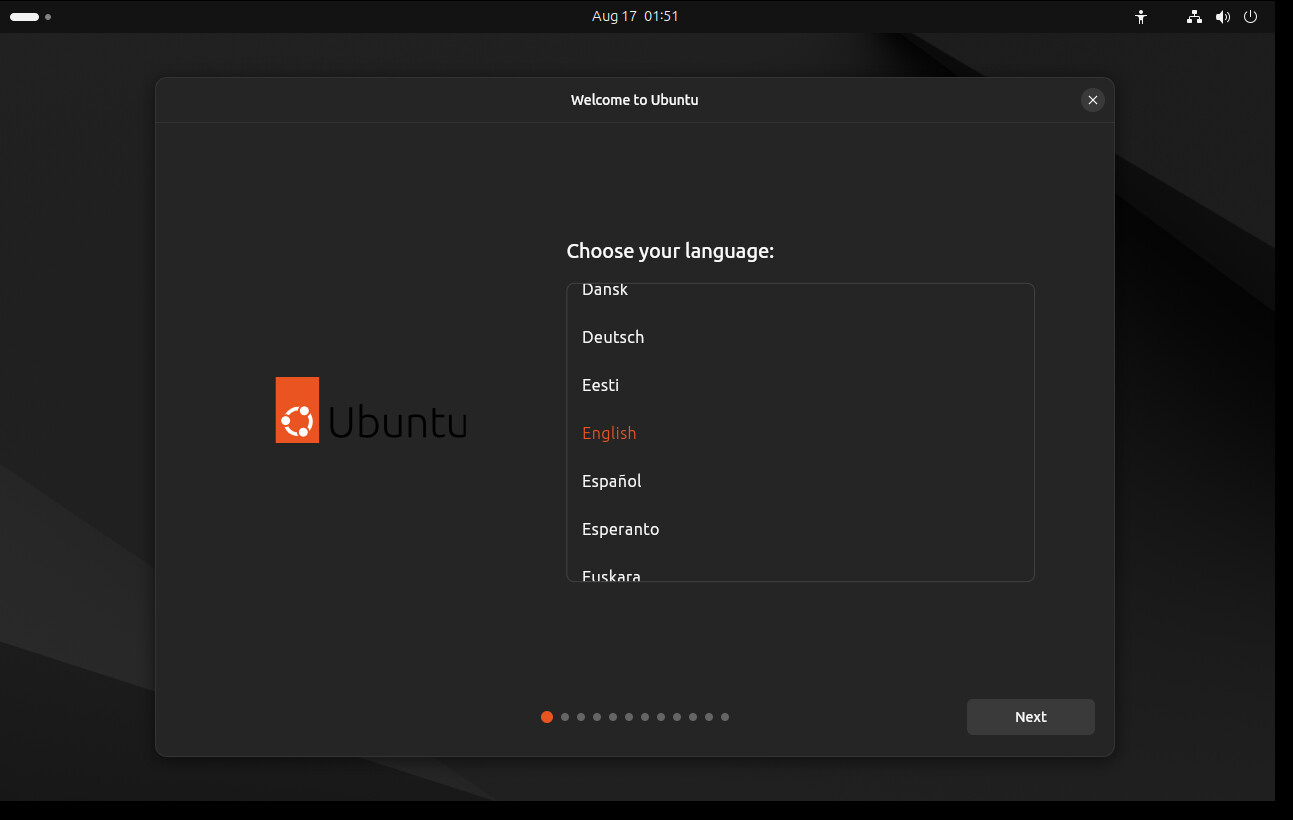
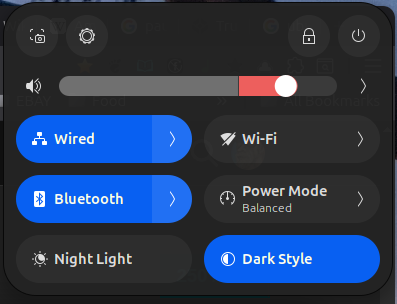
So anyway - one fairly major nitpick I have with Ubuntu’s installer and how they setup “Accessibility” by burying it low down the list so it’s hard to find and probably impossible if you’re severely vision impaired.
I’m colourblind and - I can’t tell which one is selected :
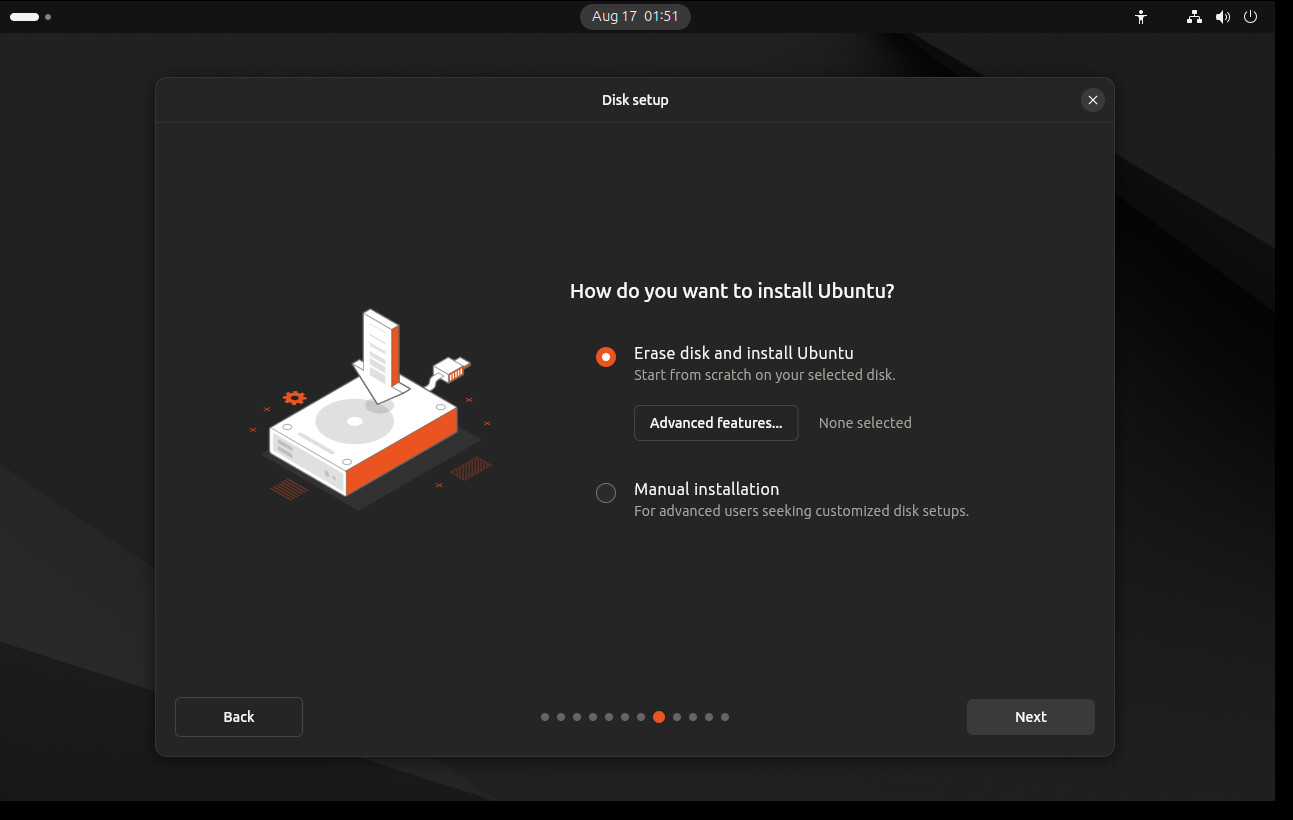
But regardless - the new user should accept nearly ALL of the defaults and NOT : “Advanced” :
 I don’t know - I haven’t dual booted Linux and Windows for over a decade…
I’ve installed 24.04 before when it prompted me to use an updated version of the installer and it worked. Maybe some combination of the version, the hardware, and the moon phase.
The patched installer didn’t crash on my desktop machine… But it did crash, twice, on my Thinkpad…
But - the installer runtime patch isn’t required on the 24.02.3 ISO - i.e. the reason for 24.02.3 so soon after 24.02 - was probably a patch for the installer
You would think they would have mastered that by now. Red is a poor choice… why not bold or italic or capitals?
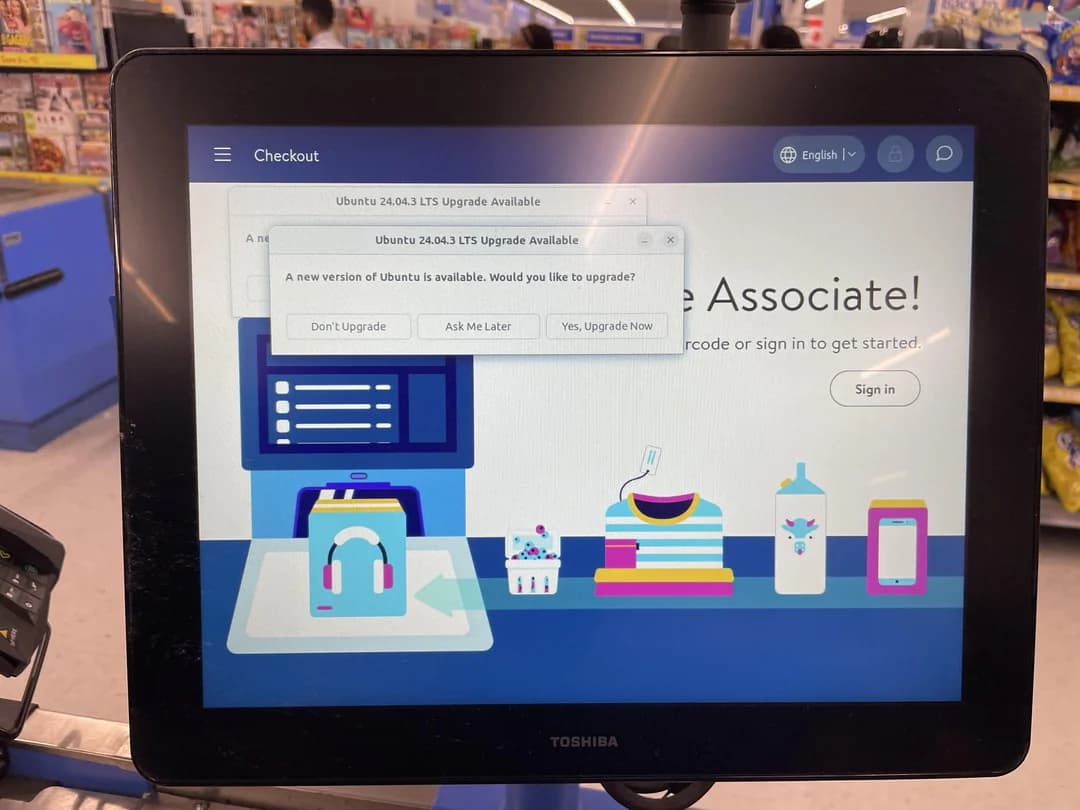
Here is another success story. Someone posted a screenshot on Reddit of a point of sale terminal asking to upgrade. It is running Ubuntu 24.04.2!
https://www.reddit.com/r/Ubuntu/comments/1mvx346/found_out_that_walmart_uses_ubuntu/
Some two weeks later - much happier with Ubuntu 24.04 than I was with Pop!_OS 22…
I wasn’t prepared to sit around and wait for Pop!_OS 24… And by everything I’ve read - it’s a complete re-vamp of the desktop metaphor… I don’t know if I could even move my window control widgets to the left like we had on Unity and is the ONLY choice on MacOS (it’s easy to do in Gnome Tweaks)… and will they have an X11 / xorg option - or will users be forced to use Wayland… I won’t use Wayland because of Synergy KVM - it mostly works - EXCEPT (this is a showstopper for me) clipboard sharing…
So - 14+ days later (I had a Covid infection - 2nd time around when I was going through this a fortnight ago - was still showing Postive on a RAT on Wednesday last week!) - I’m quite happy with Ubuntu 24.04… I don’t know what it is - but - I run lots of ffmpeg resample jobs on audio and video files - and ffmpeg on Ubuntu 24.04 is heaps better than it was on Pop!_OS 22.04 (which was really just Ubuntu 22.04)…
On Pop!_OS 22.04 - my shell script with ran ffpb (a python front end for ffmpeg that gives a progress meter) would hammer my PID table and eat CPU - I sometimes had to remote in (e.g. from one of my Macs) and kill the job…
Done a heap of them on Ubuntu 24.04 and it hasn’t repeated… I had a folder of TV show episodes that were 3.5-4GB each (that’s way too large for a 1 hour show!) - overnight got each one down to under 500 MB - that’s acceptable - and I can’t tell the difference between the MASSIVE 4 GB mkv / mp4 file, and the 500 Mb mp4 file…
Also - an “aside” - been having huge issues with some new servers I have to commission (physical hardware servers)… Massive things - like half a TB of RAM - dual Xeon with hundreds of cores / threads etc… Fibre (not copper) NICs… anyway - the “vendor” insists on Oracle Linux 8 (update 8) - and the fibre NICs come on two adaptors - one is 4 port, one is 2 port - for redundancy - we have to bond across both adaptors - but Oracle Linux insists the 2nd “2 port” adaptor isn’t connected to the Fibre Optic LAN switch… (shows “NO-CARRIER” output for both ports in the result from “ip link show”).
Doing my head in… Identical chipsets…
So - Ubuntu 24.04.3 to the rescue? I booted the live server and ISO - the first port of the 2nd adaptor - can connect to the switch! So I then tried RHEL 8.10 - and same symptom as on Oracle Linux… i.e. the NIC shows “NO-CARRIER” (which you’d see if you had a copper NIC that wasn’t patched into a network switch)… Interestingly - RHEL 8u10 has an older kernel that OEL 8u8!
So - the Ubuntu boot was using a kernel driver from the 6x kernel tree, OEL 8u8 from the 5.15 kernel tree, and the RHEL 8u10 from the 4.x kernel tree…
FYI - these servers are going to be running KVM on Oracle Linux 8u8… there’s no other option - that’s what the vendor demands…
Once again Ubuntu (and Debian!) show their superiority over the big enterprise vendors…
Also - the enterprise server equivalent of a BIOS / UEFI - is run through an iLOM / ALOM or “iDRAC” - and when Oracle Linux 8u8 is running - the patched port on the 2nd NIC shows “DOWN” - but - when booted into the “Live Server” ISO for Ubuntu 24.04.3 - it shows as “UP” and even reports the MAC address of the switch port it’s connected to!
Grasping at straws, but maybe the fiber for that second NIC has send and receive reversed? Just thought maybe the newer kernel and driver on Ubuntu would allow the NIC to correct for it, but the older ones may not.
I figure you’ve thought of that and verified it but just thought I’d throw it out there.
I have one server running Oracle just because it’s newer than other options supported by the software vendor. We did try Ubuntu 22.04 (they don’t support 24.04 yet ) but there was an issue with an ODBC driver. It would work at times and not work at other times. The DBAs said it was pretty random. Not sure what to think of that.
That is more than slightly alarming?
It might be possible to make a thing like ffmpeg run faster by compiling it with better math libraries . I have had that happen with R.
One of the things distro-makers do is choose the flags used to compile each package. I dont know if ffmpeg source code has such choices… I might have a look .
That is one of the things about Gentoo… you get to choose the flags yourself.
I’ve got 7 identical servers (across 2 data centres)… exact same symptoms across all 7.
The first “working” NIC device is a 4 port adaptor… At one DC - we repatched the 2nd fibre patch lead into the second port of the 4 port adaptor - and they work flawlessly there…
But - on one of the servers still patched into the dodgy NIC port - under Ubuntu - the Link NEVER goes down - had it like that for 12-16 hours… stayed up the whole time…
I’m installing Pop!_OS 22.04 (latest version) just so I can compare it’s version of ffmpeg, to the one that Canonical include in Ubuntu 24.04.3 (updated to latest)…
BTW - my evidence is purely anecdotal and “touchy feely” - i.e. it “feels” quicker on Ubuntu 24 than it did on Pop/Ubuntu 22… On Pop!_OS 22 - sometimes I’d have to kill the ffmpeg job 'cause it was slowing my whole desktop down…
I’m running two downsample jobs right now - each limited to 4 threads (I have 16) and no noticeable impact on desktop performance.
– update / edit –
ffmpeg version on my 24.04.3 Ubuntu system is 6.1.1
ffmpeg version in freshly installed Pop!_OS 22 is 4.4.2
so two major releases “later”…
The Git Repo for ffmpeg is version 8.x
But I’m not game to try and build it myself… 6.1.x is working perfectly for me… No complaintes… If I find some feature that I’d need a later version of ffmpeg for - I guess I’ll have a go at building it from source…
Note also - I mostly use ffpb to fire up ffmpeg (was doing the same on Pop!_OS)… It’s just a python wrapper, that has a progress indicator…