Transparent terminal was default on (I think) Mint, but they stopped that for obvious reasons. We don’t all have good eyesight.
I believe MX has it too. I don’t remember seeing it on Mint.
Yes you can set it in the Compositor.
I keep the terminal I am using black, but let all the others be opaque.
It is like writing on a window ( not the OS variety) … nice effect
I have really crap eyesight - been wearing a reading prescription since I was 11 years old…
Hit 45ish and I needed a distance prescription too…
Some 20ish years later - I still use 2 different pairs of specs… Don’t want bifocals or “transitions”…
It’s why I read e-books - because I can bump up the font size easily…
And transparent terminal is a must for me…
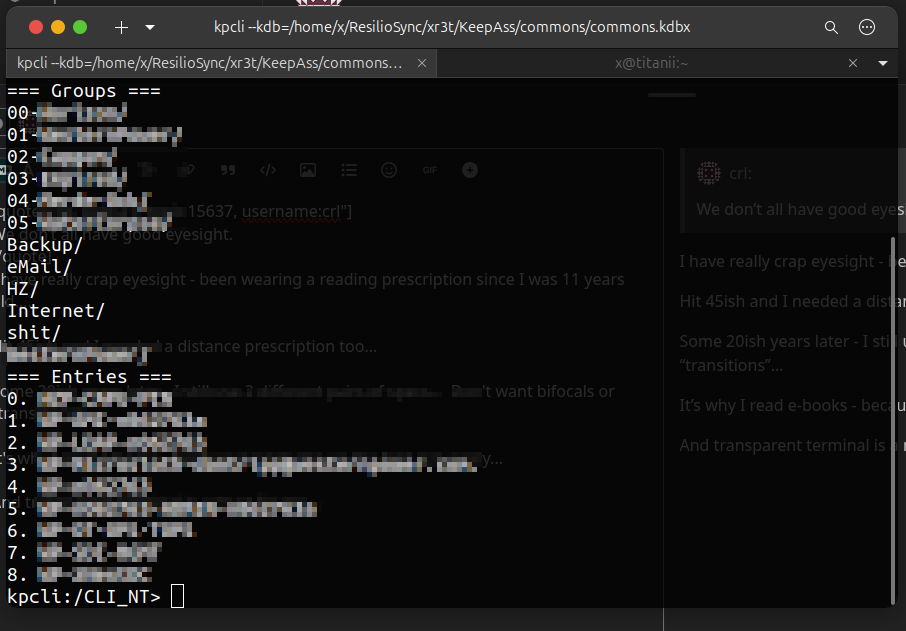
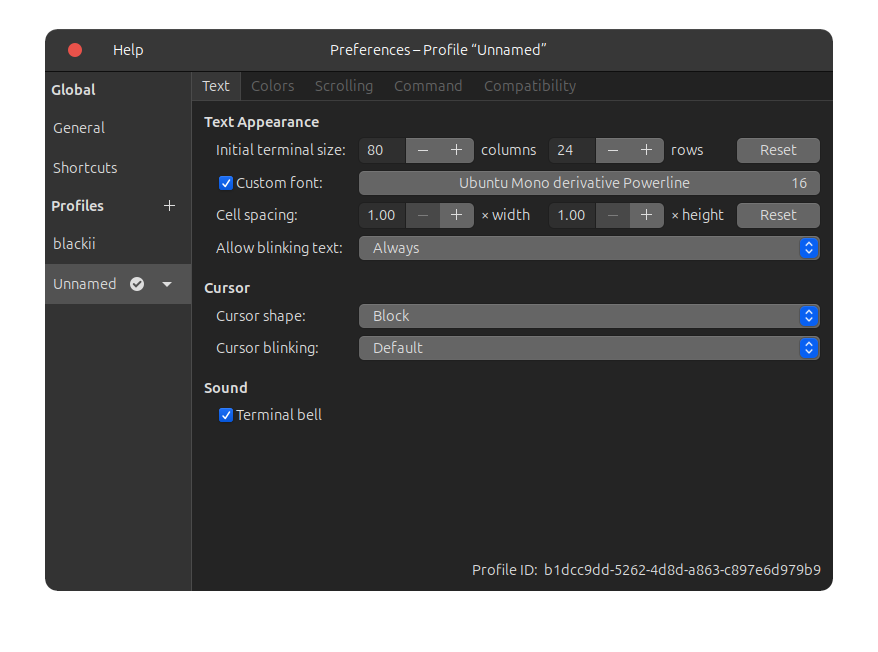
The terminal font is 16 points (I think the default is 12? 10?) :
This was a major Ubuntu (and Pop! 22) annoyance, probably more of a Gnome thing anway…
I have my monitors (x2 @ QHD) arranged vertically… Sometimes when moving the cursor to the top monitor - it would slow down, lag or get stuck under the top Gnome panel…
Sometimes it will get stuck in the top monitor and I can’t drag the cursor onto the bottom (the main) monitor!
So - I googled the symptom again this morning - which I’ve been doing about every 3-6 months to see if there’s a new answer - and I spotted something from years ago…
Disable the dock on the top monitor! I like having the dock on both - so when I launch from the dock on the top monitor - the app opens there…
But I’d rather not the cursor lag as it passes through the top “panel”…
Having the dock ONLY on the bottom monitor fixed this symptom!
If anyone is confused - the difference between a panel and a dock? On Gnome - the “top panel” is the thing with the date in the middle and the “system tray” on the top right (volume control, wifi, bluetooth etc)… The dock is sometimes called the “dash” - its a dynamic app launcher and task manager…
XFCE often defaults to two panels - one at the top, and one that looks like a “dock” at the bottom (but it’s not a true dock like on MacOs or Gnome)…