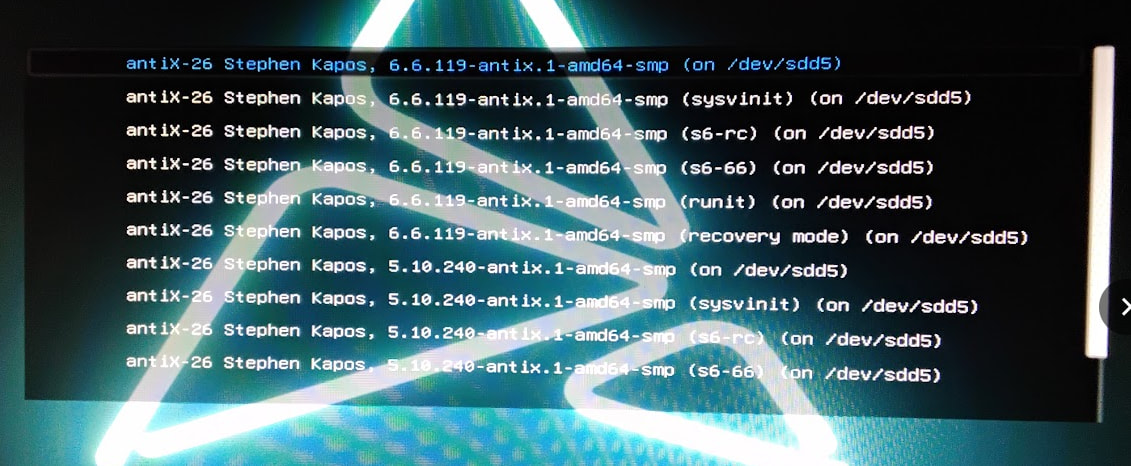
Tonight I attempted to install of antiX-26-rc1_x64-full.iso on a hard disk partition. My system has several other Linuxes in a multiboot arrangement.
So I made a usb flash drive from the iso file, booted it , and I get first a screen
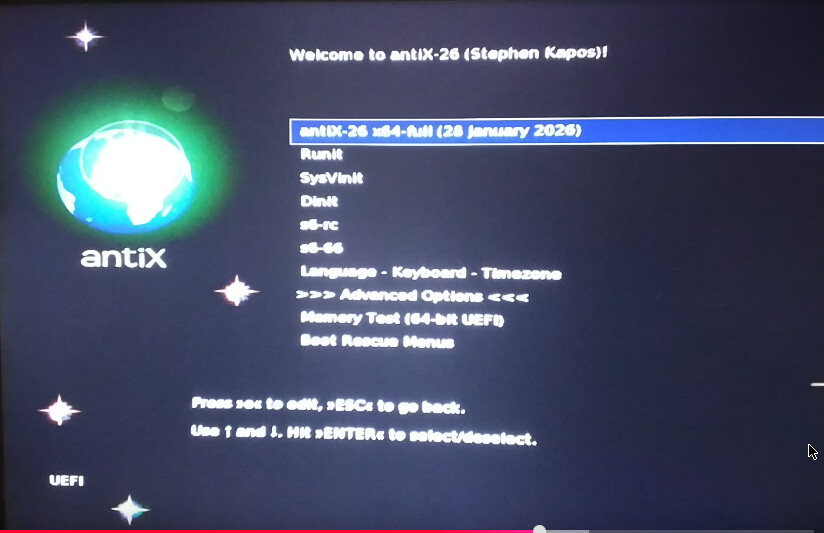
I choose the first item , and I get the live distro screen
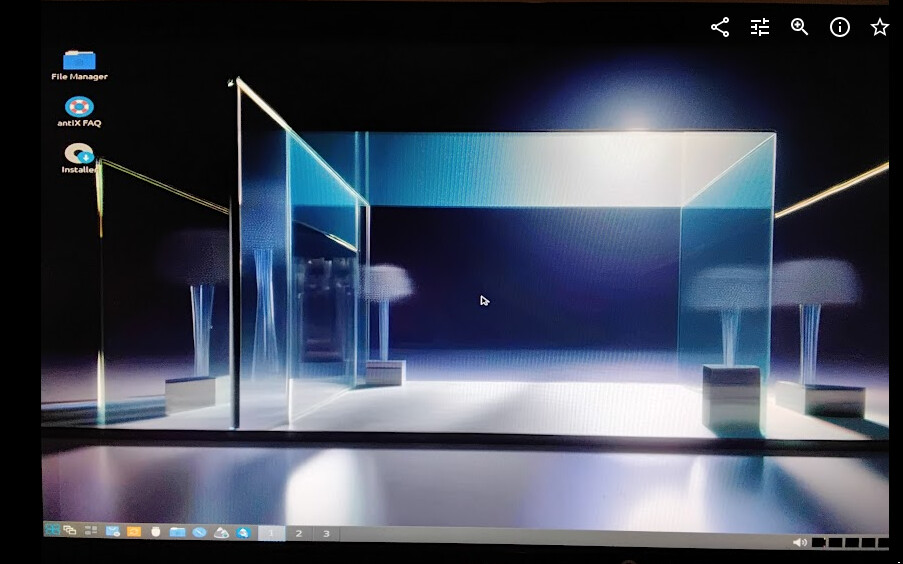
I choose the installer icon, Calamares starts.
I choose a Custom disk layout
sdd5 is /
sdd1 is /boot /efi
I dont allow swap files, and I set it to not install grub anywhere.
My reason for not installing grub is that mine is a multiboot system… I already have grub installed on the sdd disk, and it is controlled by Artix. I dont want grub to be controlled by the experimental antiX25 rc1 release.
Install completes without errors.
I reboot into Artix, do update-grub , then reboot and get the following grub menu
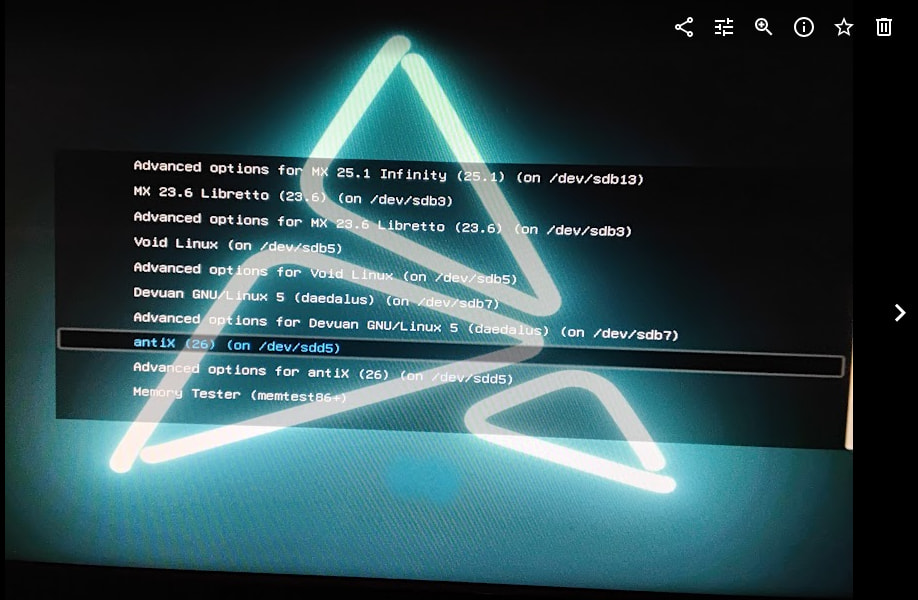
So it has found antiX (26) , but where are the init system options?
I look in Advanced Options
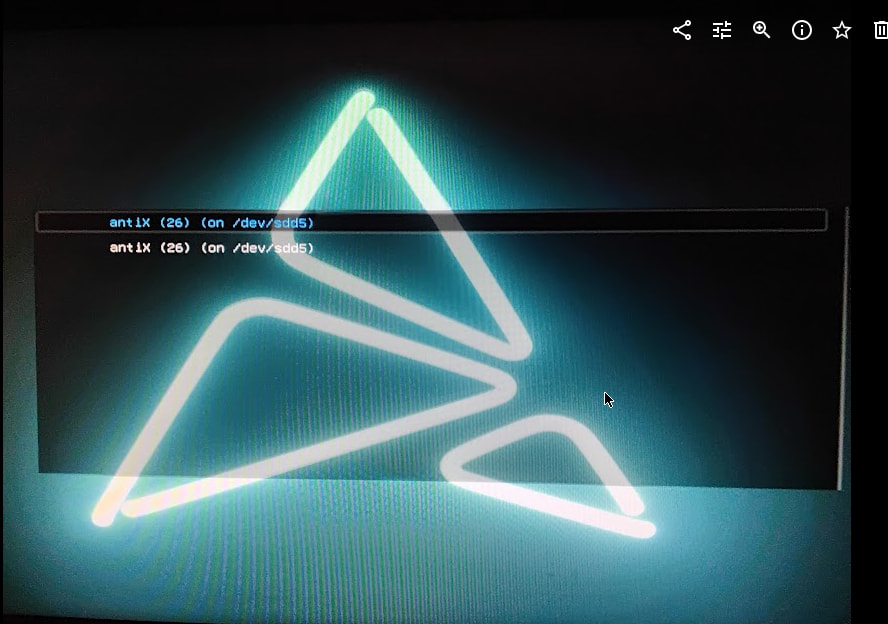
Nothing there, just antiX
So I boot antiX from there and it fails to boot
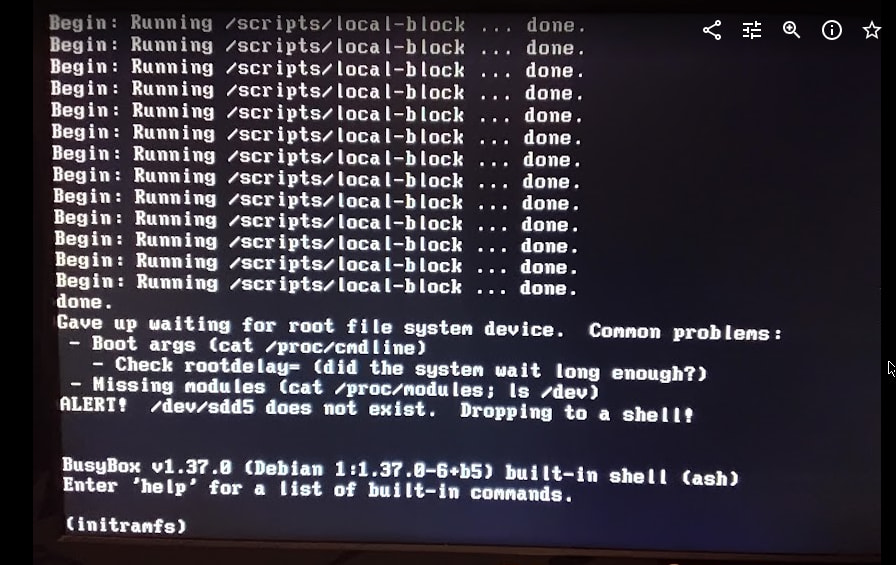
It cant find the root filesystem ??
OK, I may have made a mistake. … Do it all again… same result
Try a third time, this time choosing the dinit option on the initial screen instead of the first line … same result.
So what is going on. I previously installed antiX23.1 the same way, not writing grub?
I have to ask @ProwlerGr am I doing something stupid, or is there some trick with hard disk installs of the antix25 rc1 release?
The same .iso file installs fine in a VM. The VM is legacy boot. The hard disk install is UEFI boot.