It’s not responding to the passwords (user or root) passwords that I provided. Since demo “Locked” the screen, would it not be looking for the demo password? (I changed the user name.) I guess I’ll have to cold reboot it, from the live usb stick, and see what’s going on.
That is strange. Never happened to me.
If you cant get a login, you may have to repeat the install … it only takes 15 minutes.
There was a question on the Password page about “Save live desktop changes” that I checked. I wonder if that created the password conflict, somehow? I’m not checking it this time.
This time it’s not allowing me to Shut Down - it presents that option, but when I select it, it cycles back to the desktop. When I try ctrl-alt-del or ctrl-alt-backup or ctrl-alt-esc (there may have been a delay - so it may have been any one, or all of those, that brought up the initial antiX26 USB boot screen. I tried powering-off, pulled the USB stick, and then back on - that brought up a “No boot device found” (or something similar). I reinserted the USB stick and interrupted it to the BIOS. I’m now looking at the Boot Mode menu. Secure Boot OFF or Secure Boot ON. Current status is “Booth mode is set to: LEGACY; Secure Boot OFF.” WDYT?
Did you try the special Exit AntiX icon that I made ?
What is happening is that all the shutdown options take you back to the Slimski Login Manager, and from there you are supposed to enter ‘halt’ as the username, and give the root password… but, it does not always work … so I made that ExitAntiX icon to bypass it.
It is a known bug in slimski … a timing issue
I think leave it at that.
Yes, that is undoubtably the cause.
I have never tried checking that .
If I check “Automatically restart when the installation is done” - will that work, correctly? If so, I can pull the USB stick just before it starts to restart. Otherwise, I’ll look for your custom Exit AntiX icon. Thanks!
I have never tried it. … but I suspect it is like hitting Finish button … it does a reboot rather than a poweroff.
It doesnt affect me , because my computer is multiboot, and I have to boot MX and do update-grub before I reboot any fresh install. Mine is not set to automatically boot a usb if it is present … you may be able to change that in your bios … look at the boot order.
I used your Exit AntiX icon then shutdown. I removed the USB stick and powered back up.
Error: “No bootable devices found.”
BIOS is in Legacy mode.
It cant find tbe partition you installed antiX on.
It may be that the ‘/’ partition does not have a boot flag.
Can you boot the live usb, use gparted , and check if the ‘/’ partition has a boot flag .
If it does not you can add a boot flag with gparted, remove the usb drive, and try again to boot from the hard disk.
Hey , hang on , did you use exit antix from the live usb, or from the installed antiX?
In the install, you may need to hit Finish , before you exit from the live usb… that may be why it missed doing the flag.
I meant you to use Exit Antix from the installed antiX.
This is weird. It booted me into grub.
Also, I thought that I used exit antiX from the installed antiX.
It appears that something must have been written to the Live USB stick - because it won’t boot any more. I’ll burn it, again, the start over. Meanwhile, I got my Live MX Linux USB stick to boot.
gparted shows:
/dev/sda1 primary grub2 core.img (no label) 1.00MiB ---- ---- bios_grub
/dev/sda2 primary ext4 rootantix26 119.24 GiB 12.29 106.95 GiB legacy_boot
unallocated unallocated 1.34 MiB
So it has a boot flag.
I am confused?
Yeah, fresh start called for.
Its strange … you got the installed antiX to boot, then when you exited it corrupted something?
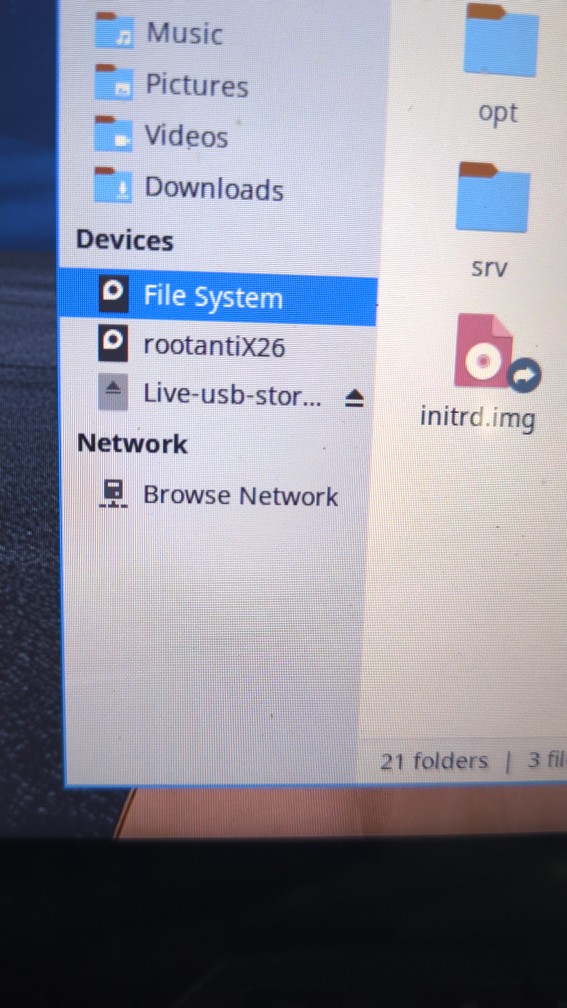
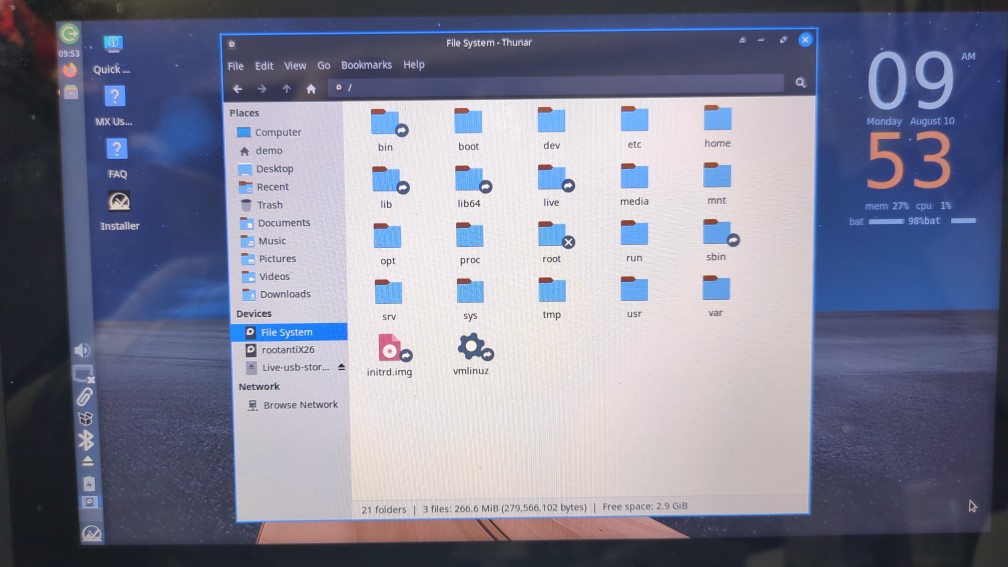
That all looks normal.
Is that after you remade t1he usb drive and reinstalled?
Hang on… that is the MX filesystem you are looking at … put it on
‘rootantix26’
You have a bios-grub partition.
That means the disk has GPT partition table … that is OK
I am assuming that ‘legacy-boot’ flag is the same as a normal boot flag … ie that the bios will see it and know that the partition is bootable
Is it still saying ‘no bootable disks found’ ?
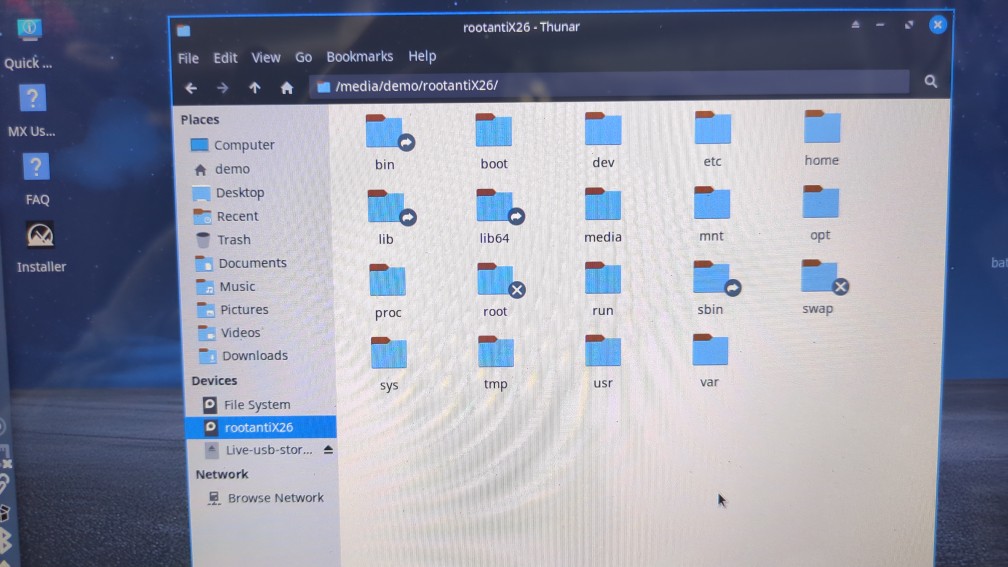
That looks normal.
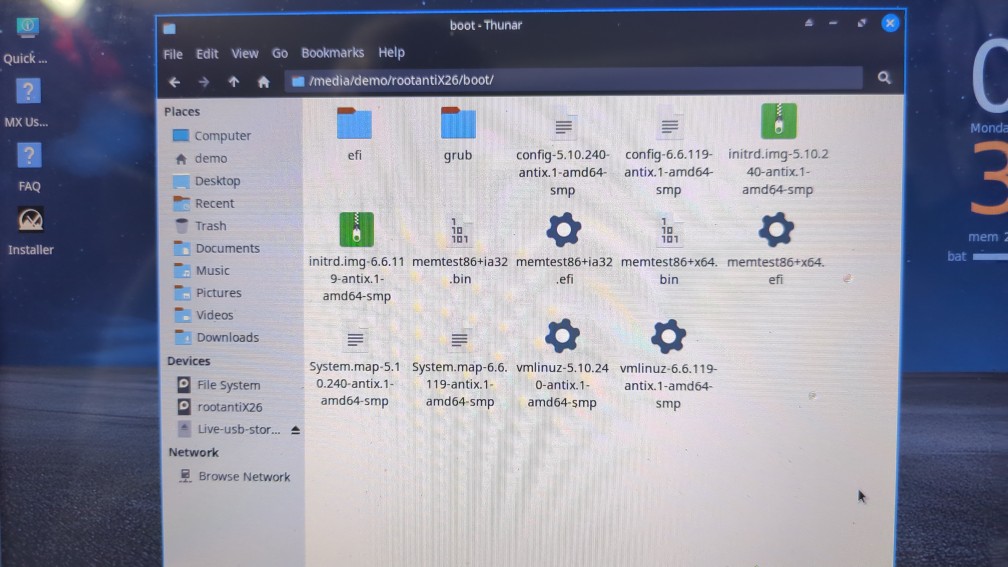
Can we have a look at what is in the boot directory? … I will compare it with mine.
It is strange … a shutdown should not damage anything , and I cant think of anything you may have done wrong in installing. The way you removed the usb drive may have damaged it, but the installed copy should be OK.
I may have to test doing an install on my legacy boot computer … Ì tested that my usb drive would boot on my legacy boot computer, but I did not test doing an install there.
I have looked at the antiX forum … noone has reported problems with antiX26 with legacy boot installs.
I have done dozens of antiX installs on my uefi boot computer without any problem.
My anti lumina.iso is not very different from the standard antiX one.
It boots the same way. Only the squashfs of the linux filesystem differs.
I found this
"Boot Issues with antiX 26 in Legacy Mode
When attempting to boot antiX 26 installed with a GUID Partition Table (GPT) in Legacy mode, users may encounter issues due to the incompatibility between GPT and Legacy BIOS.
Understanding the Problem
GPT vs. MBR: A UEFI installation creates GPT partitions, while Legacy BIOS requires Master Boot Record (MBR) partitions. If a system tries to boot in Legacy mode from a GPT partition, it can lead to a hang or failure to boot.

Common Symptoms: Users may experience a system hang or receive error messages indicating that no bootable image is found.
Resolution Steps
To resolve boot issues when using antiX 26 with Legacy BIOS, follow these steps:
Convert GPT to MBR:
    Before installing antiX in Legacy mode, ensure that the disk is formatted to MBR. This can be done using partitioning tools available on the antiX installation media.

Installation Process:
    Boot from the antiX installation media in Legacy mode.
    Use the console to convert the partition table:
        Access the console during installation.
        Use commands like parted to change the partition table from GPT to MBR.

Reinstall antiX:
    After converting to MBR, proceed with the installation of antiX 26. This should allow the system to boot correctly in Legacy mode.
Additional Considerations
Backup Data: Always back up important data before modifying disk partitions to prevent data loss.

Check BIOS Settings: Ensure that the BIOS is set to boot in Legacy mode and that any UEFI options are disabled if not needed.
By following these steps, you should be able to successfully boot antiX 26 in Legacy mode without encountering issues related to GPT partitions."
- - - - -
It sounds like antix26 does not do well with the combination of GPT partition table and legacy boot.
Did you use ‘Use the whole disk’ when installing, or did you use ‘Custom disk Partitioning’
The combination of GPT disk with legacy boot is normally possible, and your gparted output shows it is setup correctly for that …
but
I think you should either
- change the disk to MSDOS (sometimes called MBR) partition table, or
- change the bios to uefi boot
and then reinstall.
Do you know how to handle that?