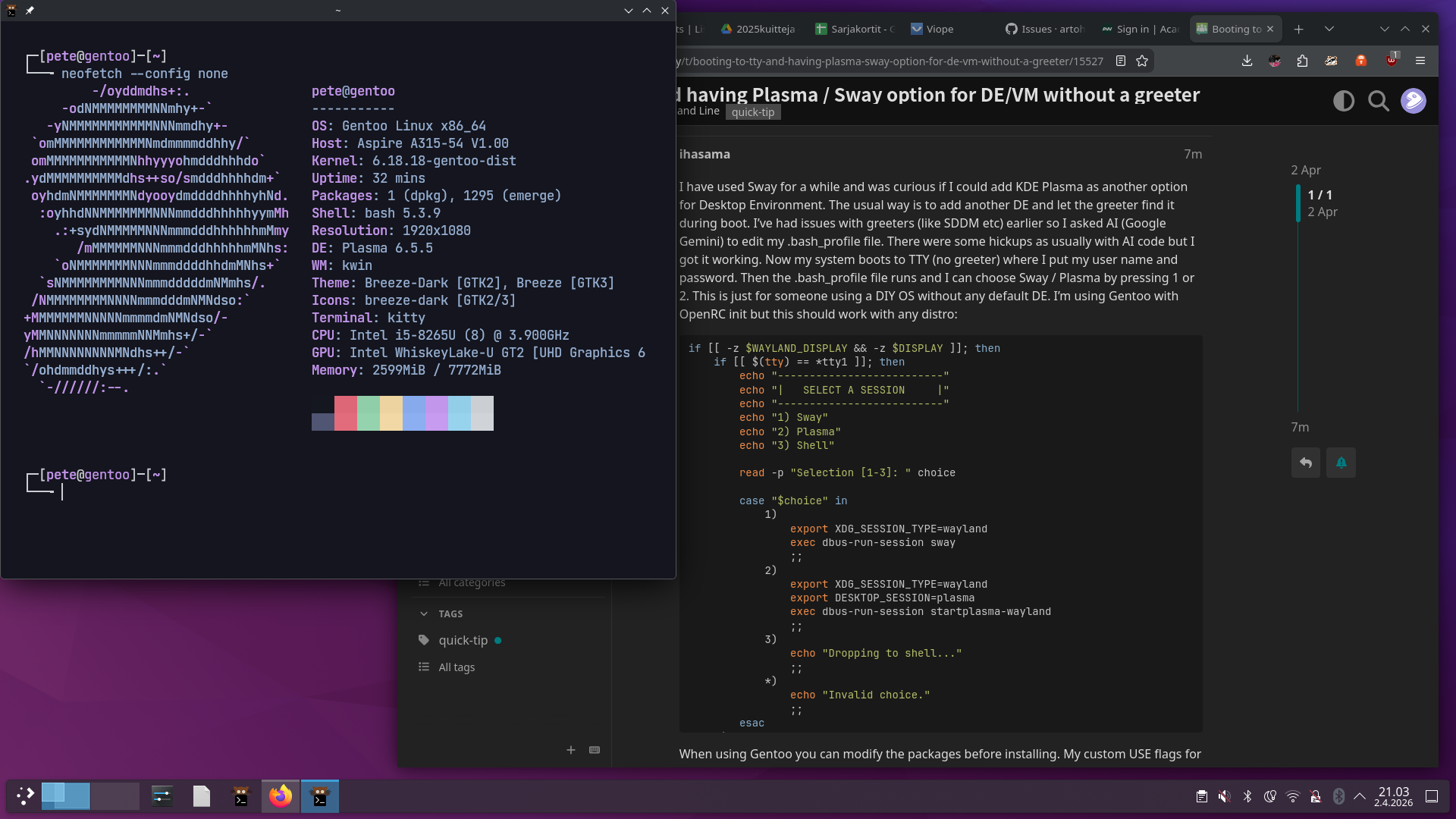
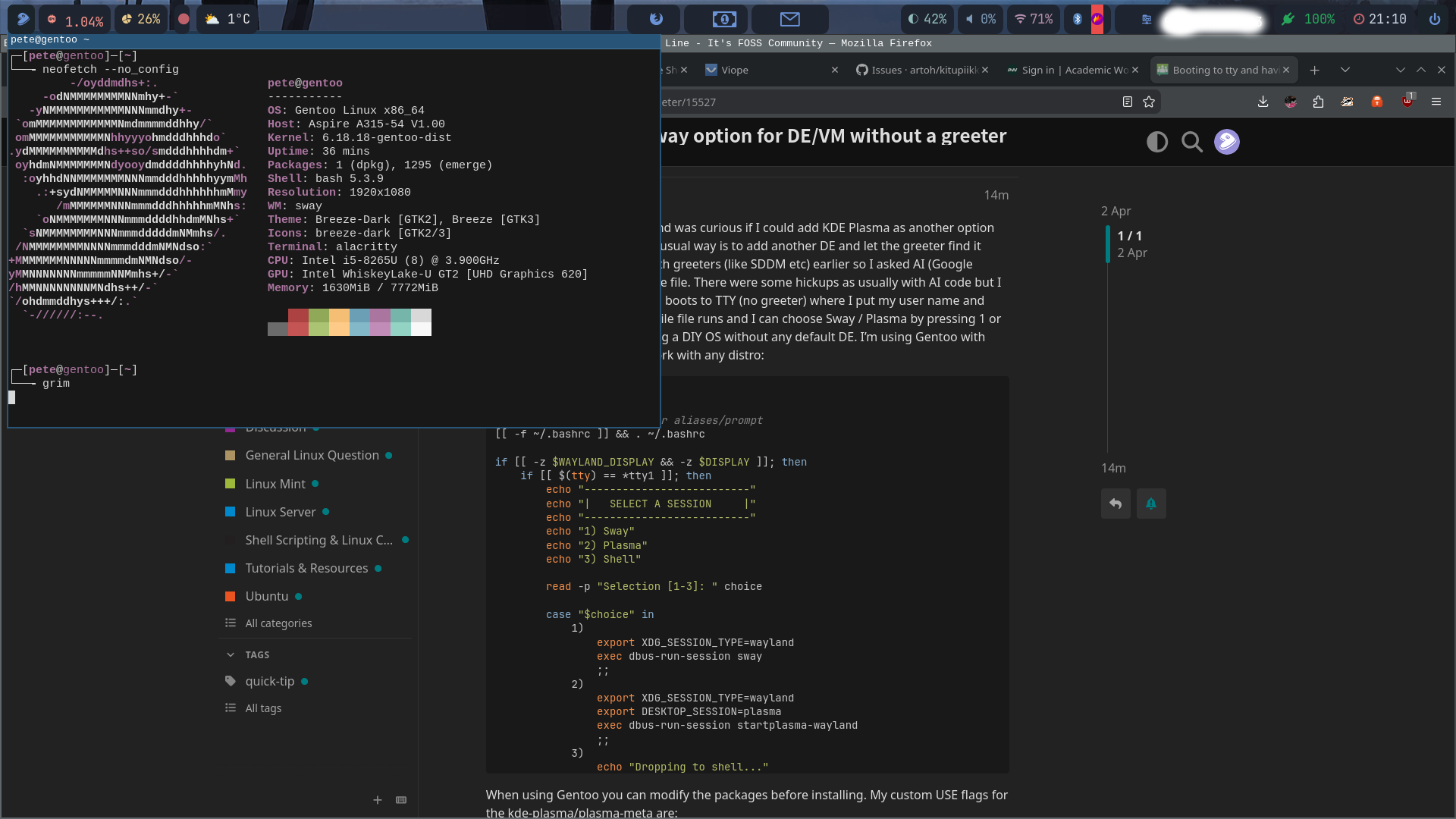
I have used Sway for a while and was curious if I could add KDE Plasma as another option for Desktop Environment. The usual way is to add another DE and let the greeter find it during boot. I’ve had issues with greeters (like SDDM etc) earlier so I asked AI (Google Gemini) to edit my .bash_profile file. There were some hickups as usually with AI code but I got it working. Now my system boots to TTY (no greeter) where I put my user name and password. Then the .bash_profile file runs and I can choose Sway / Plasma by pressing 1 or 2. This is just for someone using a DIY OS without any default DE. I’m using Gentoo with OpenRC init but this should work with any distro:
cat .bash_profile

# 1. Source your bashrc for aliases/prompt
[[ -f ~/.bashrc ]] && . ~/.bashrc

if [[ -z $WAYLAND_DISPLAY && -z $DISPLAY ]]; then
    if [[ $(tty) == *tty1 ]]; then
        echo "--------------------------"
        echo "|   SELECT A SESSION     |"
        echo "--------------------------"
        echo "1) Sway"
        echo "2) Plasma"
        echo "3) Shell"

        read -p "Selection [1-3]: " choice

        case "$choice" in
            1)
                export XDG_SESSION_TYPE=wayland
                exec dbus-run-session sway
                ;;
            2)
                export XDG_SESSION_TYPE=wayland
                export DESKTOP_SESSION=plasma
                exec dbus-run-session startplasma-wayland
                ;;
            3)
                echo "Dropping to shell..."
                ;;
            *)
                echo "Invalid choice."
                ;;
        esac
    fi
fi
When using Gentoo you can modify the packages before installing. My custom USE flags for the kde-plasma/plasma-meta are:
exec runs the process dbus-run-session in background ie detached from the tty . What does dbus-run-session do ? Why is it necessary?
What happens if you simply start sway in foreground by typing sway ?
Is your script perhaps doing the same thing in wayland as startx does with X11?
" dbus-run-session is used to start a session bus instance of dbus-daemon from a shell script, and start a specified program in that session. The dbus-daemon will run for as long as the program does, after which it will terminate."
from ddg AI
but why does one need to run a separate instance of the dbus daemon just for that?. There will already be a dbus daemon running? Why do we need two?
On dbus:
It is possible to operate an OS without any dbus ( see Hyperbola Linux)
" D-Bus incurs at least a 2.5x performance loss over one-to-one IPC.[14]"
Why do we need it? Is it just to make programming of IPC easier?
You can start sway directly from command line but it’s recommend to use the ‘dbus-run-session’
Here’s more info:
Also here’s what Gentoo wiki says for KDE:
When using Wayland, Plasma can be launched with dbus-run-session startplasma-wayland.
This can be added to a user’s profile file which will be executed when logging in:
FILE ~/.profile
#!/bin/sh
dbus-run-session startplasma-wayland
Login managers
Some login managers support Wayland, and others don’t. If you have issues starting sway and you use a login manager, your first step should be disabling the login manager and running sway as described by man 1 sway. If this works, report the bug to your login manager, not to sway.
For a small list of compatible login managers, see the login manager list on the useful addons page.
You can start sway automatically without a login manager, for example, by adding this to your .bash_profile (.zlogin or .zprofile for Zsh):
If running from tty1 start sway
[ “$(tty)” = “/dev/tty1” ] && exec sway
With confirmation:
Auto-launch Sway on TTY1 login
if [ “$(tty)” = “/dev/tty1” ]; then
read -p "Start Sway? [y]es or [n]o: " -n 1 -r
echo
if [[ REPLY =\~ ^\[Yy\] ]]; then
exec sway
fi
fi
For Fish, create the file ~/.config/fish/conf.d/sway.fish
To start a Plasma on Wayland session from a console, run /usr/lib/plasma-dbus-run-session-if-needed /usr/bin/startplasma-wayland[2].
To start Plasma with xinit/startx, append export DESKTOP_SESSION=plasma and exec startplasma-x11 to your .xinitrc file or run directly in the console startx /usr/bin/startplasma-x11. If you want to start Xorg at login, please see Start X at login.
I think it’s because when you exit sway to tty the dbus-run-session stops. Does it sound logical?
It certainly stops the dbus-run-session associated with sway.
So if you start sway again, you need another dbus-run-session.
Yes that is logical.
If you run sway without dbus-run-session do you notice any deficiencies in communication with other processes?
Starting sway with exec? …
What exec does is replace your current tty shell with the sway process
If you start sway without exec it becomes a foreground or background process and is a child of your shell.
They both work.
I dont know which is best?
the difference is that if I start sway with the exec dbus-run-session sway I get back to tty with login prompt when I stop Sway and need to login again and everything works.
If I start Sway just typing sway to tty and stop Sway I am still logged in. When I’m back in tty the computer is really slow and doesn’t respond to typing or anything for a while. I need to exit the user to get the computer working as normal. It takes a long time to write exit to tty at that point.
So something is wrong if I just use the sway command without the exec dbus-run-session in front of it. It doesn’t effect using Sway but when getting back to tty.
" When you run exec <command>, the current shell is terminated and replaced by the new command. If the command finishes, the session ends rather than returning to the shell."
For example my .xinitrc in Void is
#!/bin/sh
#
# ~/.xinitrc
#
# Executed by startx (run your window manager from here)

if [ -d /etc/X11/xinit/xinitrc.d ]; then
  for f in /etc/X11/xinit/xinitrc.d/*; do
    [ -x "$f" ] && . "$f"
  done
  unset f
fi

# exec gnome-session
# exec startkde
  exec startxfce4
# ...or the Window Manager of your choice
Void uses dbus, but it does not use it when starting a DE?
But it does use exec.
Example:
If I start a shell with exec
[nevj@trinity ~]$ exec sh
$ ps
  PID TTY          TIME CMD
25382 pts/0    00:00:00 sh
26356 pts/0    00:00:00 ps
$
It changes bash to sh.
If I exit it kills the terminal … there is no bash to drop back to
That is different to if I just type sh. There I can exit back to bash.
I think your DE will behave the same.
My limited understanding of it- using exec will give a clean process replacement at shell level- but doesn’t help cleanly shutting down other processes/services started during the session- thus dbus-run-session is needed (creates a temporary session environment that everything belongs to during the session) . Without exec, you drop back out to the original Bash shell prompt since it wasn’t replaced (thus still logged in)
Without dbus-run-session , when Sway exists the services lose D-bus connection but often do not shut down cleanly causing hanging etc.. they have no clear “session owner” (no dedicated session bus)