Yes it does - but not by default - and probably only on Pro and Enterprise editions… You can install it as an additional add-on - but don’t ask me how… Also - Windows 10 has a native SSH client too - which I kinda prefer to PuTTY - it does key management closer to Linux / UNIX systems than PuTTY - but - they’re a bit of a kludge getting the permissions right… (e.g. your keys will be in PEM format - not that ridiculous PPK format that Putty insists on).
After you’ve created the VM - but before you boot it - at the bottom of the left hand pane of Virt-Manager - you click “Add Hardware” and select “USB Host Device” (in virtualization “host” means the server running the hypervisor - i.e. KVM in this case) and select the USB device you want “Passed Through” to the VM… I haven’t tried this myself - so I don’t know if it works. I’ve only tested this with WiFi USB adaptors for Kali VMs in VirtualBox… It’s on my “To Do” of things to try on KVM / Virt-Manager (Kali with a passthrough USB Wifi Adaptor that supports “monitor mode”).
You could remove the network card as a whole, but I’d do it as the last step after everything necessary is installed, activated, etc.
I did not try USB pass to libivrt VM, but I think it should work. As for Virtualbox, you need the extensionpack on the host (of which licencing terms is questionable at the moment), and the kind of USB port needs to match the hardware. So if you have USB2 ports physically on the motherboard, you can’t pass via USB1 or USB3; and of course if you have USB3 ports, you need to pass the device via USB3 connection. The guest OS must have drivers for USB hw accordingly: Windows 7 guest will have problems with USB3 attached devices.
For Windows guests you need virtiofs drivers. A good reference on how-to: Share Folder Between Windows Guest and Linux Host in KVM using virtiofs For Virtualbox you need to install gues-additions on the guest; this is necessary for copy-paste between host-guest and some sane screen resolutions as well.
For Virtualbox it’s a single press on the right-Ctrl. For virt-manager it’s single press of left Ctrl-Alt, but it’s mentioned in the titlebar of the VM windows as well.
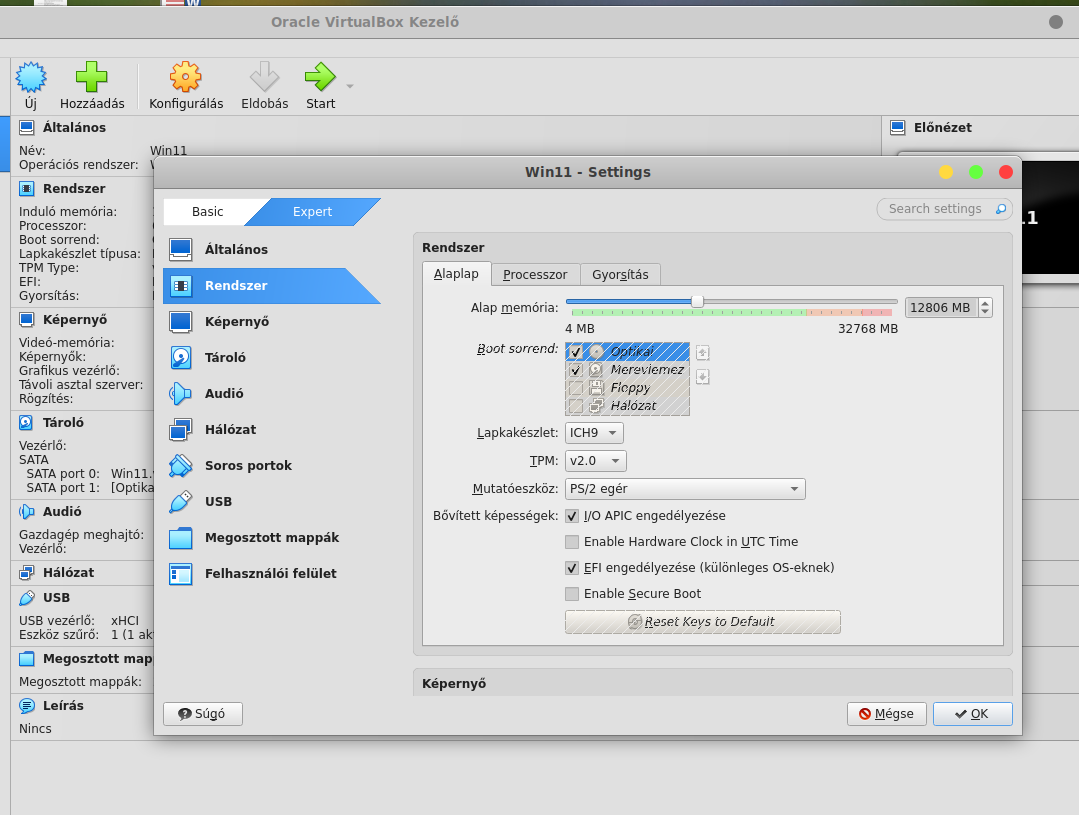
If you are running linux with windows inside it using whatever system allows this. Can you install windows 11 so it gets around the issue of the hardware spec and needing the tpm 2 components?
I have no need or desire to go to 10 or 11 I am waiting for 7 (lmde 7 that is) that is more my type of upgrade