I haven’t been spending much time online these past few months and thus haven’t posted here in a while. I missed this place. I’m finally getting back into spending some time online and hopefully be here more often.
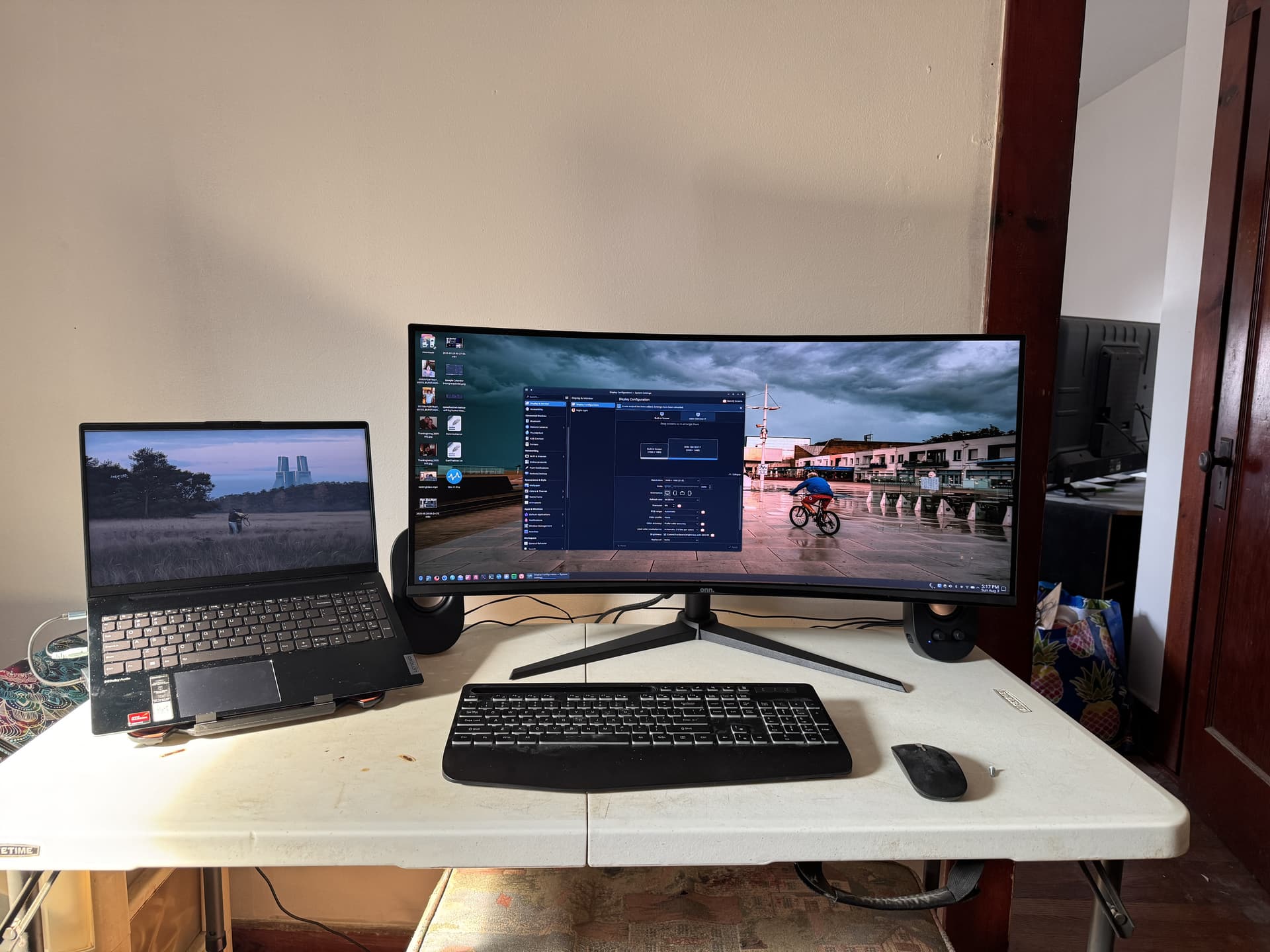
Last fall I bought a cheap 34” UWQHD 3440*1440 monitor intending to use it with my laptop in the living room. This way I could spend more time with the family and keep my legs up on an ottoman under the folding table where this setup was going.
Long story short. the new screen sat in my closet until this past weekend. My mother passed in November, then the landlord decided to paint the whole apartment, and the whole house was in a state of upheaval for months. I generally just didn’t have the energy to rearrange the furniture as needed, etc.
I finally hooked the new monitor up on Saturday. All I can say is WOW! I was used to using two standard HD monitors with my desktop but having 1 huge screen is surprisingly different in a good way. Putting two windows side by side is actually useful vs it being cramped and next to useless for inputting data on a HD monitor. Having multiple windows floating around able to easily look at them for reference is great.
I also purchased with this generic USB C hub mostly because I wanted an Ethernet connection. It turns out I’m close enough to my WiFi router that the Ethernet connection isn’t really needed with WiFi 6. The hub did come in useful for the new monitor. I first plugged in the monitor directly via HDMI but couldn’t get the monitor’s native resolution. At first I thought my graphics card wasn’t powerful enough until I remembered reading various laptop’s specs and that USB-C generally has higher output resolutions available. So, I plugged plugged the HDMI cable into the hub; Native resolution unlocked!
Of course Fedora KDE handles the new monitor gracefully and without any problems. I was closing my laptop lid for a little bit but I prefer to keep the laptop open mostly for heat dissipation and if it’s open why not use the built in screen for extra stuff?
Anyways here’s what my setup currently looks like. I’m enjoying it. I’m considering pulling my Logitech G 710 keyboard from my desktop (barely used) and cleaning it up to use with the laptop. This generic wireless keyboard works fine but the keys feel crappy.
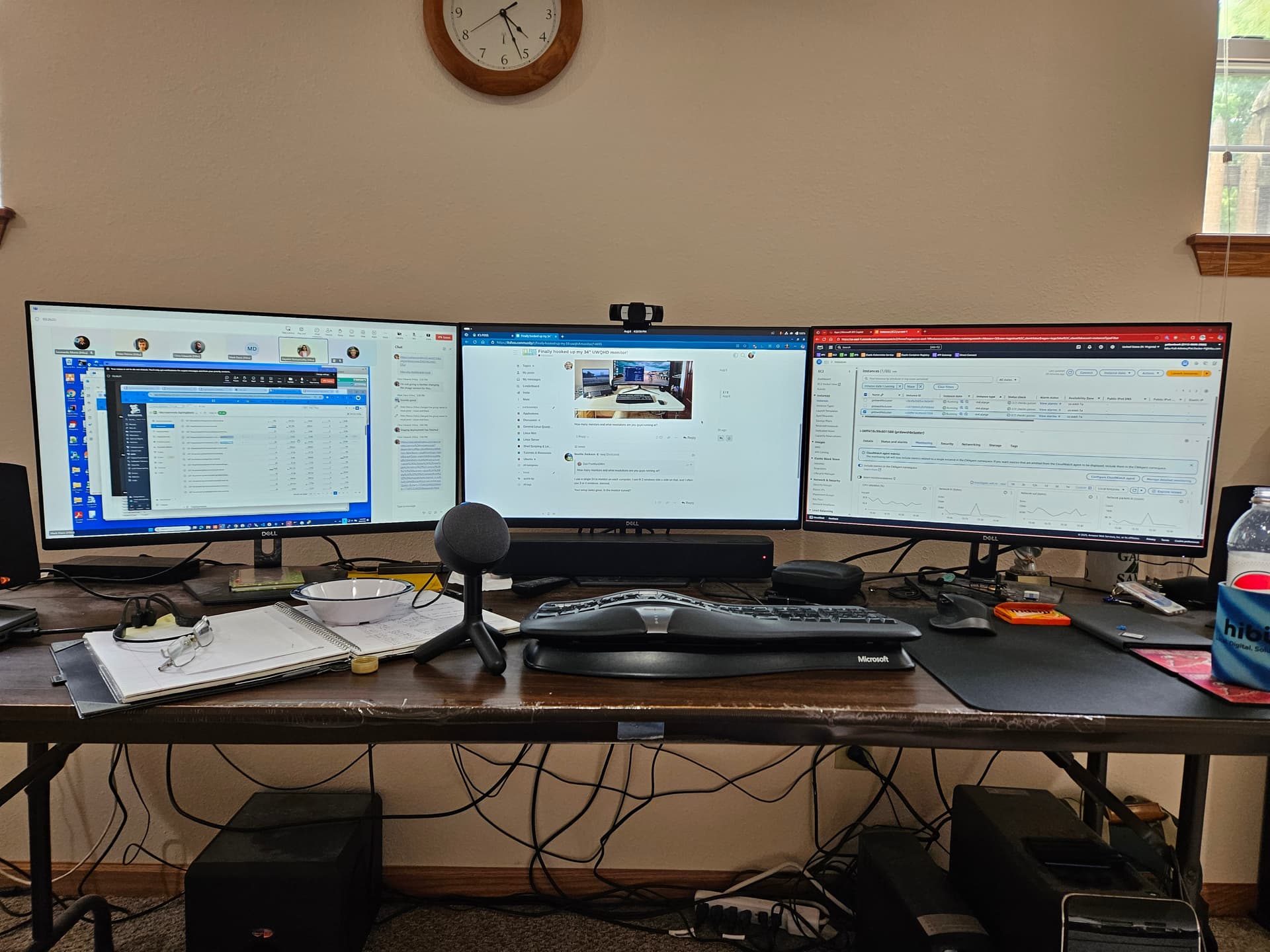
Nice I like that setup. Pretty sleek with 3 monitors! No shame from me about your cable management..I’m just as bad on my desktop. My desk is on wheels so I can connect/disconnect things quickly it’s a rats nest down there. I used to use zip ties religiously but eff it I’m the only one who see it.
Thank you. Yup, I love the curved monitors. I was one the fence until I got a 27” curved for my desktop as a trial. If I didn’t like it I’d use it as the secondary screen but it’s been my primary since the day I got it.
It’s funny because I can’t stand curved TVs but on the computer it somehow feels more immersive.
The three curved 32” are all gaming (high hertz) - the flat 32 is only 60 hz… All 4 are QHD… I used Synergy KVM to drive the two MacBooks from Linux… The flat 32” mostly just shows MPV streams from my IP cameras and free-to-air ABC News channel streamed from my Pi3 running TVHeadEnd…
The 32” displays off my Linux machine are Displayport from my AMD Radeon RX 6600 (which has 3 x DP and 1 x HDMI). The two MacBooks use USB C dongles to drive HDMI…
There’s a few conditions - like you’d have to change your surname to Tripp, so you’d be Dan Tripp Jr - and if you ever had a son, you’d have to call him Dan too - so - he’d be Dan Tripp III, and his nickname would be Trip Tripp
Also - I’m not putting the pillion seat back on my Harley - not for any reason!
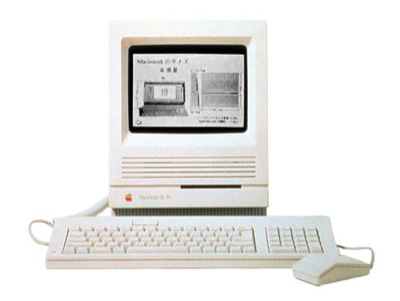
Great link, thanks. But older apple only connection if floppy disk or appletalk no usb, no cd dvd. It will just sit and look at me and reminder of the days past. So long since I used it don’t even know if it boots. But I also have 2 apple powerbooks with same processor, could play with them…. Job for retirement
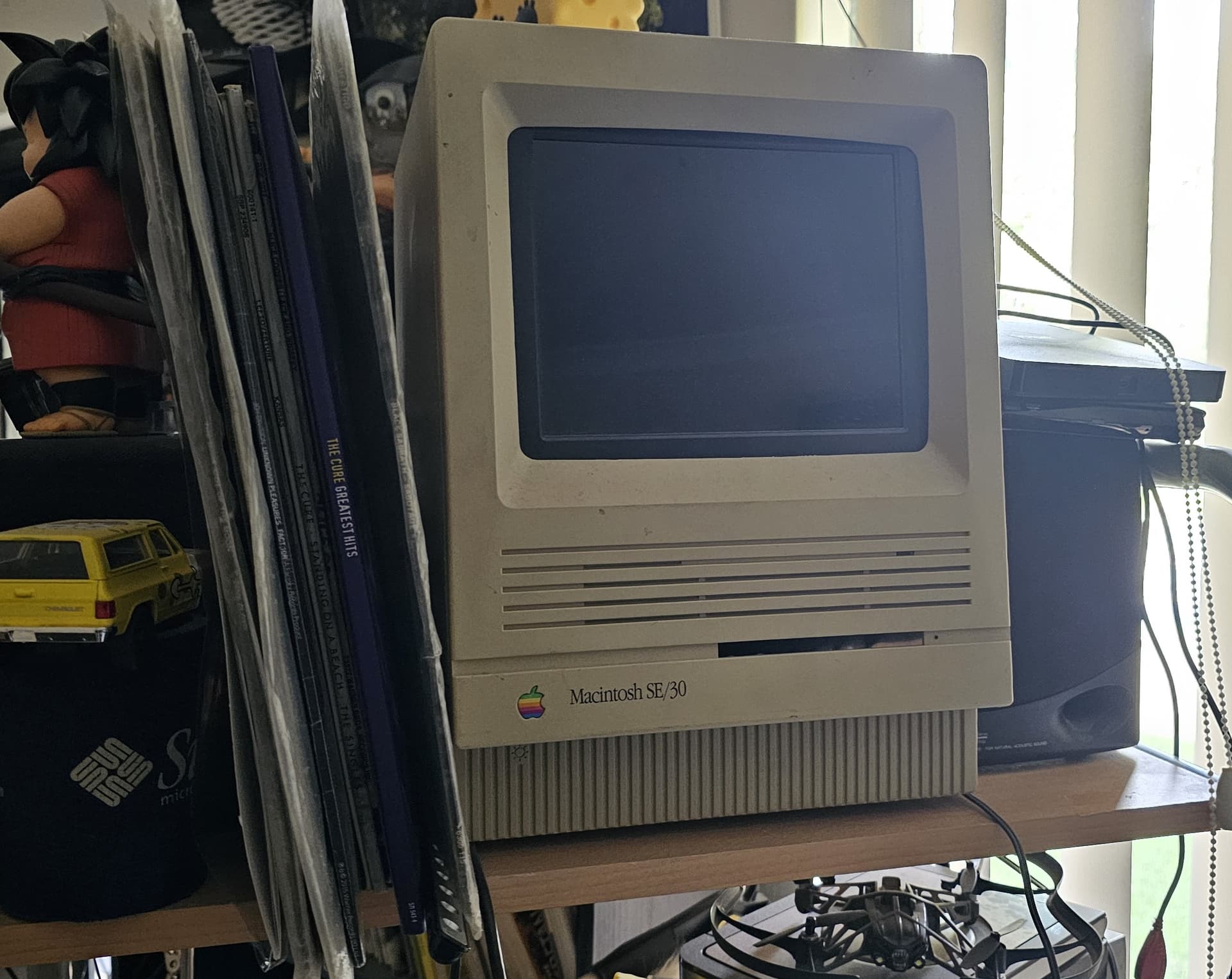
I sitll have my SE/30 … I gutted it (kept all the bits though) and installed a 10” 4:30 VGA LCD display in it … I was running one of my CHIP SBCs in it with a VGA “DIP” (same concept as RPi “hat”)… running Debian Jessie and XFCE…
I’ve now got a Pi3 in there to replace the CHIP… I got a VGA “hat” for it - but never got it working and kinda gave up… So it just sits there dead above and to the left of the monitor I use for my personal MacBook…
Thinking about getting a HDMI 10” 4:3 display instead - easier than messing with VGA on a Pi3 - also have a HDMI to VGA dongle - but it doesn’t seem to work with Raspbian…


 )
)