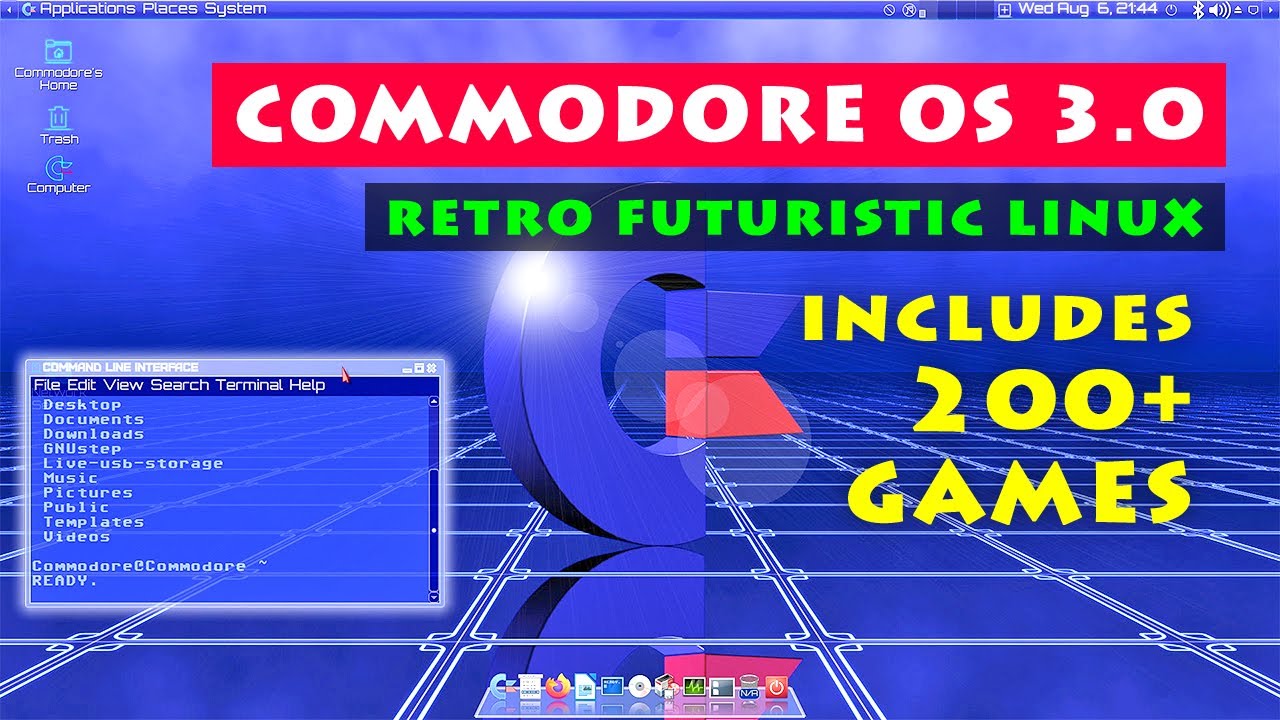
The Biggest Games Oriented Linux Distribution Ever!
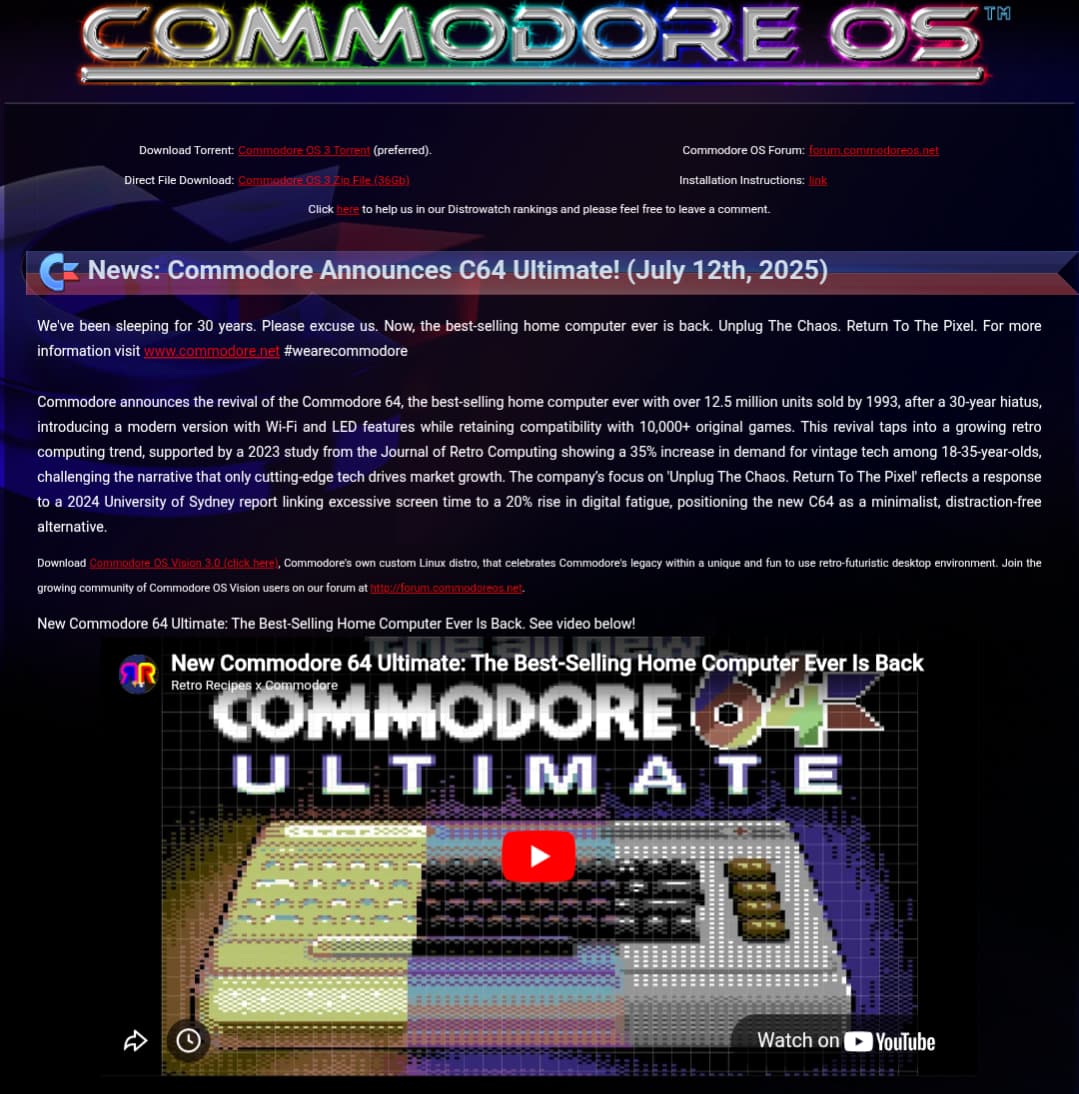
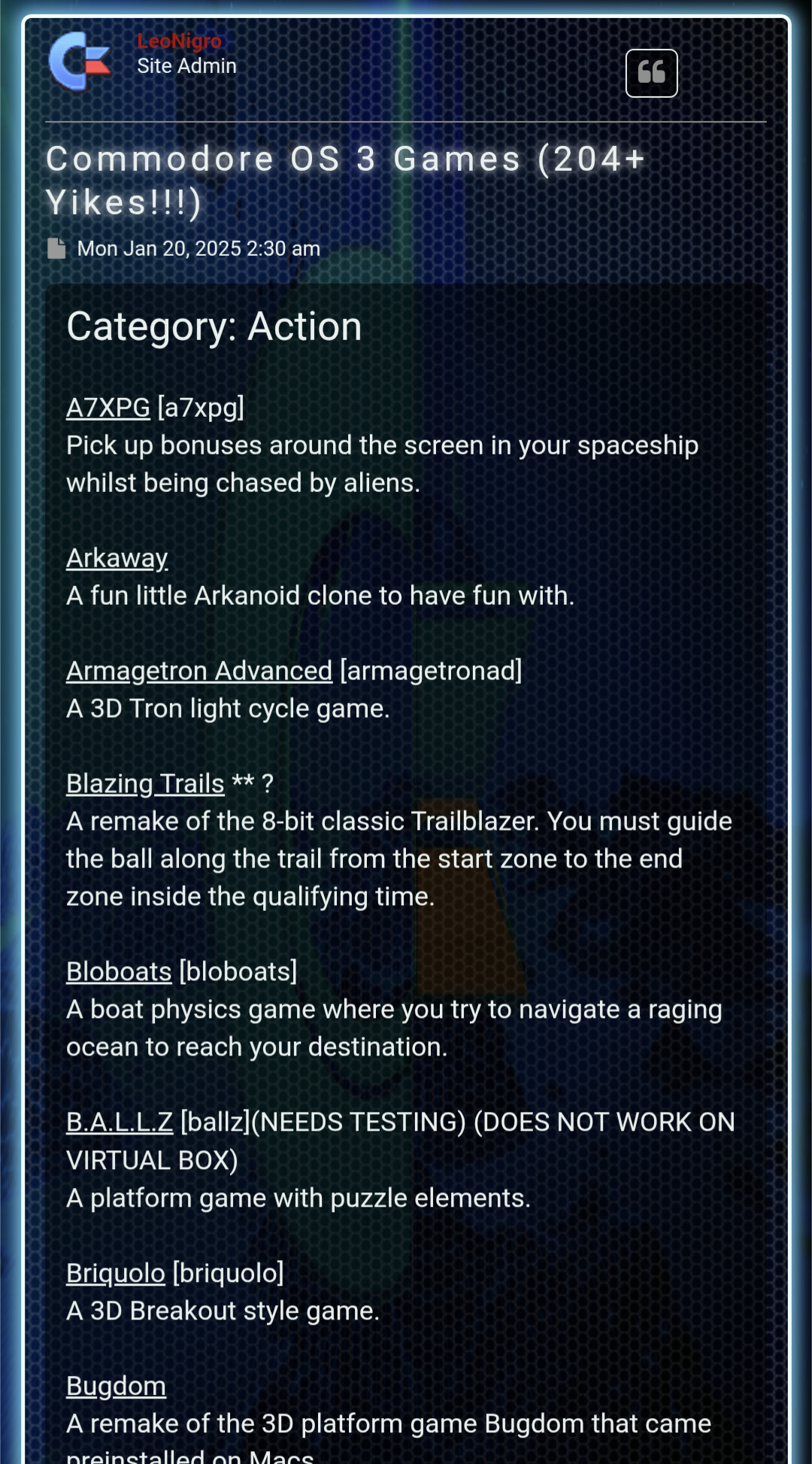
Commodore OS Vision 3.0 is the largest, games oriented, Linux distribution ever produced, featuring 200+ free linux compatible games as well as an assortment of classic Commodore games and demos that will undoubtedly scratch your nostalgic itch.
Let’s relive the 1980’s, when computing was fun. Who can remember loading games via cassette tapes? The waiting in anticipation made the game all that much better.
My first computer was C=64 with casette player. It took a hit once (the player’s cover broke) and some of the games only loaded if the player was upside down. Something about the azimuth? First needed to load turbo and then the game. All games were illegal copies from friends I later got a floppy disk! Fun times!
Need to check if Laser Squad game is on the list. That is IMO C=64’s best game.
Thanks but I am doing it per the instructions. It keeps stopping at various percentages. The last attempt it stopped at 32%. I am trying this in a virtual box running Manjaro as the host system.
Edit 1:
I deleted the VB and recreated it and increased the size to 100 GB and it installed.
I downloaded the ~32.5 GB zipped file yesterday and today I created a backup image of my Garuda installation, and proceeded to install Commodore_OS Vision3 on my primary laptop. When I first saw the user interface of the live version of the OS, I was very impressed. The dock at the bottom of the screen looked like a 3-D shelf with icons representing the apps that can be launched from there, and when I hovered my mouse pointer on any of them, they’d spin!
The installation process was equally impressive. As I worked through the various pages/steps in the process, the desktop background became animated, as if I was being flown through the process, with music and an ‘MC’ speaking. The installation went flawlessly for me, the only issue I encountered was that I was never asked for a user name, or I missed the field to enter it because when I reached the login, the user name was displayed as “Commodore”.
After using it for a few hours, I restored the backup image I’d created earlier so I could keep using my beloved Garuda system! That worked perfectly, and now, I’m back in Garuda as if I’d never made any changes at all, and the best part is that I not only got to install and take that new, and very unique take on what a GNU/Linux distribution can be for a spin, but I got to put RescueZilla through it’s passes as well, and it passed with flying colors too!
I agree, but the ISO file is a ~32GB download, and for some reason, it wouldn’t run in QEMU/KVM when I attempted to install it there. The install succeeded, but following reboot, the OS simply froze during system load, so I decided to try it on bare metal. Now that I know it runs OK on bare metal, I’ll experiment to figure what’s needed for the VM. They only offer directions for VBox, and VMWare, but not QEMU/KVM. Go figure!
You will probably need at least a 50Gb qcow2 file. No idea how much ram but I would guess at least 10Gb.
I think most of that 50Gb is going to be data files ( fonts etc)., not software.
Persist with qemu/kvm . It may need some special hardware… mouse, tablet , etc? virt-manager defaults to legacy boot, but you can set it to uefi boot. If you set it to uefi boot you need to make an efi partition on the virtual disk. You can also try different processors.
I had 125GB for the drive, but I never considered enabling 3D graphics! I’ll try that next, because the OS uses animation everywhere. I’ll also try giving the video driver more RAM too, if I can figure out how to do that! Is there a way to pass through my discrete graphics card, like the CPU’s done?
My first computer was the Atari 400 also with a cassette player. I too added the 5 1/4 floppy disk to my system. Reading as much as I could on the Atari, I found a way to make a copy of a game on the cassette tape! Nearly jump out of my chair when the Basic program successfully copied the first tape.
I spent most of today trying to get Commodore OS 3 to load and run in QEMU/KVM to no avail. Since the installation instructions mentioned Oracle VirtuaalBox as a VM that their OS can be installed into, I decoded to give it a try, and now I have the OS running ON in a VM, looking almost as good as it did when I had it installed on bare metal.
From the installation instructions, the following information for VirtualBox was provided:
PLEASE DO NOT DEMO COMMODORE OS WITHOUT THE 3D DESKTOP OR WITHOUT CAPTURING AUDIO!!!!!!!!!!! IMPORTANT!!! IMPORTANT!!! IMPORTANT!!! VIRTUALBOX INSTRUCTIONS!!! MUST SET!!!! Under the Display tab ensure you have selected: Graphics Controller: VMSVGA And check Enable 3D Acceleration Move the Video Memory slider to utilize maximum memory.
I haven’t used VirtualBox in quite a while because I found that QEMU/KVM provided better performance, but the current release seems to have come a long way. Now, the main thing I’ve had to get used to is the updated user interface layout!
Same with me.
Vbox seemed to me like a Windows app with Linux added as an afterthought. Maybe they have improved on that.
I dont see why Commodore OS would not run on virt- manager. From those Vbox warnings, it seems you need to provide hardware access to the graphics card and the sound system.
You’re probably right, but I haven’t figured out the secret sauce yet. If I leave 3D graphics disabled, I can create the VM, but the Commodore OS3 stalls when I try to run the live system, and when I enable 3D graphics, I get the following error report when I try to start the VM:
Error starting domain: internal error: process exited while connecting to monitor: 2025-11-30T22:11:20.699198Z qemu-system-x86_64: egl: eglInitialize failed: EGL_NOT_INITIALIZED
2025-11-30T22:11:20.699298Z qemu-system-x86_64: egl: render node init failed

Traceback (most recent call last):
File “/usr/share/virt-manager/virtManager/asyncjob.py”, line 67, in cb_wrapper
callback(asyncjob, *args, **kwargs)
~~~~~~~~^^^^^^^^^^^^^^^^^^^^^^^^^^^
File “/usr/share/virt-manager/virtManager/asyncjob.py”, line 101, in tmpcb
callback(*args, **kwargs)
~~~~~~~~^^^^^^^^^^^^^^^^^
File “/usr/share/virt-manager/virtManager/object/libvirtobject.py”, line 57, in newfn
ret = fn(self, *args, **kwargs)
File “/usr/share/virt-manager/virtManager/object/domain.py”, line 1446, in startup
self._backend.create()
~~~~~~~~~~~~~~~~~~~~^^
File “/usr/lib/python3.13/site-packages/libvirt.py”, line 1390, in create
raise libvirtError(‘virDomainCreate() failed’)
libvirt.libvirtError: internal error: process exited while connecting to monitor: 2025-11-30T22:11:20.699198Z qemu-system-x86_64: egl: eglInitialize failed: EGL_NOT_INITIALIZED
2025-11-30T22:11:20.699298Z qemu-system-x86_64: egl: render node init failed
My next step will be to go to the Commodore OS forums to see if anyone there has been able to run the OS in QEMU/KVM, and if so, how …
It is failing to connect to the display monitor… because you have not given it access to the graphics card that drives the monitor.
I guess you need to add hardware using the virt- manager menus.
 I later got a floppy disk! Fun times!