Edit: solved! I had Dolphin as my file manager, not thunar. I removed Dolphin and installed Thunar and all is well.
I’m trying to get mpv to open automatically when I click a .mkv file but no luck. I’m using Hyprland and file manager is thunar. Every time I click a video file like .mkv it opens a box and I need to select the application (and it has remember this box but I doesn’t remember my chosen application).
I don’t think this is Hyprland issue but correct me please if it is.. my latest try was to use xdg-mime as explained here How to use the command 'xdg-mime' (with examples)
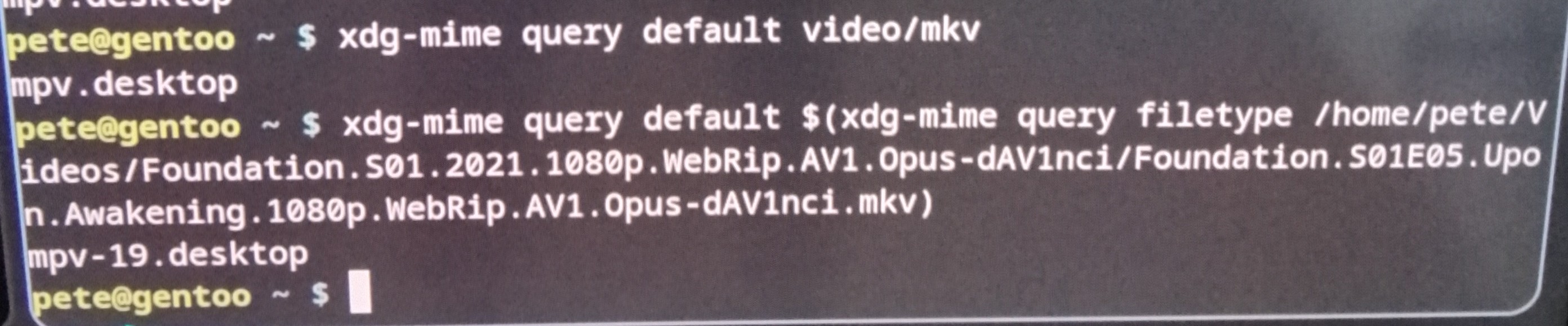
But no luck. It seems my issue is not xdg-mime issue because it shows mpv. Sorry for the crappy pic!
Well yes and it’s just my HTPC. I don’t have anything on it but some video files. It’s annoying to choose the program when I click a video file. I don’t see what’s the risk here. It’s normal for any os I think. You have preferred app for many file types. Somehow I just can’t get it to work with .mkv files
Edit: I didn’t see it was solved, plus misread the OP.
I’d set the default for all video. xdg-mime default mpv.desktop video/*
After that try to run xdg-open /path-to/a-valid/video
and see if it opens with mpv?
Then try from Thunar…
I use MPV as my default video player in Pop!_OS… i.e. when I double click a video in Nautilus - it opens in MPV… So many things to love about mpv… I love the way it always keeps the aspect ration when you resize the window, and you can drag the mpv window from anywhere - not just the title bar… and it’s light… I also use it to stream Free-To-Air from my Pi3 running TVHeadEnd, and both my IP camera rtsp streams