As I’ve mentioned elsewhere, I’ve recently switched to using FireDragon, Garuda’s default browser and notably, maintained and developed by them. When I started with Garuda, I chose their KDE-Lite flavor, then after they introduced Garuda Mokka, I decided to give it a try, so I tried and liked it. I still do, particularly because I’ve been able to customize the color scheme. For my tastes, there was too much mauve, and I wanted black window borders.
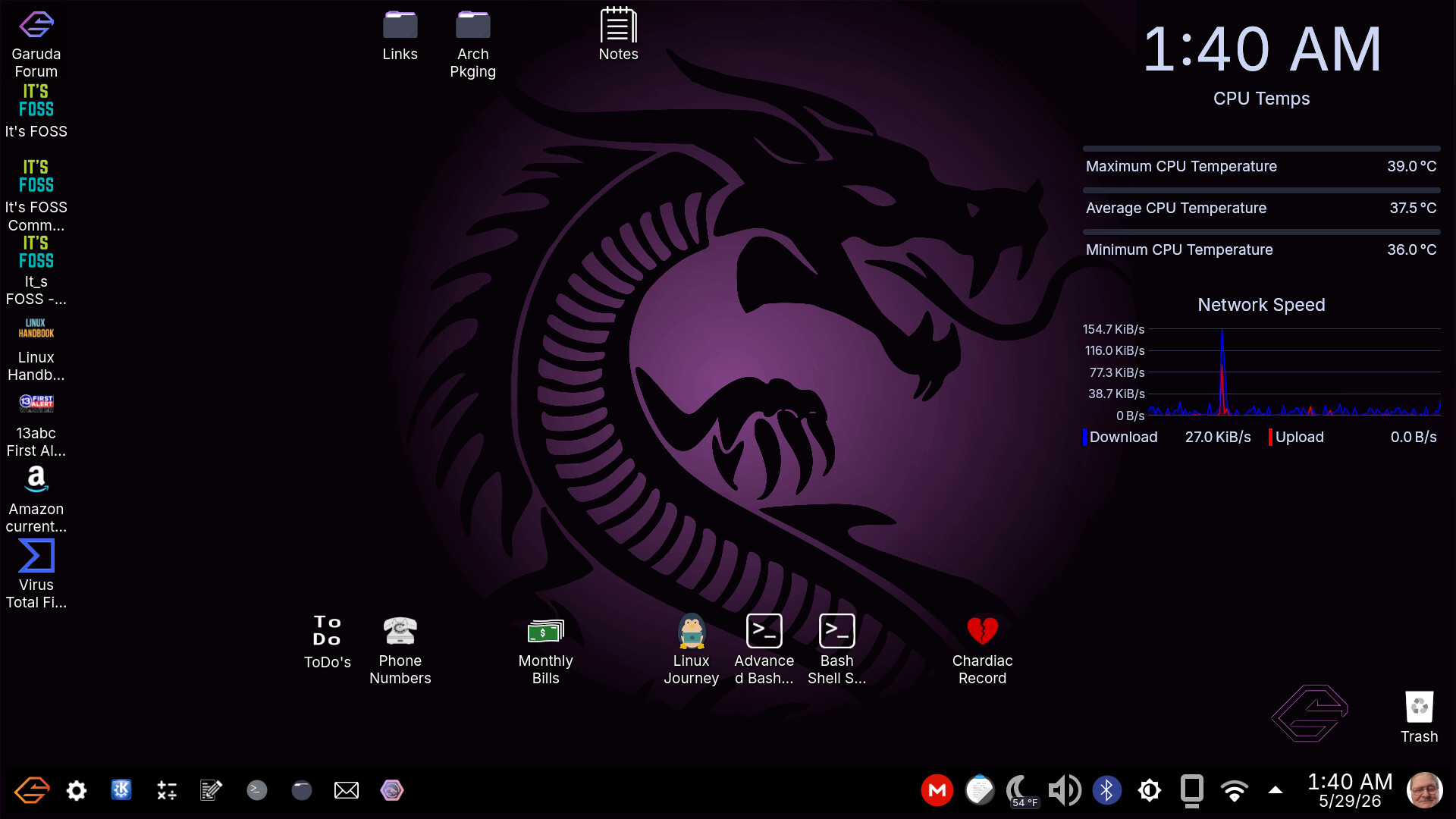
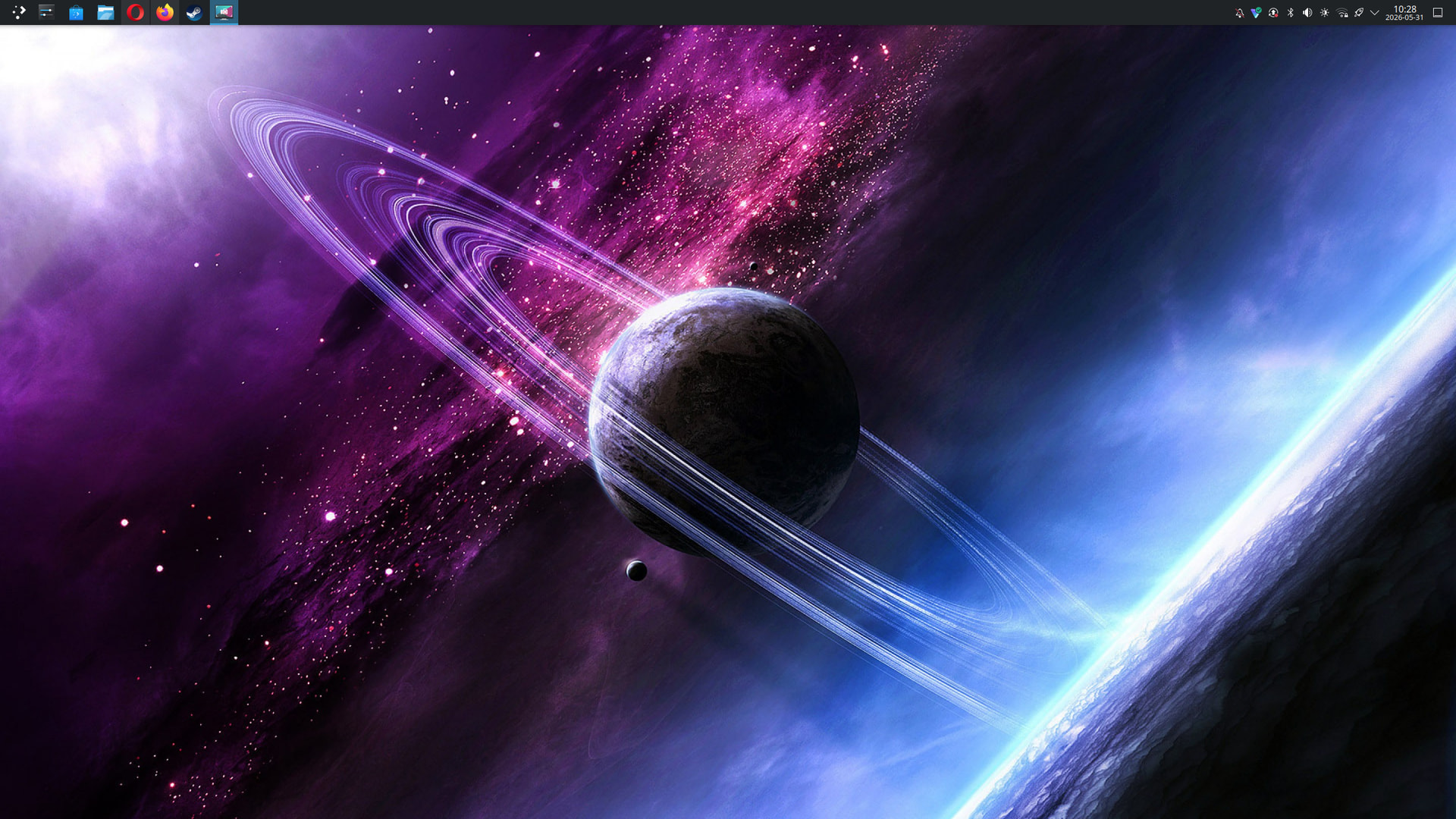
I saw an item on the Garuda Forum today indicating that they’re calling for Garuda branded artwork, so I presume a new live image’s in the offing, as well as perhaps updates/changes to the color-schemes/designs of their existing flavors, and perhaps some new ones, so I decided to submit my custom desktop image, and while I was at it, I took a screenshot of my desktop as it is today. For anyone interested, here it is:
Nice! I created mine to honor my distribution, and to make all desktop artifacts easy to see - my eyes are getting older, so a darker desktop makes things easier on eyestrain.
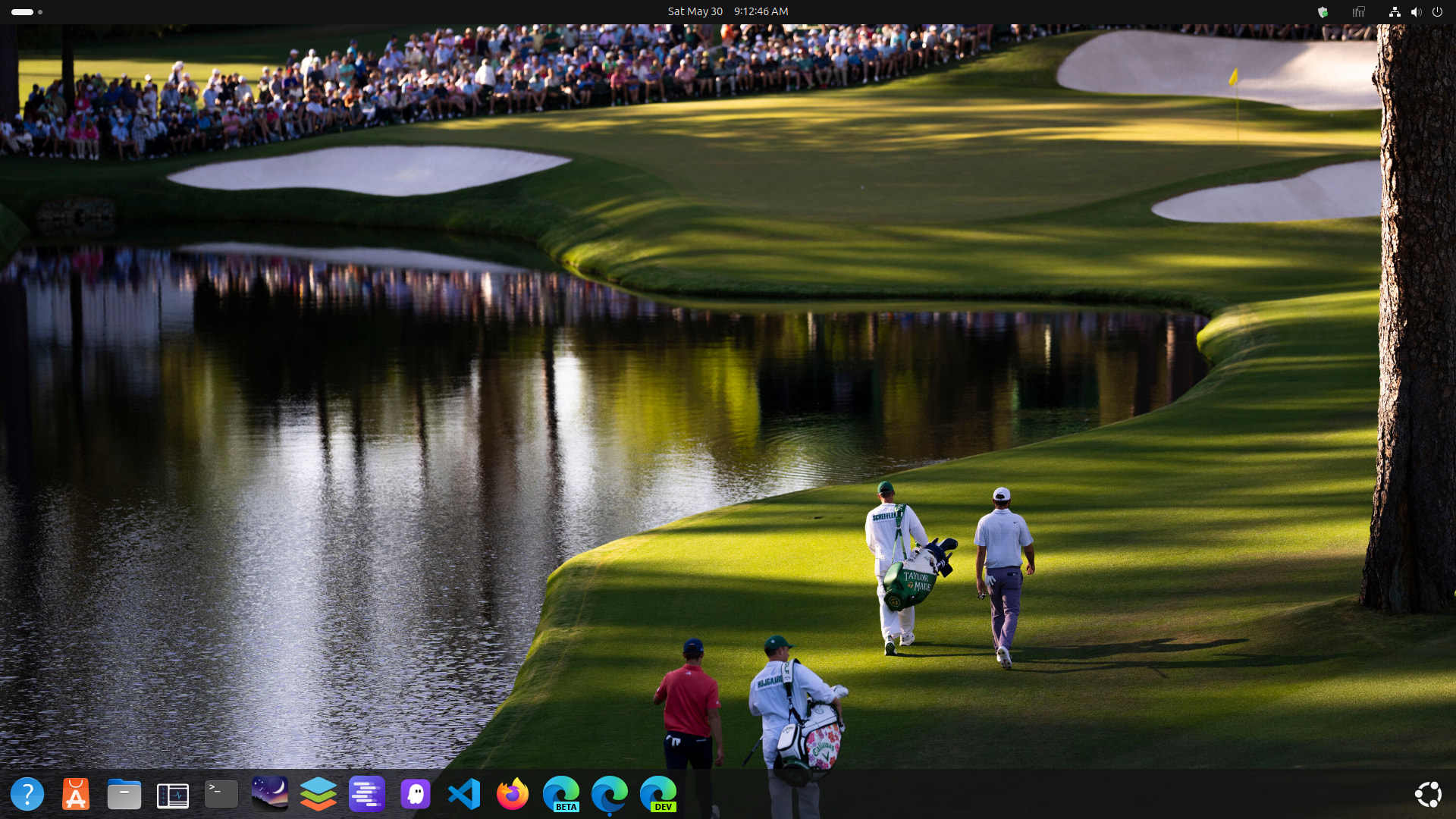
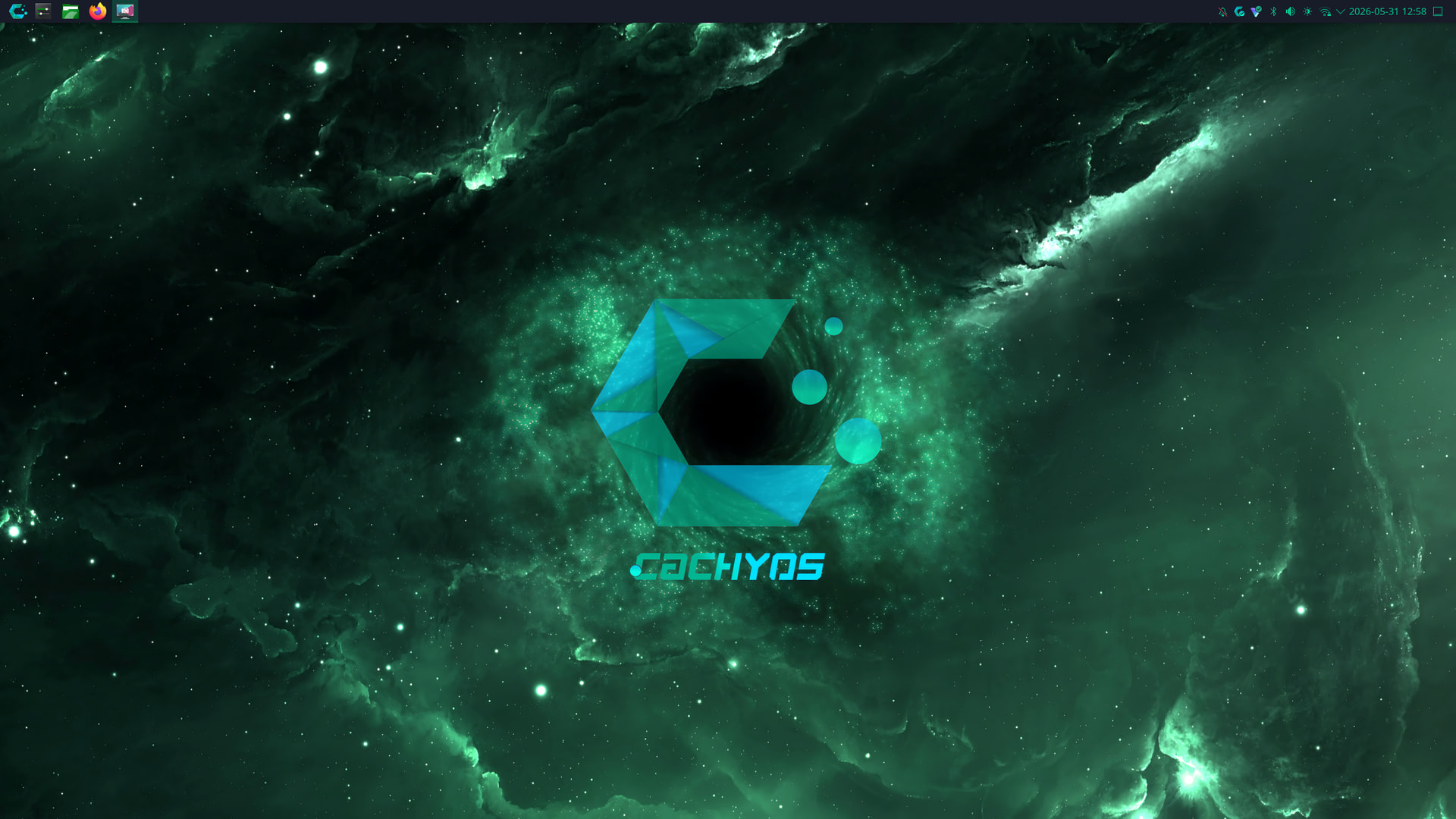
and this i got on Cachyos. I also use dark themes since light themes hurt my eyes. Im looking into how to download and change themes in KDE Plasma but it seems a bit complicated.
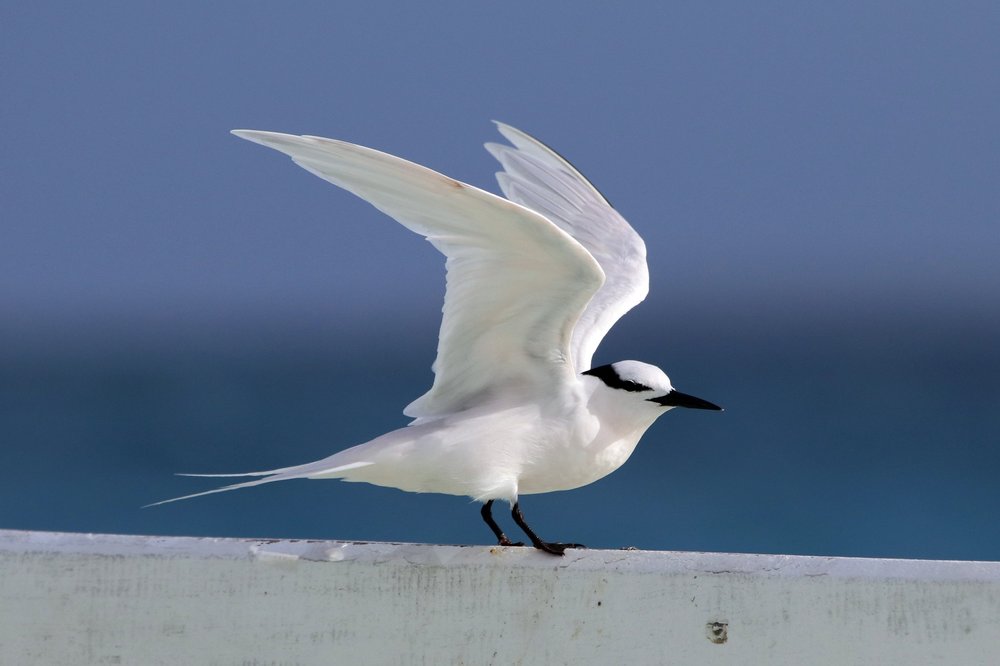
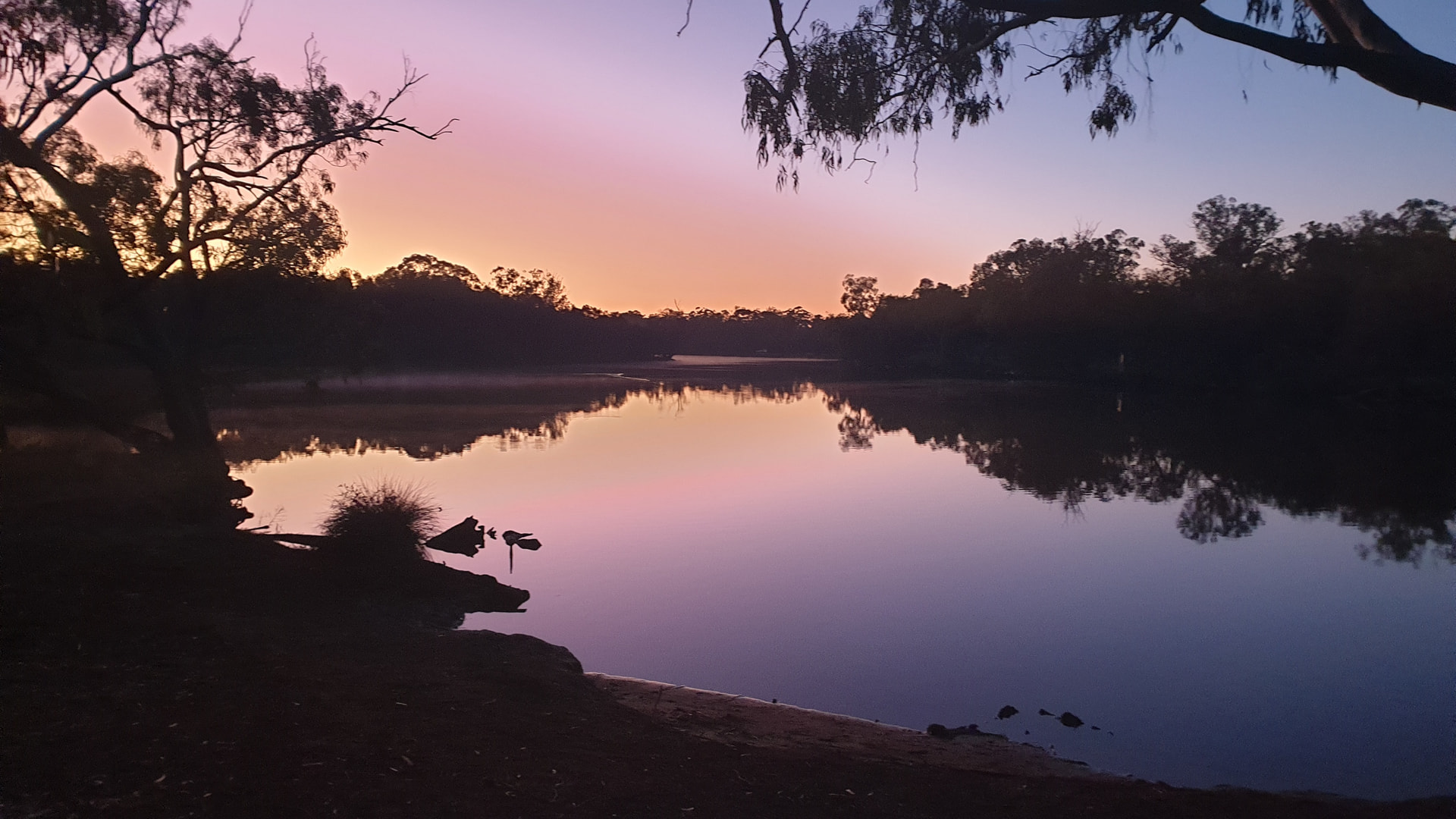
With windows and android, when you switch on The image changes each time within a limited number, it’s a shame you cannot have a gallery of images for your desktop that changes every day without intervention from the user. So work ones Monday and closer to the weekend more fun images, or perhaps family on anniversary to save you checking your calendar… No more excuses
On Windows that’s called Windows Spotlight. It shouldn’t be too difficult to implement on GNU/Linux, particularly if your distribution uses systemd. Even though I prefer a static desktop image, maybe I’ll see if I can’t figure out a way using Python and systemd - another fun adventure! Thanks!
maybe I’ll see if I can’t figure out a way using Python and systemd - another fun adventure!
I’ve thought about trying that with Python. I’d like to do what Johns Background Switcher does. It’s for Windows and Mac. Maybe start simple and add features.
 …
…