Hi, I have a MX 25 problem that I believe might be unique to my laptop PC.
I wanted to install MX 25 on my laptop as a guest OS. I downloaded the .iso and created a boot USB. MX changed the install process. MX now includes both a systemd and a sysvinit version of MX on the .iso.
I boot the MX USB and get a screen asking me which MX version do I want to install. It does not matter which option I choose b/c I get the same error. It seems to come from MX, but I am not sure. Secure boot is off.
Fatal error; USB not found, press ‘r’ to reboot, ‘p’ to power off.
I also tried using VenToy, but that did not help. If someone has the time, maybe you could try booting MX 25 from a USB.
A lot of questions, that’s for sure. Reminds me of the shotgun approach.
Let’s see Yes,no,no,no,yes,no,no
But I did put on a clean pair of socks today.
Just joking with you.
Updated
Paul, I am marked your reply as the solution b/c you mention Ventoy twice. I d/l the latest copy of Ventoy and recreated the Ventoy USB. Copied MX 25 to it and now MX 25 boots correctly. I also created MX 25 live USB again and again it failed to load properly. But I only need one way that works.
I did the install of MX25.1_Xfce_x64.iso downloaded today
When I started the Calamares installer there was a message … something about USB… but it flashed past it and started Calamares.
No problems with the install. I chose sysVinit. I made
/ on sdb13
/home on sdb14
/boot/efi on sdb1 preserved
I let it install grub on the EFI partiton
Then booted… I got a grub menu with everything there except NetBSD… it needs a 40_custom file that is not there yet.
When I booted from grub , I got another flash message about Failed to open \EFI\MX Not found … .but it passed over it and booted OK.
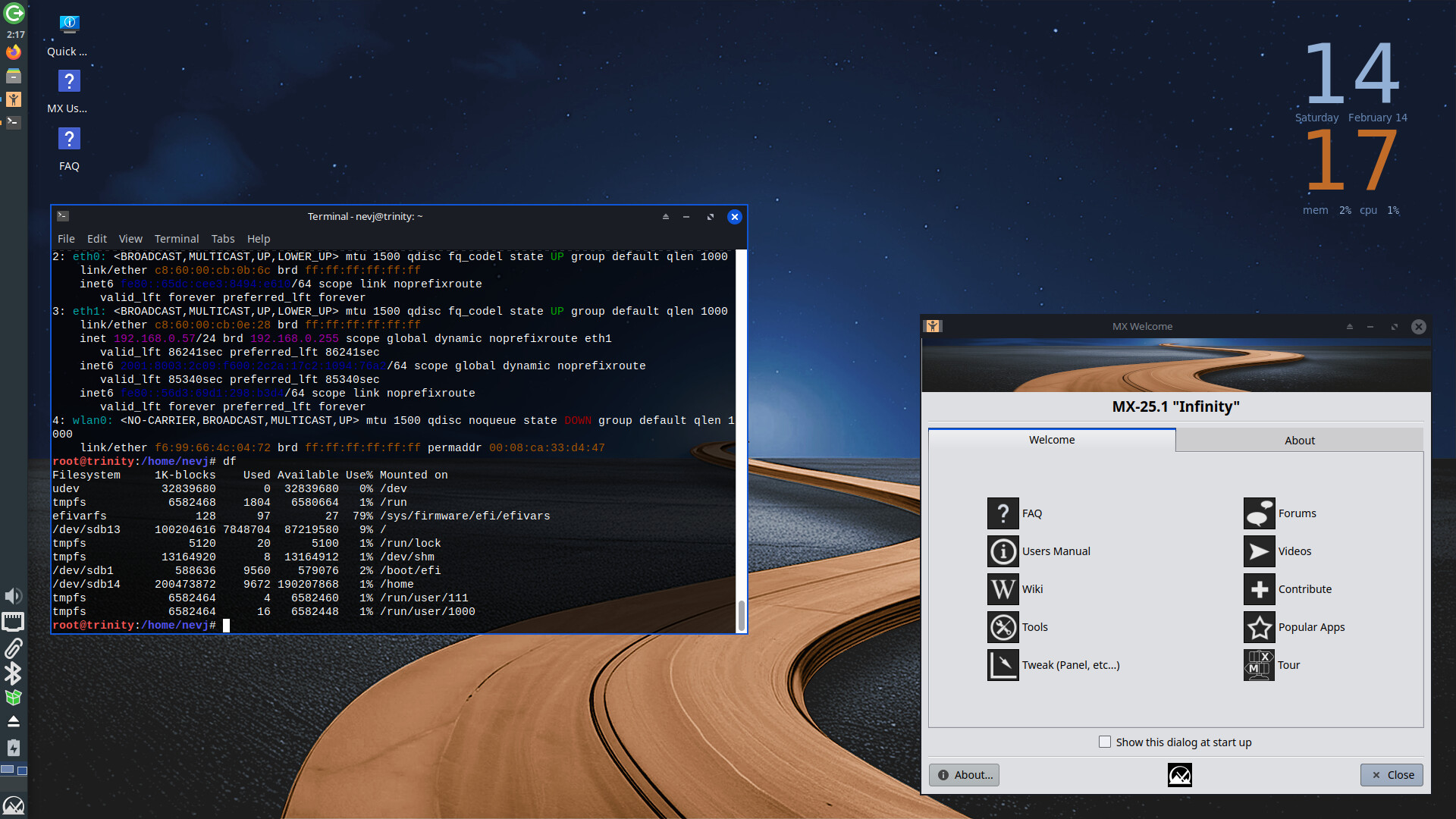
Here it is
Lots to do … no local net, no printers, no apps, lousy background… I will run it alongside MX23 until I get it properly configured… maybe 6 months.
I looked in dmesg and the logs and could find nothing about USB.
So there is something strange to do with USB, but my machine passed over it. The first message about USB was definitely Calamares. The one after reboot is MX or grub .
It boots slower than a lame tortoise? I think that is it trying to detect my hotplug disks… it needs a boot parameter intel_iommu=off
So, Howard… I think you should be looking at your machine… maybe some bios setting, or a hardware issue with the flash drive or the usb port or the cable.
Well, I tried to install MX25 today, but it did not go too good. I also selected the sysVinit option. The install started okay and was up to about 80% finished. I walked away for a few minutes and came back to a black screen and the Thinkpad laptop not responding.
The only thing I could think of was holding the power bottom down to force a power off of the laptop. A search for black screen on install of MX25 did not show up on the web.