It is a live usb. To boot it, stop the computer, put the usb in, start the computer … it should boot as long as the BIOS is set to boot first from a usb drive if present. otherwise you need to use the BIOS menu to select to boot from the USB drive instread of the hard disk.
3 Likes
Ok . I already made the live usb so i will try it tomorrow. Thank you Howard and Neville
2 Likes
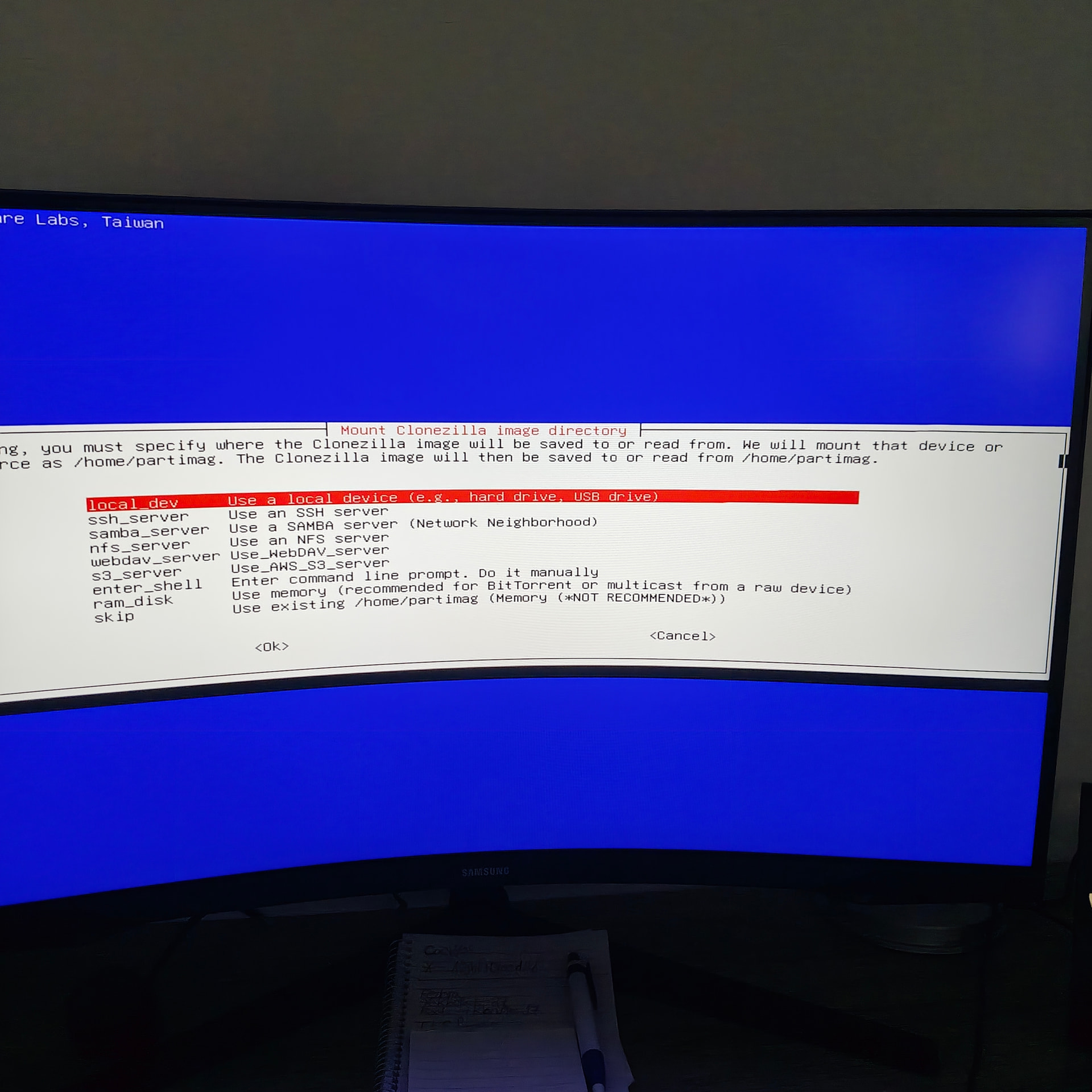
At least now i booted up clonezilla to look at it. I will read more about it so i know moore how it works
3 Likes
You are on the way.
Clonezilla is just another Linux under the hood. … Debian based I think. At least it could handle your graphics card.
The clonezilla program that you see running in that screen is just an app running in Linux.
You run clonezilla from the live usb because you want the internal disks unmounted while you back them up.
4 Likes
ok. Thanks Neville 
1 Like
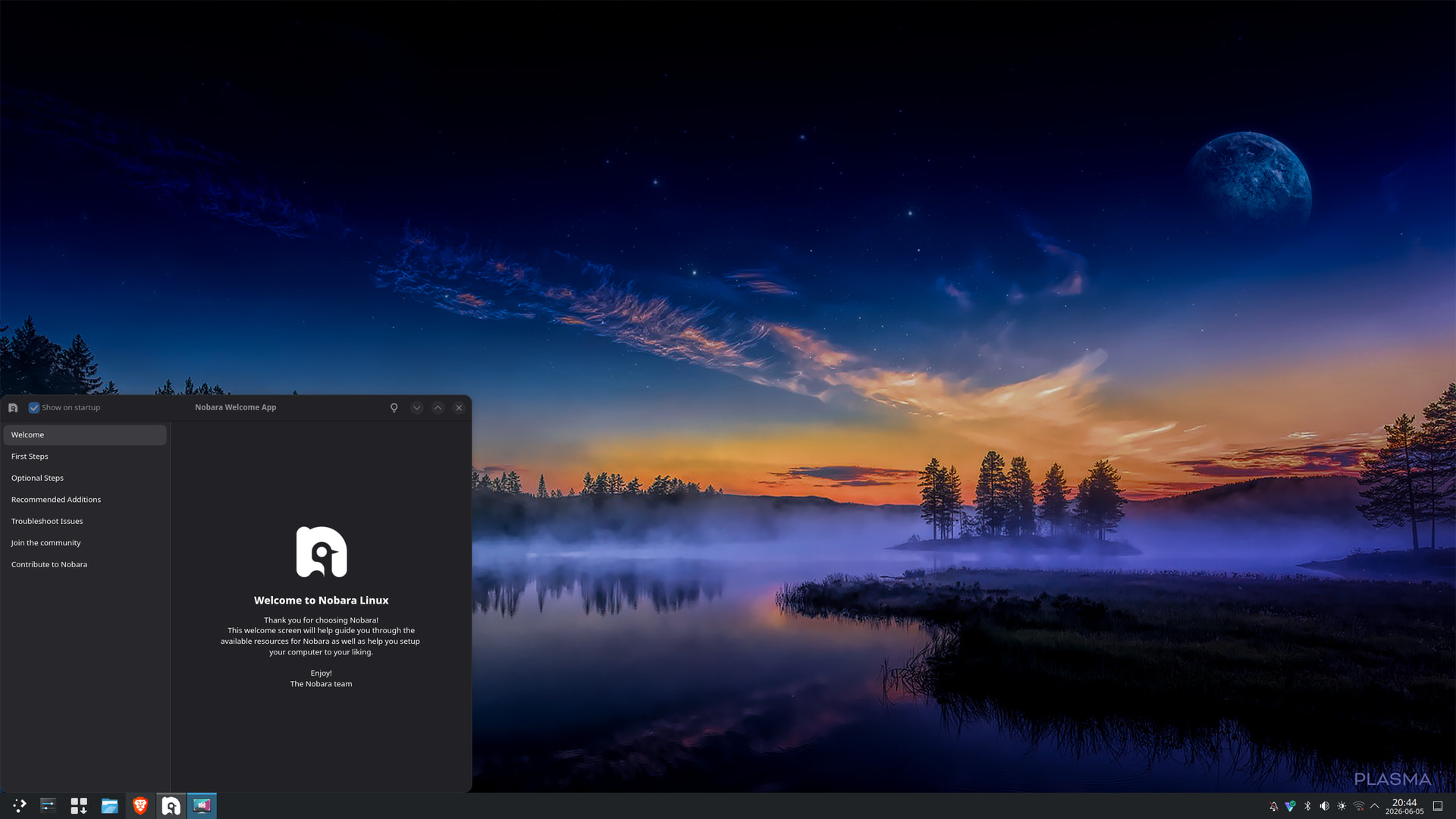
A coupel of hrs ago i installed another distro along side of cachyos its called Nobara its based on Fedora and its more of a gaming distro, so far it seems ok and stable and will download some games tomorrow and try,it is also with kde plasma and if i like it i might remove cachyos and only use Fedora and Nobara.
3 Likes
A useful guide how to make backups with Clonezilla.
2 Likes
I looked at it.
It seems to give the right advice.
Nice illustrations.
2 Likes
I thought it could be useful not only to me but others as well.
3 Likes
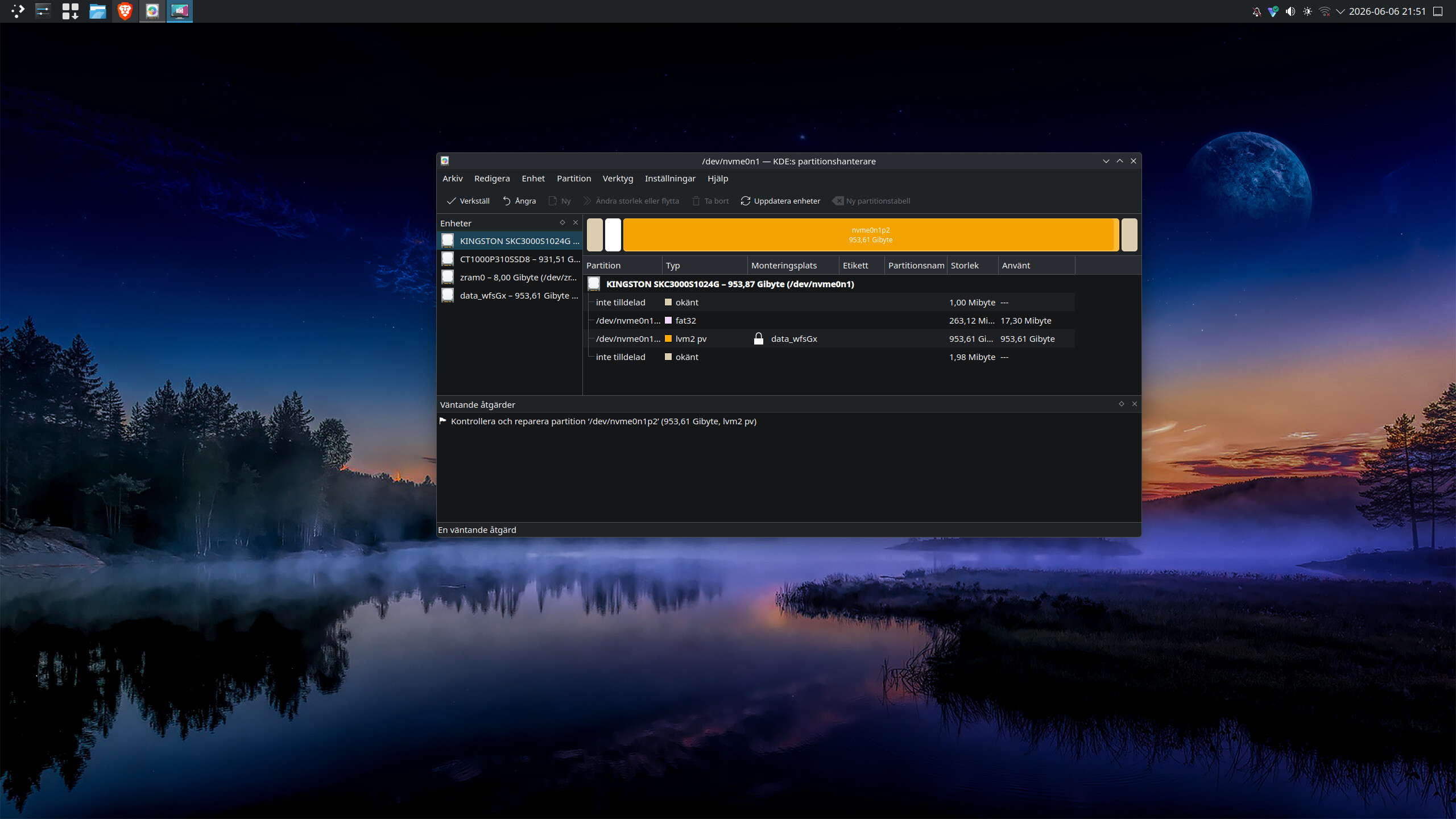
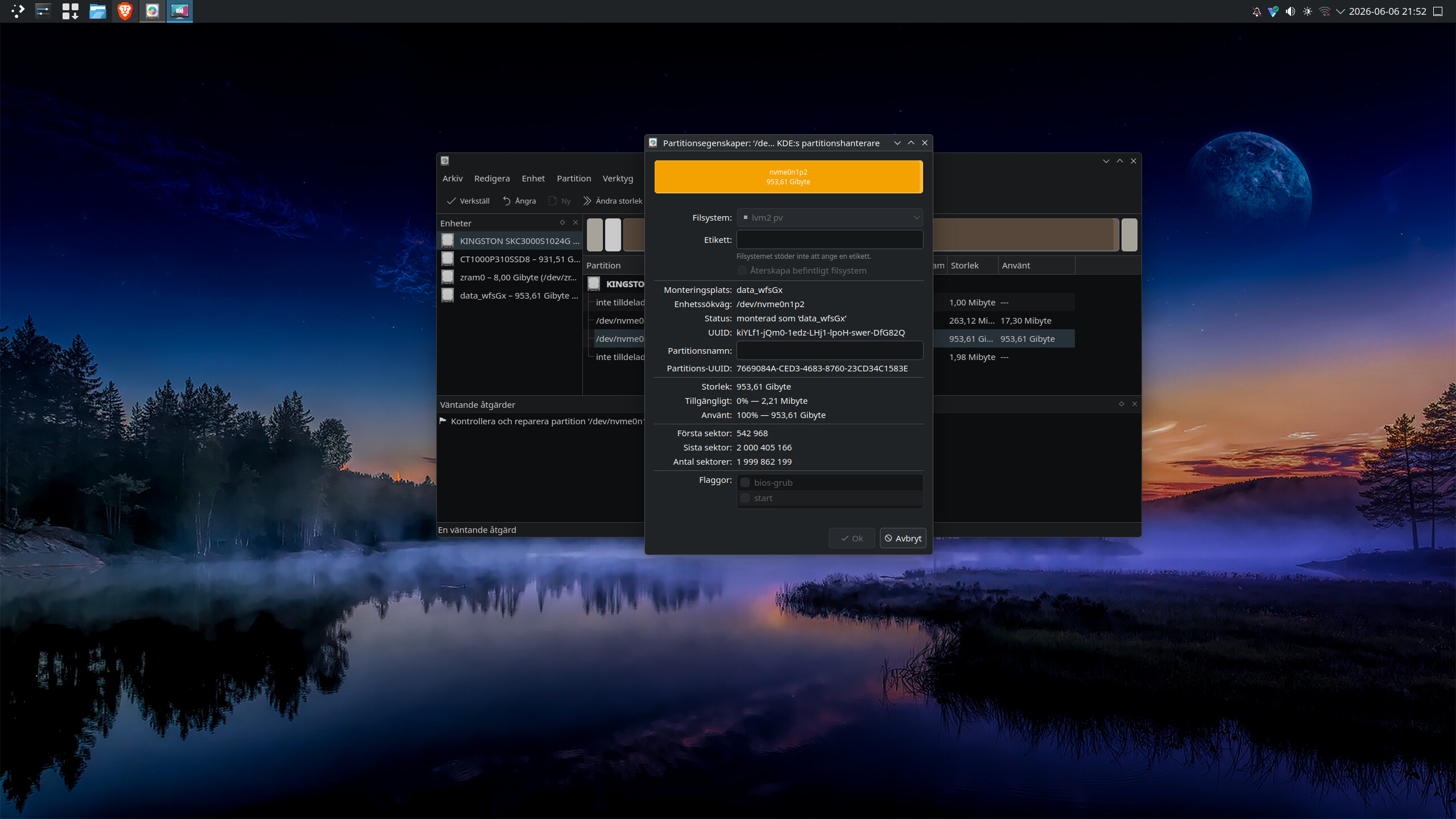
I installed Elemetary on one of my ssd disks and i did not like it at all so i restarted my pc and put my cachy os usb in and i wanted to install that instead but then i could not install it becouse elementary os has looked the ssd drive it was installed in, i tried to delete the partition but no i could not do it and no i did not encrypt anything now im affraid that i cant get the ssd back to normal. i took 2 screenshots of it from kde patition manager i Nobara and it looks like this its the kingstone ssd.
I’ve never experienced anything like this
and i did an update for elementary and now i cant even get in to it. the wierd thing is after i did my account and clicked finish it said my account was inactive and it showed a padlock over it after restart i could logg in again
1 Like
What I’ve noticed in screenshot 1 is that the partition is managed by LVM. LVM is a nice system which allows the user to do all kinds of funky things with partitions, in some situations even when mounted.
Lvm may be what’s your issue. CachyOS may also be running lvm and noticing the lvm partition and going “nope, won’t mess with this.”
There are various options. Note: this is what an AI (Google Gemini) gave me, however I did not blindly copy and paste it. I added the URLs after a bit of searching on the web.
!!! THIS FIRST OPTION DOES NOT WORK !!!
lsblk
sudo wipefs --all --force <drive>
the lsblk command will list all block devices (basically disks and partitions) on your computer. The wipefs command will do as the command says. Note: this is the brute force way.
The manual page of lsblk can be found here. The manual page of wipefs can be found here.
The second means is
sudo dd if=/dev/zero of=/dev/<partition> bs=1M count=50 status=progress
This will WIPE the partition table and lvm tables completely, effectively wiping the entire disk. NOTE: this will increase wear on your ssd, as it writes destructively and doesn’t do a delete in the usual way.
The manual page of dd can be found here.
The third way to do it is
sudo vgchange -an
This forcefully deactivates and unlocks all lvm disks, after which you should be able to get rid of the partition using normal means.
The manual page for vgchange can be found here.
I HAVE NEVER DONE THIS MYSELF, SO BE SURE TO CHECK THE WWW ON DOCUMENTATION OF THESE OPTIONS.
4 Likes
I have used wipefs, for a similar problem after a zfs filesystem messed with my disk.
I think both LFS and zfs are best avoided on home systems.
2 Likes
I agree. I avoid them at work when I can. For our Alma systems I use XFS and for Ubuntu I use EXT4. I haven’t had an issue they couldn’t handle so far. I try to keep it simple. There are probably some situations LVM is well suited for.
3 Likes
A filesystem has to be absolutely reliable and idiot-proof as well.
Dont meddle with it. Everything depends on it functioning perfectly.
3 Likes
I don’t have a need for LVM. I have a simple home system with a single physical disk in it. No need to go all wonky. Things are working fine now.
Yesyes, LVM can help when you need to resize the home partition. Can a half decent thing like gparted do that as well without LVM and all of its complexities and annoyances.
5 Likes
Thank you all for your answers. First of i did not choose to use lvm when i installed Elementary,I have seen that other distros have the option to choose LVM but i have never used it since i dont know what it is. so the best option for me is Xanders first option ?
1 Like
LVM allows you to do all kinds of useful things with partitions. Red Hat has a nice page about it.
2 Likes
Yes i understand that now but i did not use it to my knowledge when installed Elemetary,now i cant even logg in to elementary and just know my wifi in Nobara stoped working.
So my best option here is to do your first option ?
1 Like
Now i tried to do a new install with elementary on the same disk, first there is no option at all to choose or not to choose lvm and now as i tried to do a new install it cant install on the same disk . And i cant choose file system either
1 Like
Xander i did this lsblk
sudo wipefs --all --force
that did not help its the same as before
1 Like