Read an article on itsfoss about Session after migrating completely to Linux, ditching everything *Meta* thus installing Signal on my smartphone (diving into the YollaC2, highly interested in it as next phone with SailfishOS).
I want to try Session from that article, and downloaded the linux build of the messanger. Mmmh, dumb question, how do I install a file called: session-desktop-linux-x86_64-1.17.8.AppImage …it’s probably obvious, but I even wouldn’t know how to phrase the question…
Let me guess, it’s so obvious that I will hide in the corner of my room after reading it..
However, if you are particularly paranoid about it and want to add an additional layer of security to it, use the firejail sandbox for the appimage.
This way you don´t even have to make the appimage executable…
… and it´s also sandboxed.
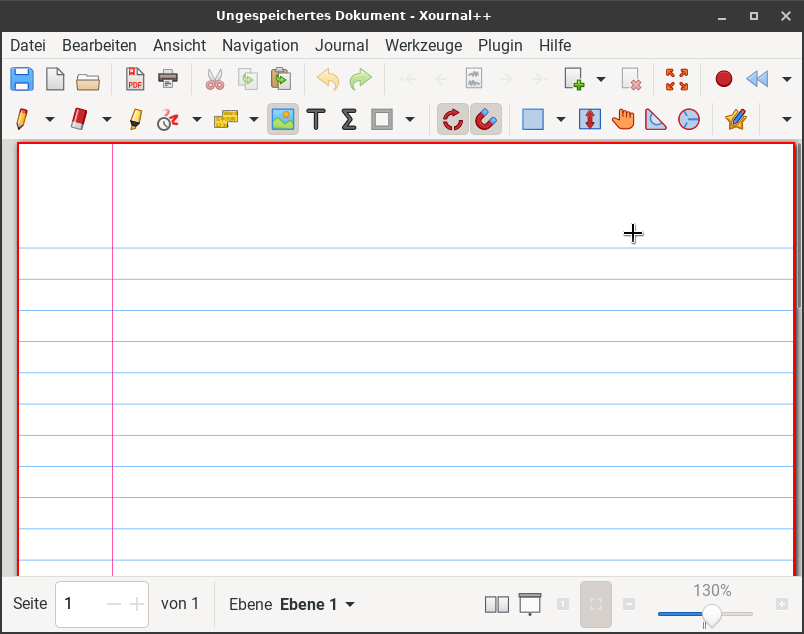
Here´s a practical example of how I use xournalpp:
cd /media/rosika/f14a27c2-0b49-4607-94ea-2e56bbf76fe1/DATEN-PARTITION/Dokumente/Ergänzungen_zu_Programmen/zu_xournalpp; and firejail --profile=/etc/firejail/xournalpp.profile --appimage --private=(pwd) ./xournalpp-1.3.1-x86_64.AppImage; and cd