Hey everyone. (TL;DR: My HP ENVY desktop does not recognize any Secure Boot keys anymore.)
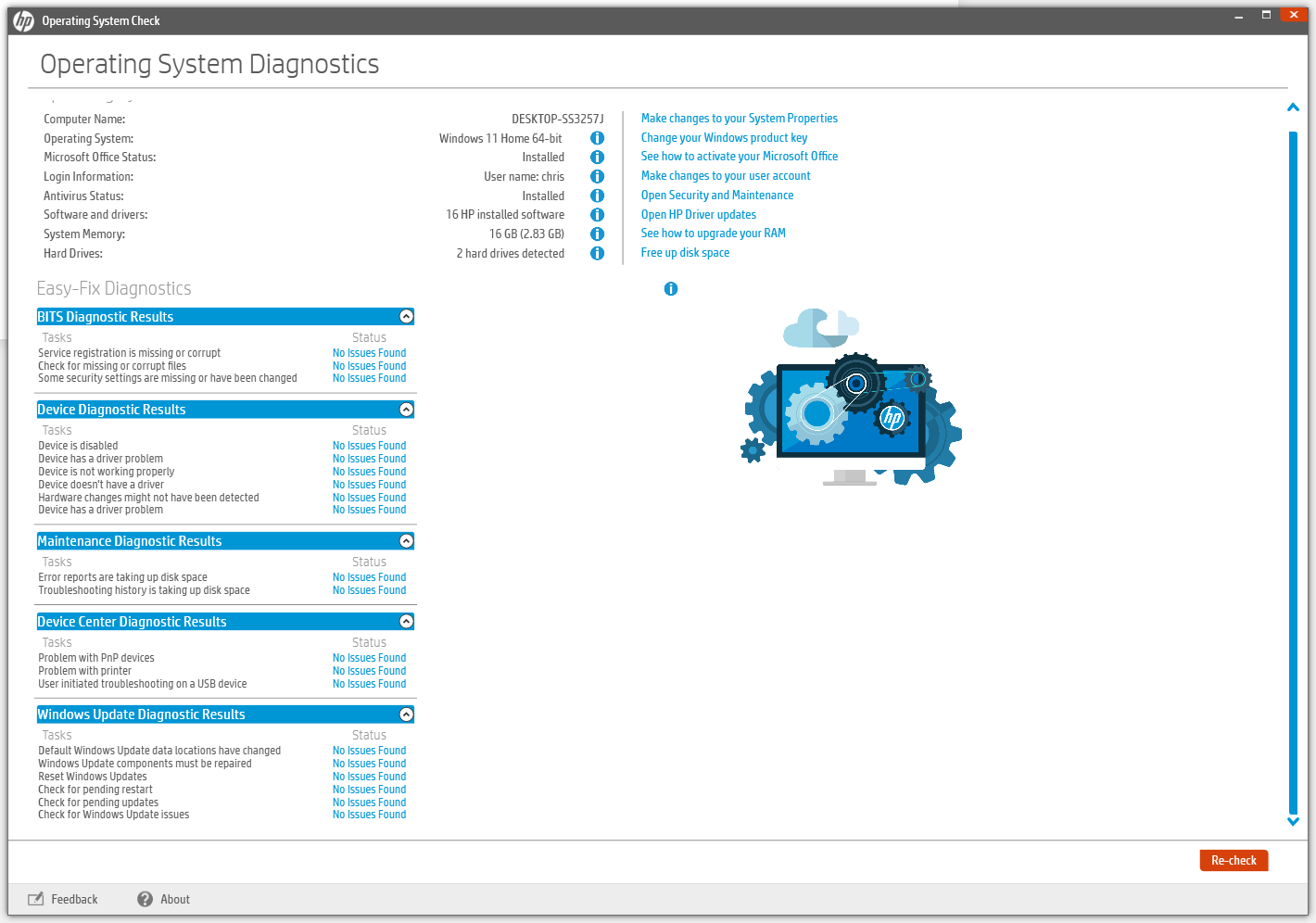
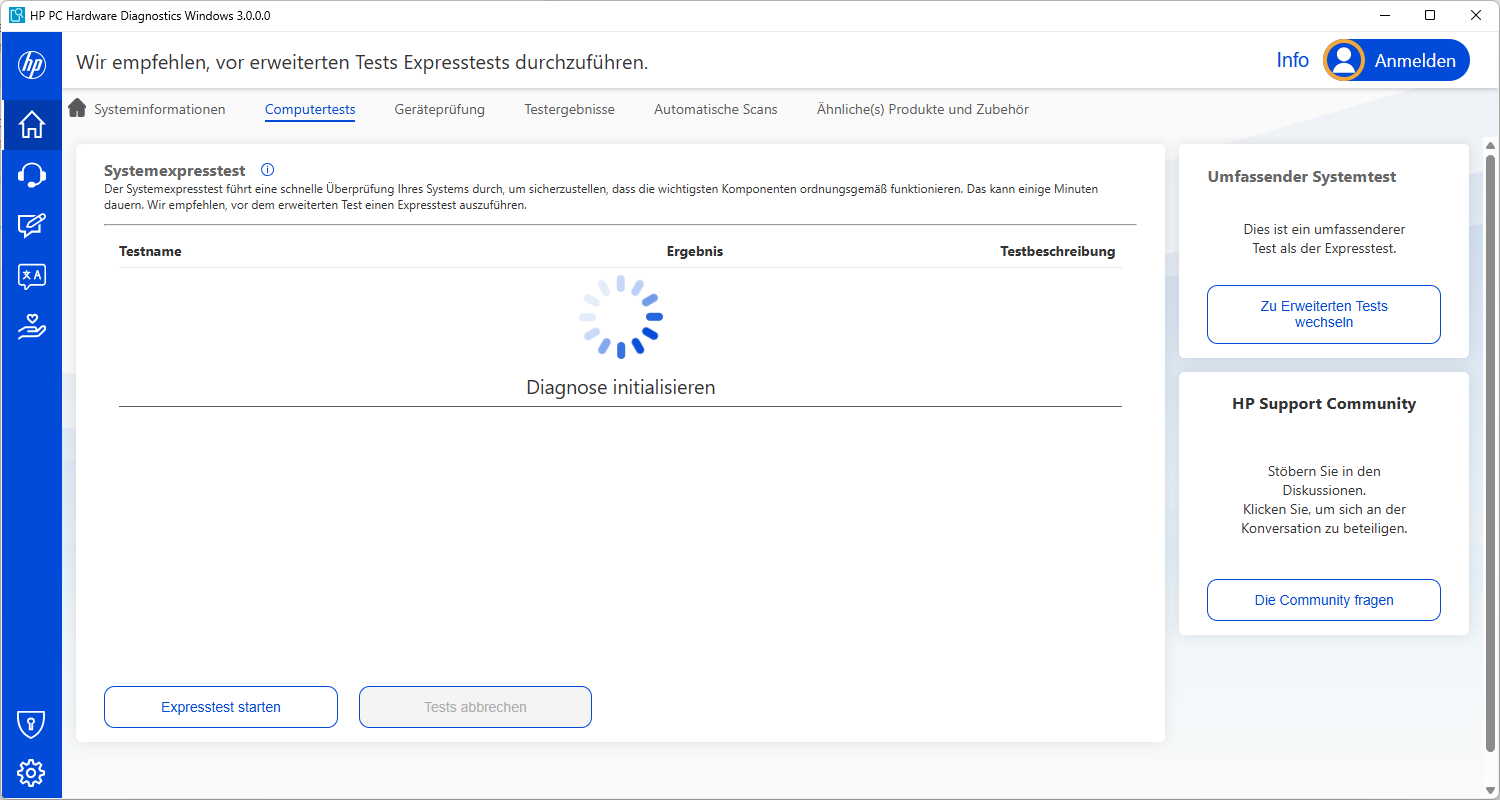
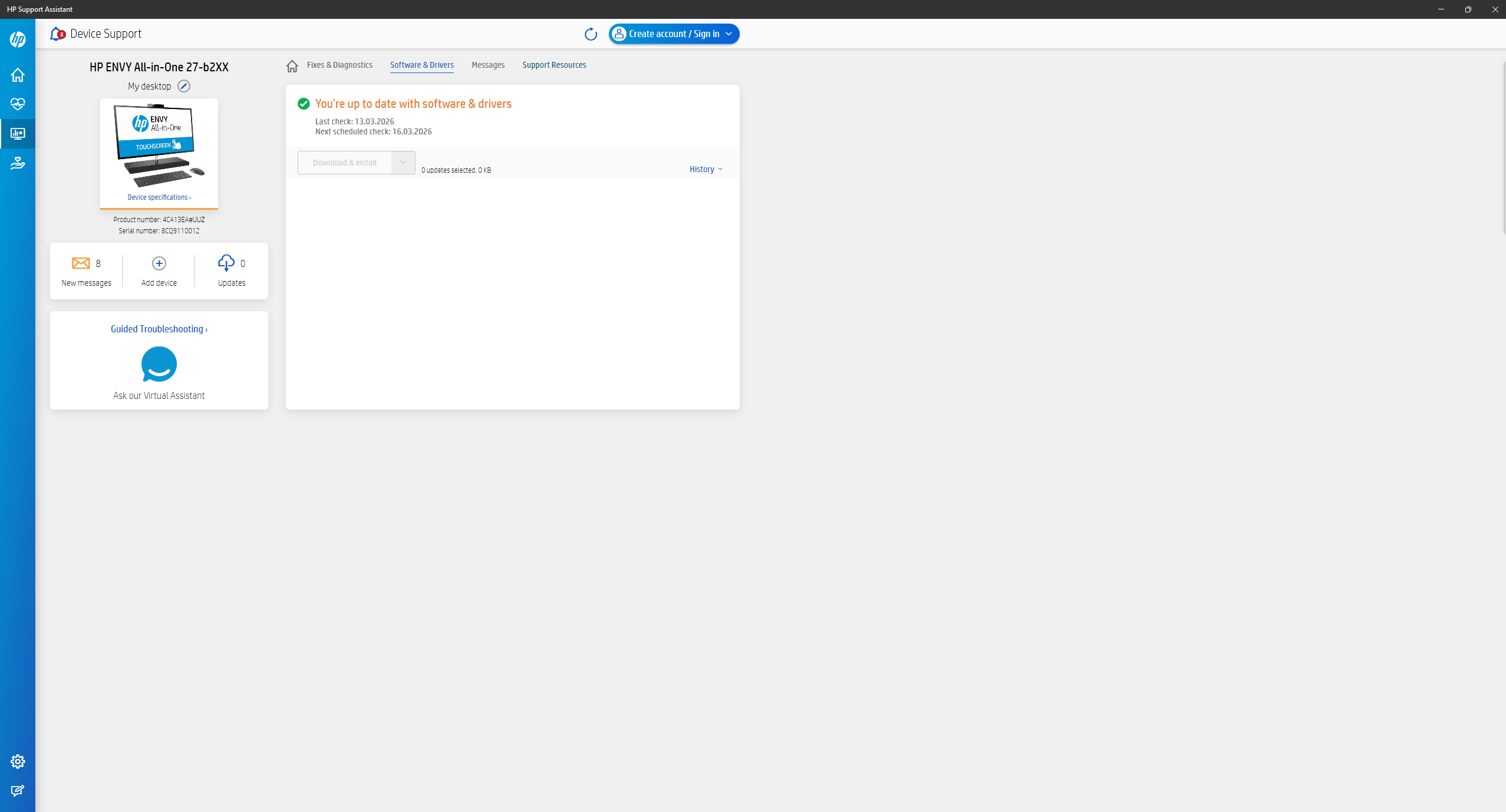
I have a HP Desktop (ENVY All in One 27-b2XX, to be exact) which has worked painlessly with Secure Boot and Linux for a long time. Well, it is a dual-boot (or, in my case, eleven-boot) system with several Linux on different drives and Windows on a partition, preinstalled. So I decided to boot into Windows to try and see if MS had finally released the new SB keys for my PC. No, nothing showed up. So I shut down and rebooted. Windows played around with the bootloader (fine by me) so it was now on first priority. But somehow the BIOS did NOT recognize the keys. Not just Windows keys, but pretty much every key I had on this PC. So I got into BIOS and disabled Secure Boot and went back to Windows to try out pretty much every available HP software diagnostics preinstalled. The results were not very helpful.
I’ve tried to, as described in several guides, restore to factory settings. Well, this is not available for Secure Boot (only “Clear key database”, which in HP documentation was described resets the DB to factory start; didn’t help) and factory resetting the BIOS wasn’t a great help as well. Checking the EFI settings in Linux didn’t produce anything usable either (with efibootmgr or mokutil).
So now, my system is usable, but not to an extent I would prefer. (SB is mainly meant for the Windows partition, but it’s also good if you have a second opinion to AV on Linux. You never know.)
I would appreciate any help on this (of course, if anyone is familiar with it). I’m not sure if this is the right place to post this; if it isn’t, that’s Ok aswell.
George
I think I saw something recently about secure boot keys being updated.
Is that the problem?
I dont have enough experience in this area to be able to diagnose.
I hope someone can help. This would be new territory for me. The only thing I know about SB is if it is turned on or off. If it is on, I can not boot a live Linux.
This came out on March 12 from ZD Net. Might be worth a quick read.
I have a PC running Linux. Do I need to worry about this?
If you’re dual-booting Linux with Windows, Microsoft says it will update the certificates that Linux relies on.
If you’ve wiped Windows completely, you might not get the latest security updates automatically. You can contact the company that built your PC to see if there’s a manual update, or you can turn Secure Boot off. Aside from seeing a scary red padlock on the boot screen, everything else will work as expected
I generally do not post AI responses, but I thought this one might help you out in this situation since you have tried several guides.
Prep the BIOS environment:
Boot into BIOS (Esc at startup, then F10).
Under System Configuration or Boot tab, ensure Legacy Support (or CSM) is Disabled—if it’s on, toggle it off, save/exit (F10 + Enter), reboot, and re-enter BIOS. This is crucial, as Legacy can lock out Secure Boot modifications.
If prompted for a BIOS admin password (even if none set), try entering blank or setting one temporarily under Security > Set Administrator Password.
Restore overall security defaults (this often unlocks/resets key options that “clear” alone misses):
Go to Security tab.
Select Restore Security Settings to Factory Defaults (or similar phrasing like “Reset to Default”).
Type the confirmation code shown on-screen if prompted.
Save/exit, reboot, re-enter BIOS.
Reset and reload Secure Boot keys:
Now go to Security > Secure Boot Configuration.
If Secure Boot is enabled, disable it first (this can ungray other options).
Select Clear All Secure Boot Keys (or “Clear Key Database”)—confirm with code.
Immediately select Load HP Factory Default Keys (or “Install Factory Default Keys”, “Reset Secure Boot Keys to Factory Defaults”—wording varies by BIOS rev, but it’s separate from clear).
Save/exit, reboot.
Re-enter BIOS, go back to Secure Boot Configuration, and verify keys are now listed/populated (e.g., HP Platform Key, Microsoft UEFI CA).
Yes- I did. I asked it several questions such as, is this generalized information or specific for this model. It broke down what was general vs specific. I asked it to to double check. (3 times) and it stood by it first assessment. It did make minor adjustments to the instructions though- (like disabling “sure start” if it were present -a HP security feature).
Enter BIOS Setup:
Power on (or restart) the computer.
Immediately and repeatedly tap Esc until the Startup Menu appears.
Press F10 to enter BIOS Setup Utility (Computer Setup).
Load Overall BIOS Defaults First (this often fixes locked menus and is a key prerequisite for Secure Boot resets on many HP consumer models):
Go to the Exit tab (or sometimes File tab).
Select Load Setup Defaults, Apply Defaults and Exit, Restore Defaults, or Load Optimized Defaults (exact wording varies; it may show F9 as a hotkey on-screen).
Confirm if prompted (type any code shown).
Save and exit (usually F10 → Yes/Enter). The system will reboot automatically.
Important: Immediately re-enter BIOS (Esc → F10) after this reboot—do not boot to OS yet.
Disable Legacy/CSM and Check/Disable Sure Start Protections (prevents blocks on key changes):
In BIOS, go to System Configuration > Boot Options (or similar).
Set Legacy Support / CSM / Legacy Boot to Disabled (if it was enabled).
Go to Security tab.
If you see BIOS Sure Start or Sure Start Secure Boot Keys Protection, uncheck/disable it.
If there’s an option for BIOS Administrator Password and none is set, set a temporary one (blank may work if prompted; this unlocks some Secure Boot edits).
Save and exit (F10). Reboot and re-enter BIOS again (Esc → F10).
Reset and Reload Secure Boot Keys (now that protections/defaults are cleared):
Go to Security > Secure Boot Configuration (or sometimes Advanced > Secure Boot Configuration).
If Secure Boot is Enabled, set it to Disabled first.
Select Clear All Secure Boot Keys, Clear Key Database, or Reset Secure Boot Keys to Factory Defaults—confirm with any code.
Immediately (still in the same menu/session) select Load HP Factory Default Keys, Install Factory Default Keys, Reset Secure Boot Keys to Factory Defaults (separate option), or check the box for Reset Secure Boot keys to factory defaults if it’s a checkbox.
On many HP models (including consumer All-in-Ones), these are two distinct steps: clear first, then load/restore.
That is not how this is going to play out !! Yes, if your PC is OEM and new enough, the secure boot keys will be available via Windows update!! But, if like myself, I have built my own PC, and the secure boot keys will be made available via firmware update, from the mobo manufacture!!
In my case, I have a MSI Mag z490 mobo with a 10th generation PCU, and it is doubtful if a firmware update will ever be issued!! My only options are to turn off secure boot, which it is, or migrate to Linux, which is no problem!!
I two PC’s that I built, a few years ago, with the same hardware, just to appease Microsoft and W11 requirements, and I be damned, if I will go to that expense again!! So, for now I will just wait and see!!
If a mobo falls within the void, that wil be created, when the new secure boots keys are implemented, the tpm will be no issue!! But security will be, if one is running W11, due to lack of security updates!! The PC and Windows will run but Windows will never update fully!!
For me a linux only user i switch off secure boot and have no idea how to test for the tpm2. Plus decided a few years back dont do windows any more except virus removal and if that fails when they come back a week later its linux or go elsewhere.
For myself, it is software and printers, that are not compatible with Linux!! But I will not let MS dictate as to what I can and cannot do with my PC!! I will figure out something, but I cannot rely on Linux to run what I am in need of for my PC’s!!
I use epson printers and never had any issue, but clients with brother, hp, also work. Never tried anything but A4 size. Just plug and go same with scanners.
Ok some software is more of a challenge but normally there is an alternative to or run through Wine.
I even use microsoft office and teams through wine without issues