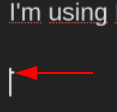
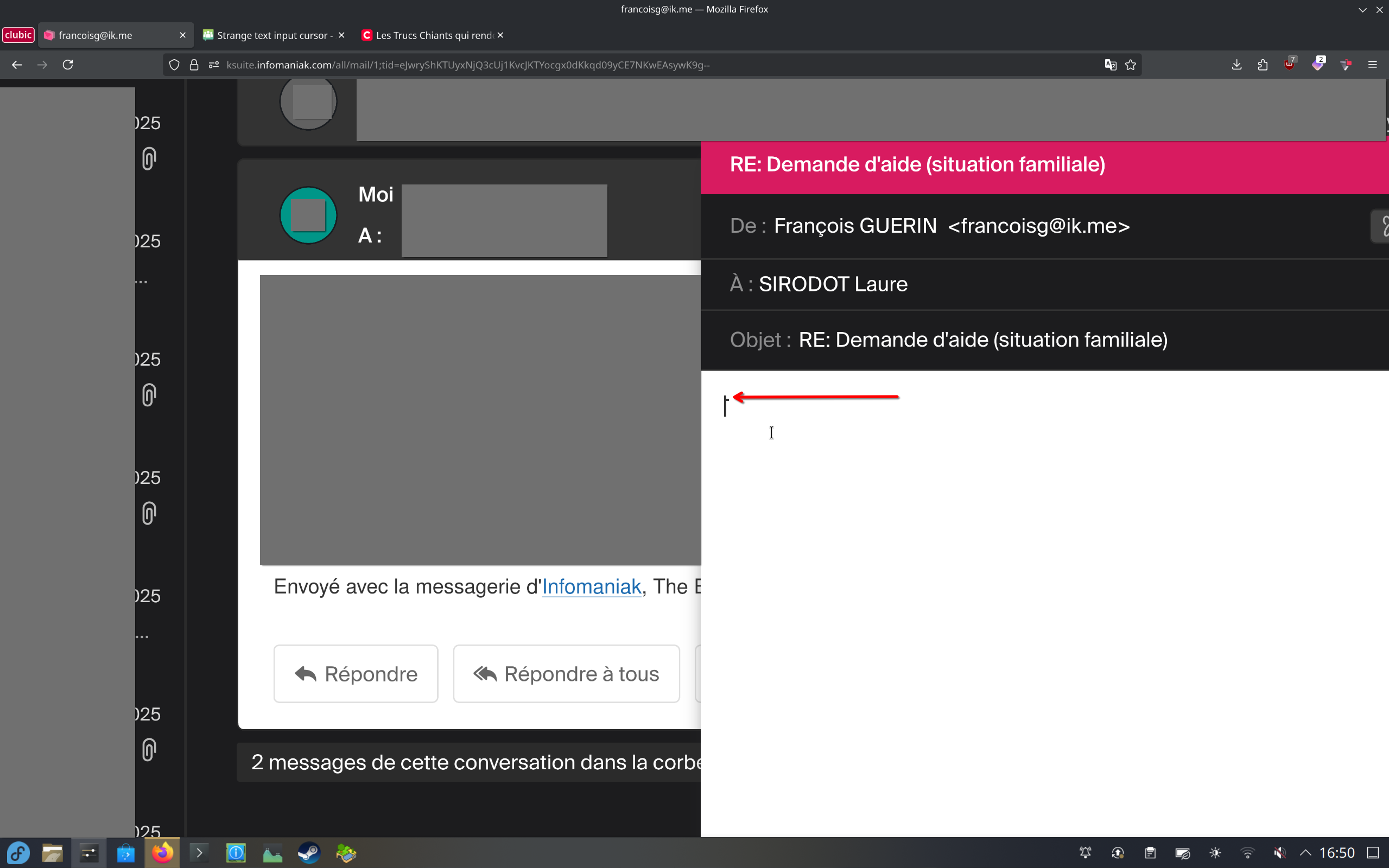
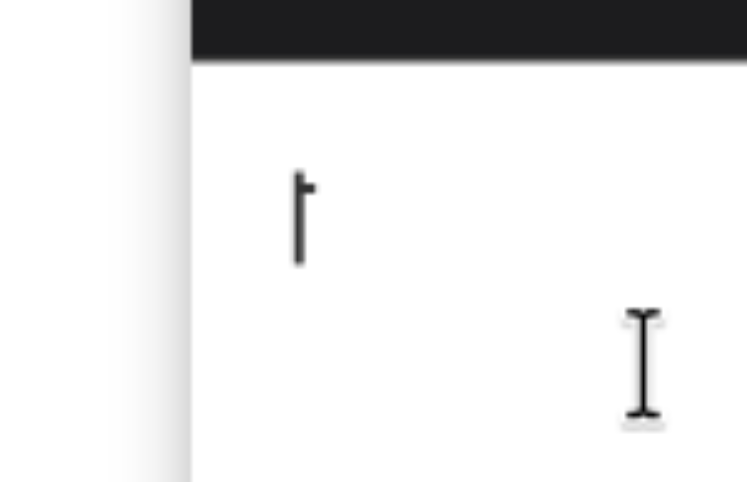
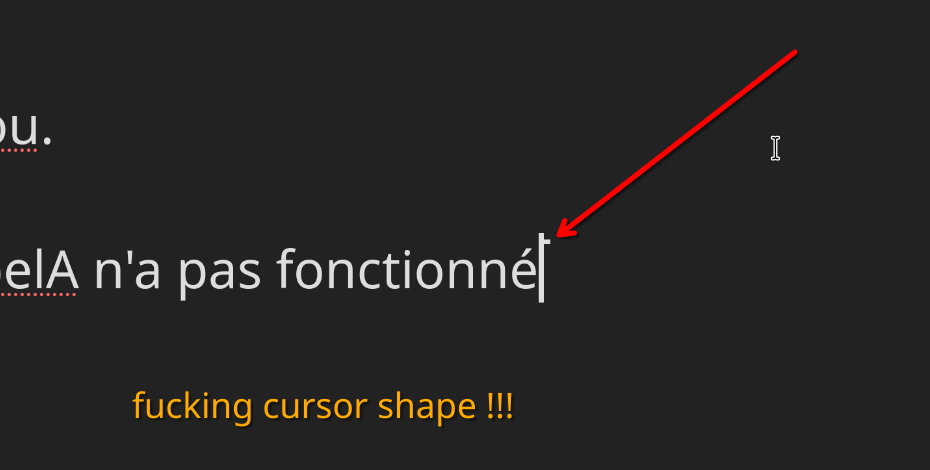
I’m using Fedora 43 KDE Plasma, and recently the text input cursor has been acting strangely:
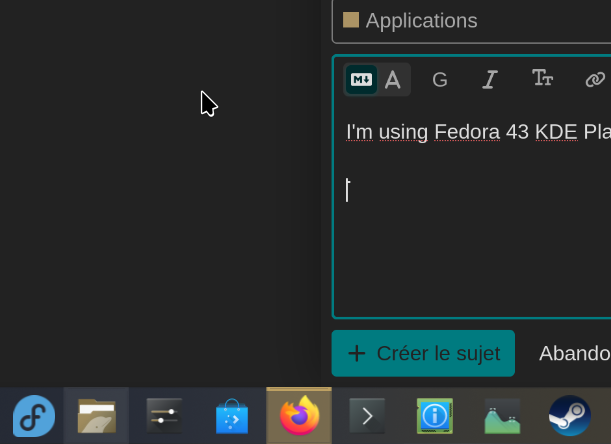
Does anyone know what’s going on?
Merci.
There should be a menu item under Settings where you can change the cursor shape and size. It may have been altered by an update.
I’ll try that out (for now I’m on my Windows partition, for school…)
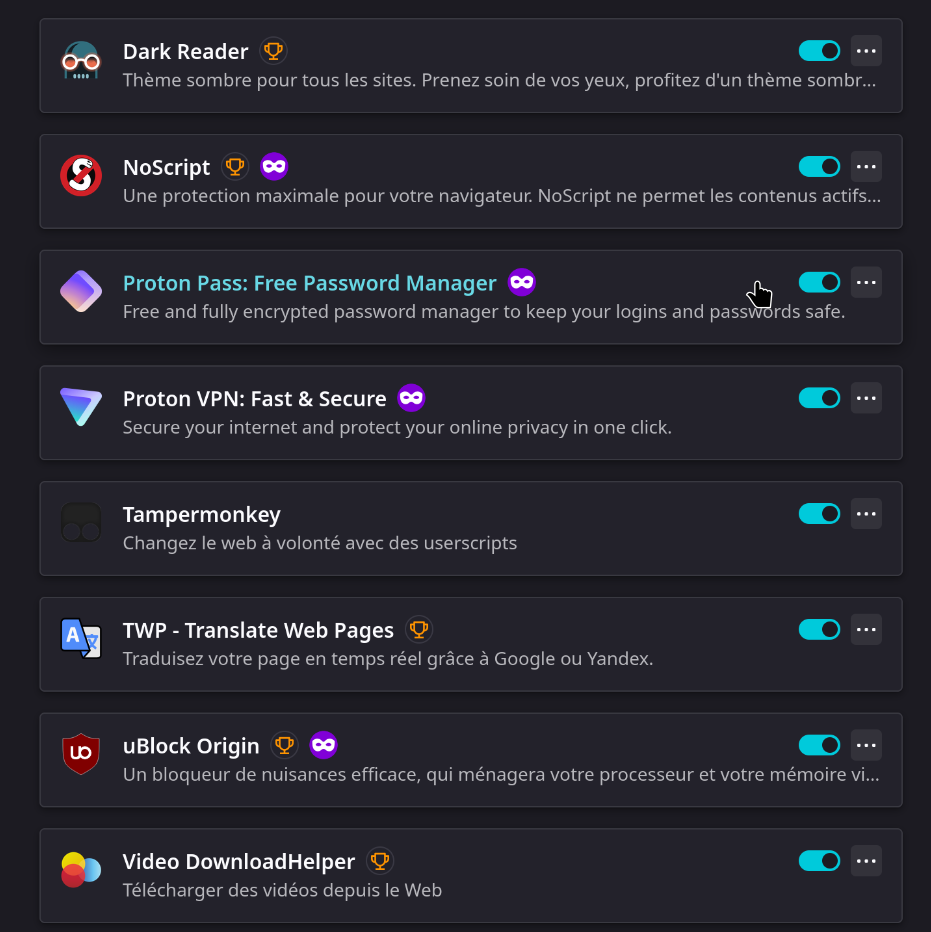
Then I would strip down all add-ons for locating the issue.
Looks like a font issue to me
But reading your other comments if its the same in other applications then its a setting on your system.
Menu button, Open Settings, then search ‘Display’ Context menu on the desktop should have ‘Display Configuration’. Look for the cursor option
No, actually, it’s only in web pages displayed in FF, not in other apps or the Firefox UI.
Did you try FF with a newly created profile?
Froz1x @Froz1x ,
If it’s only in Firefox, you could check the following:
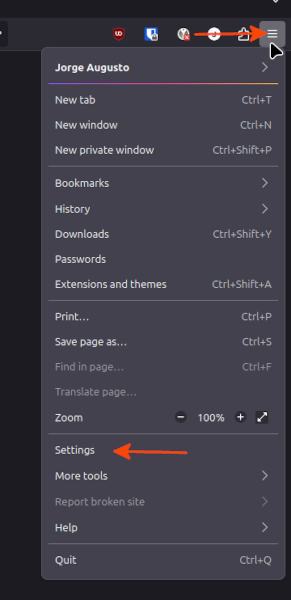
Open Menu → Settings
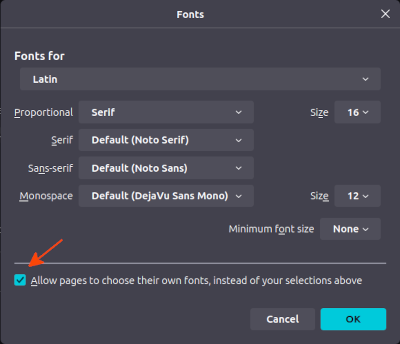
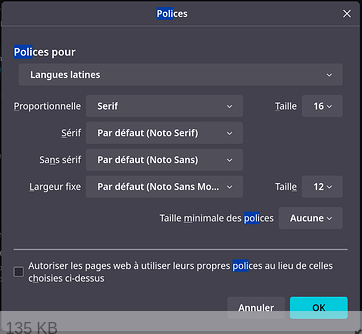
see what fonts you are using (post a screenshot)
Click on Advanced…, a window will open and check that you have checked Allow pages choose own fonts, instead of your selections above (post a screenshot)
Jorge
Please When exchanging on the site it helps others if you reply in english as a standard not all members have french language skills. We have many different nationalités with many different languages. We are very pleased to have you with us. If not sure just run your french through google so we can all follow the story.
Thanks
No, actually, it’s only in web pages displayed in Firefox, not in other apps or the Firefox UI.
Did you try the fonts change in Firefox i suggested ?
What language do you have your system and firefox set too ?
If you use google chrome on the same site does it look the same ?
Thanks jorge better images and directions than my pointing to another site.
Froz1X @Froz1x,
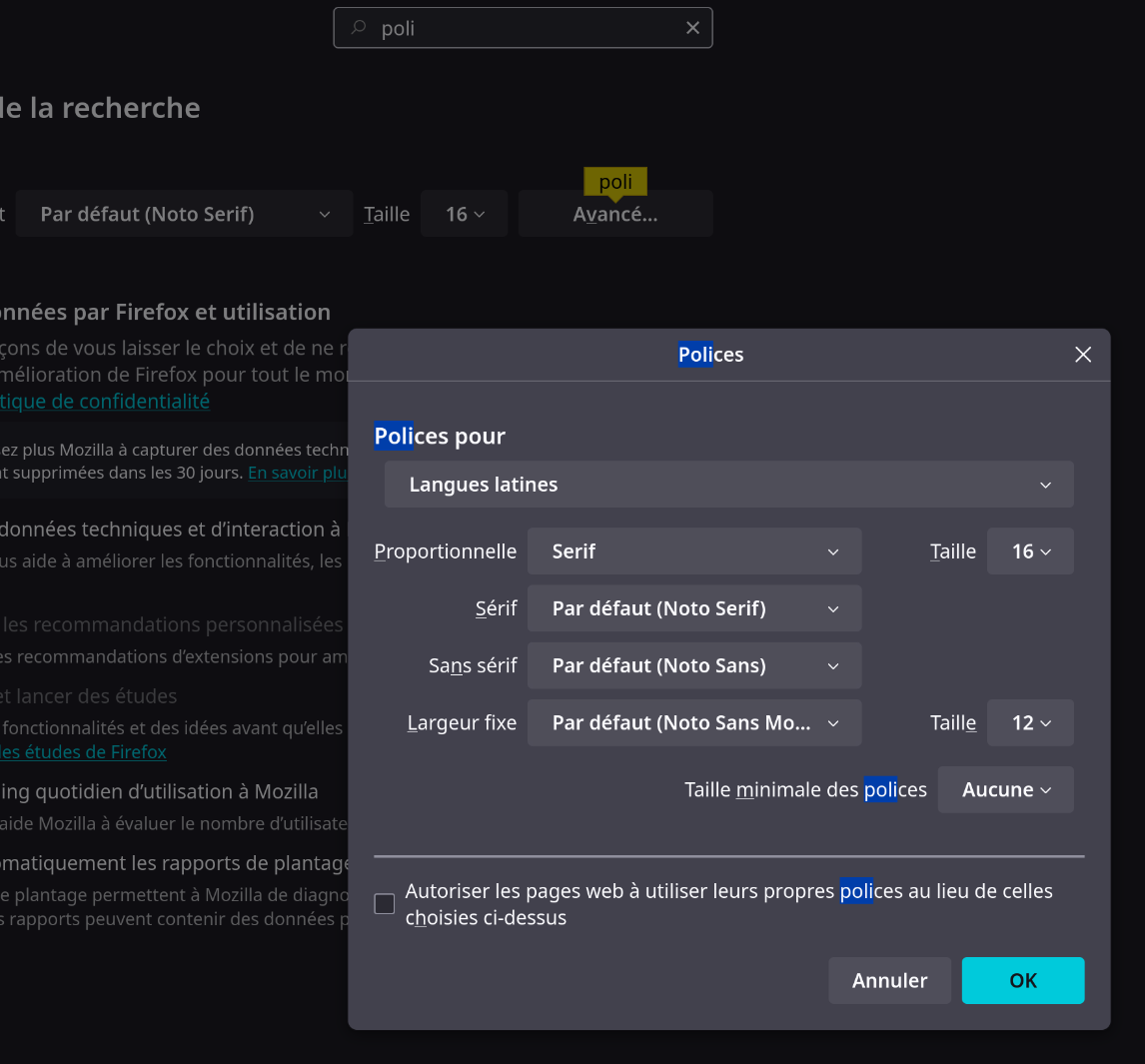
Can you select  Autoriser les page web à utilizer leurs propes polices au lieu de celles choisies ci-dessus, exit Firefox, log back in, and test if the cursor is working properly?
Jorge