Adding Xfce4 to antiX26
I recently looked at setting up a workstation with antiX26 and its native WM’s, notably IceWM.
It was OK with a small amoount of fiddling, but there were some things I missed, particularly internal filesystem mounts in Thunar, and Session Saving.
The solution is to install a DE. In antiX one can install extra DE’s alongside the default 12 WM’s , and one can swap between them.
I chose Xfce, because it is my personal favourite.
To install Xfce in antiX do the following
apt install consolekit
apt install libpam-ck-connector
apt install xfce4
apt install xfce4-goodies
Some documents recommend installing lightdm, but I have found that counterproductive. I am staying with the slimski Login Manager.
After that, on reboot, I can choose Xfce on the slimski screen, and I get a default raw Xfce DE, with absolutely nothing configured except Conky. I have a choice of RoxTerm or XfceTerminal as CLI windows.
It has 4 workspaces in the top panel, but the bottom panel is almost empty.
To configure an Xfce panel in antiX, there is no menu button … you right click on the panel , and go to Panel → Panel Preferences.
There I was able to add Firefox, Thunderbird, and Thunar , and I was able to add a cpu-monitor, network-monitor, and sensor-monitor on the right hand end.
At this stage Thunar will see files, but not internal partitions. To make internal filesystems visible to Thunar, one needs to do
apt install thunar-volman
put yourself in the plugdev and storage groups
apt install gvfs
apt install udisks2
Now, Thunar will be able to see internal filesystems, and they will also appear as icons on the background screen.
But, Thunar will still not be able to mount internal filesystems.
To fix the permissions problem mounting internal filesystems do one of the following
apt install lxpolkit
apt install lxsession
or
cd /etc/polkit-1/rules.d
vi 10-enable-mount.rules
add the following lines
polkit.addRule(function(action, subject) {
    if (action.id == "org.freedesktop.udisks2.filesystem-mount-system" &&
 subject.isInGroup("storage")) {
        return polkit.Result.YES;
}});
exit and save
groupadd storage
usermod -aG storage nevj
reboot
Then one can use
- Thunar
- DoubleClick on filesystem icons
- udevil mount /dev/sdxx
as well as the options which work with IceWM
- Disk Manager
- sudo mount /dev/sdxx mountpoint
Xfce still needs some configuring.
The antiX menus do not contain xfce4-settings-manager… I have to start it at the CLI by typing
xfce4-settings-manager
Then I get a GUI for settings and I can do the folloowing
-
Window Manager → Focus → Focus follows mouse
-
Session and Startup → General → Automatically save session on logout
I know this only works if I restart or shutdown via the GUI… a CLI restart does not save the current session. -
Panel → Panel2 → Items
I dont seem to be able to add items in this menu? OK I double click on Launcher and get a submenu where I can add Thunar.
Repeat for Firefox.
I want too add a new item to the end of the Panel. Use the add button on the main Panel menu. Add CPU graph, System Load Monitor, and Sensor PLugin. -
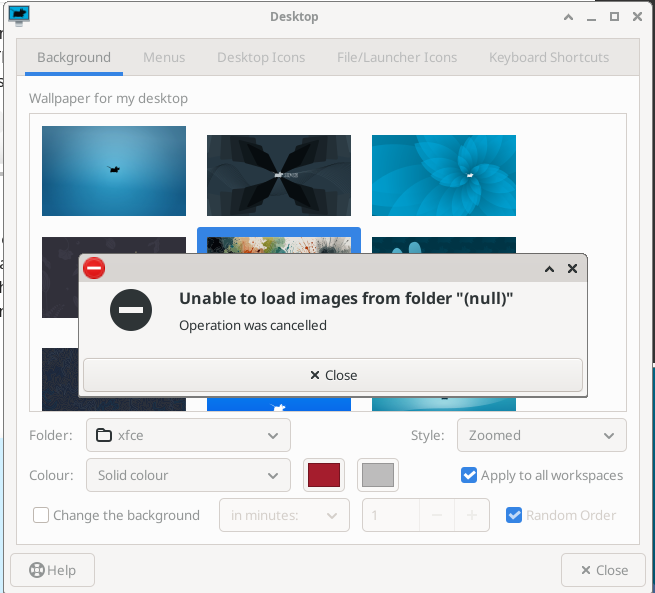
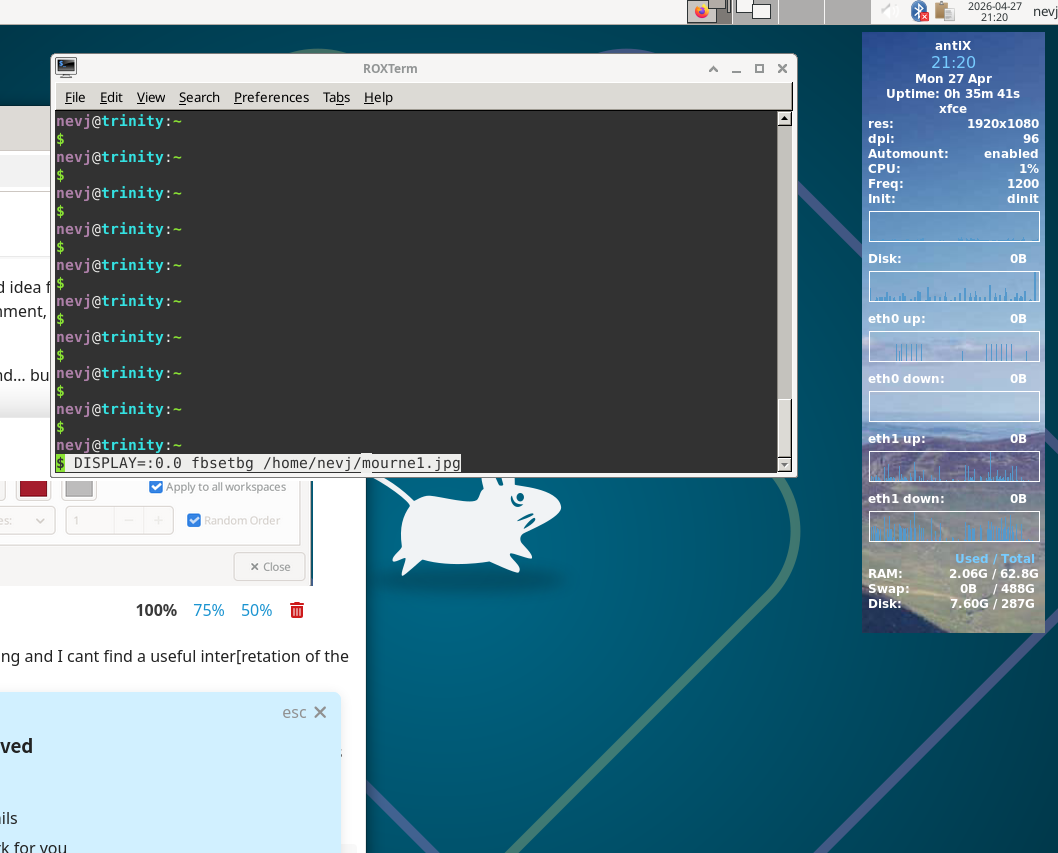
Desktop → Background . It offers only Xfce backgrounds. I try to point it to /common/Backgrounds… it sees the images , but clicking on any image fails to make it the background.
I also get a popup message “Unable to load images from folder “(null)” … Operation was cancelled”
No success there.
It is a known issue with Xfce4.20. None of the suggested workarounds work for me.
Conclusion
I have a working Xfce. There a couple of issues with
- xfce4-settings-manager not in the menus
- unable to change backgrounds.
Neither of those stop it being a working DE.
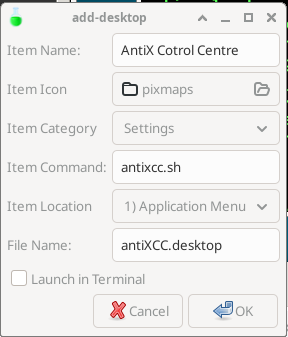
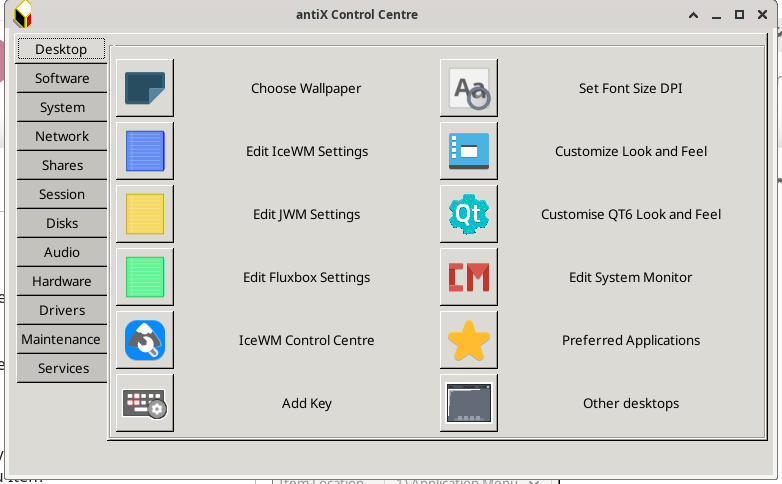
I have noticed some more antiX utilities are not in the Xfce menu … specifically the Control Centre and the Logout are missing … and probably some others.
This needs investigating.
So you can have an Xfce DE in antiX26. I have also succesfully tried Enlightenment.