I did not know you were a Fortran user , Bill.
I used Fortran II on a ibm1620 in the 1960’s, and Fortran IV on a 360.
It would be interesting to redo some Fortran today… do you want to try?
No need to stress ourselves out, just try something simple , like process a data file.
1 Like
As a high schooler in a 6 week program, we wrote simple addition programs. I know we did it, but I’m damned if I remember more than that. Regretfully, I have to decline your offer due to advanced age and fading memory.
I did try some Pascal and some Basic, but I can’t remember any of those either. When I use the command line, I’m usually copying and pasting stuff that smarter people have written. I’m able to execute a few apt and dnf commands, like update and upgrade, but it’s monkey at the keyboard time past that.
2 Likes
I am not far behind you there.. I guess we all have to let go sooner or later.
My short term recall is disasterous … wife asks for something, it registers, then fades away before I can act.
1 Like
Welcome aboard!
Interesting read.
I thought it was Doug Englebart who invented the mouse? Some 5 or so years before the Xerox Alto?
I had no idea that eye colour affected colour reception either… Are you sure about that? I have grey/blue eyes… But I am red-green colour-blind… Out of 4 siblings - just me and my next brother down were colour-blind… But it’s exceedingly rare in females - so obviously neither of my sisters - no my mum, colour-blind, and my Dad wasn’t (fortunately - as he was a stage and costume designer for theatre - and my youngest brother isn’t colour blind either).
I actually prefer sans-serif “helvetica” style fonts to seriphed and times-roman style fonts… That’s how I read e-books on my iPad too…
I tried my hand at basic on a TRS-80… Wasn’t very good at it - didn’t learn much, never used it again…
I did some Pascal when I was doing mature-age (in my early 30’s) computer science degree at “night school”… Haven’t touched it since… Closest I get to programming these days is shell scripts…
2 Likes
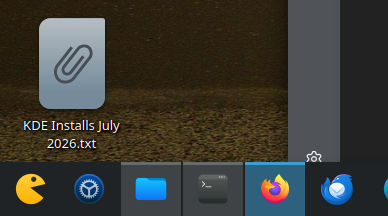
I’ve been using KDE for a couple years now. I don’t do a whole lot of crazy stuff. Dark mode, Bing’s daily wallpaper, Kora icons, RAM and weather widgets on the taskbar. I do add a button between min/maximize to keep the window always on top. I find that when I want to arrange other windows around something important or keep an eye on terminal, etc.
For the desktop itself. I always have the Home and Downloads folders linked. I actually use the desktop as a virtual desktop. Anything I’m actively working on resides there. In theory at the end of the day/week the files will be sorted into their proper folders but it gets out of control more often than not. 
 I’ll usually throw the fuzzy clock on as a desktop widget and sometimes a full size weather widget but that’s about it.
When I was younger and first got started I spent endless hours theming. There were so many scripts and guides going around to make Ubuntu look like OS X. I guess I aged out so to speak, I don’t enjoy it as much these days but it’s still fun to use the Kapman icon as my launcher icon. 
2 Likes
I use the Trinity DE on my old Toshiba laptop and an Acer netbook from around 2010, both running Q4OS. My main desktop tower and my main Acer laptop are both running Mint v22.3 with Cinnamon DE. Since I considered Windows 7 the best OS Microsoft ever produced before going steadily downhill since the release of Windows 8 in 2012, I have all my devices set up with a Windows 7 aero theme. Mint comes with a workspace switcher (Ctrl+Alt+left or right arrow), so I use it to keep my primary workflow separate from more personal tasks. Waterfox is my browser of choice in the main workspace, and I use Librewolf in the secondary workspace.
1 Like
I’m fast approaching my mid-70s, but am a relative newcomer to the world of computers. I was an electronics technician in consumer and commercial electronics repair for almost 30 years starting around 1970, and for a long time I told myself that I would never own a computer. That all changed in late 1994 when my son bought one of the first Pentiums with Windows 3.11 for his college courses. I started playing with his new computer and in short order bought one of my own, a Packard Bell 486DX2 66MHZ running Windows for Workgroups 3.11. It wasn’t long before I cross-trained into the computer repair field and obtained CompTIA A+ certification at the turn of the century. I ran my own computer repair company in Montana for a dozen years. Now retired and living in Australia. Since retirement I no longer need to keep up with the latest and worst Microsoft has to offer, so I transitioned all my devices to Linux two years ago, and never looked back.
6 Likes
Trinity is KDE fork. To me it looks like an early version of KDE. It still has Konqueror working as both a file manager and a browser. I think KDE abandoned that.
It is OK though… I can work in Trinity.
1 Like
Wow! Nice forum.
No real insight for developments. My favorite interface is still the keyboard, I can press the windows key and type “mail” way quicker than I can hunt for the mouse, wiggle it around, hunt for the mail icon, and move the mouse to click it.
We know exactly where the keyboard is and where the keys are. I think the thought pattern goes along the lines … I want to get mail, or I want to hit the web, etc. I guess sometimes we think like … I want to run gimp, using the actual app name but that takes a translation in one’s head as to what tool to use to achieve your result, brain space that could be used planning the next step.
Don’t get me wrong icons are great when you want to find out what you can run or when you are stepping out of your normal routine. I do like the full screen dashboards that pop-up with the Windows key even if I do use the mouse to select the app.
Voice recognition? Imagine a room full of developers all shouting at their computers, yikes!
3 Likes
I turned 76 this past winter. My computer career started in 1970 as a Cobol programmer on an IBM 360/30 mainframe. Back then the main input to the computer was punched cards. I switched to Linux about 7 years.
3 Likes
Yes, I can be a verbose old fart sometimes.
2 Likes
Dan, I guess you are right about Douglas Engelbart inventing the mouse, my mistake. Maybe Xerox were the first to sell it.
RE: “I had no idea that eye colour affected colour reception either”, I believe it to be true and there are websites that concur. I was only referring to sensitivity which is probably also a function of how light the eyes are, i.e. the amount of melanin in the eyes.
RE: Helvetica. The serifs are there to help us recognize letters leading to recognizing whole words in one go, when we read and don’t recognize a word we have to go back and examine all the letters to form the word. But yes sans-serif can be better on a low-res screen, and a bad serif font is even worse. Have you tried “Source Serif Pro” or “Source Serif 4”?
2 Likes
At the risk of stimulating an argument, I have to align on the side of full screens and workspaces rather than tiling desktops.
3 Likes
I guess I’m not too far behind you. Will be 74 the middle of October.
1 Like
You’ll get no argument from me! 
1 Like
I feel young. I’m 51. On 28 October it’s my birthday.
2 Likes
For me there is a big difference in actual age against mental or physical age. I still do so many activities and take part in events. When asked my age I hesitate to reply, except when going to medical things then I feel good as it’s printed on the entry slips
I recently passed 69 but fitter now than in my 30s
2 Likes
Yeah, I find it just as easy to type a program’s name as to search a menu or click an icon.
BTW executing a program by typing its name was a great Unix innovation … before that you had to invoke the loader.
I think menus help when you dont know exactly what program you need but you know what job you want done.
I think icons are just convenience buttons for frequently used things like the browser.
Can you imagine an OS without a shell … they did exist once… no interactive system at all, just a batch queue.
When they first introduced interactive systems, they were separate from the batch system and had different commands … that was another Unix innovation … the interactive and batch systems used the same commands … it was just forground and background
Unix was very innovative … even before it got to graphics screens and desktop environments.
2 Likes
I second that. I want to decide where a window sits, and I want to see some clear background around it.
There is an alternative to workspaces to expand your screen space … virtual screens … have a look at fvwm window manager.
3 Likes
You asked: “Do you customize your desktop environment?”
My response: Yes, significantly. Since I dual-boot Garuda KDE-Lite Linux, my customization’s involve two OSes, but I’ll stick to my customization to Garuda here.
First, I use the same background image for the Grub boot-loader, my login screen, lock screen, and my desktop:
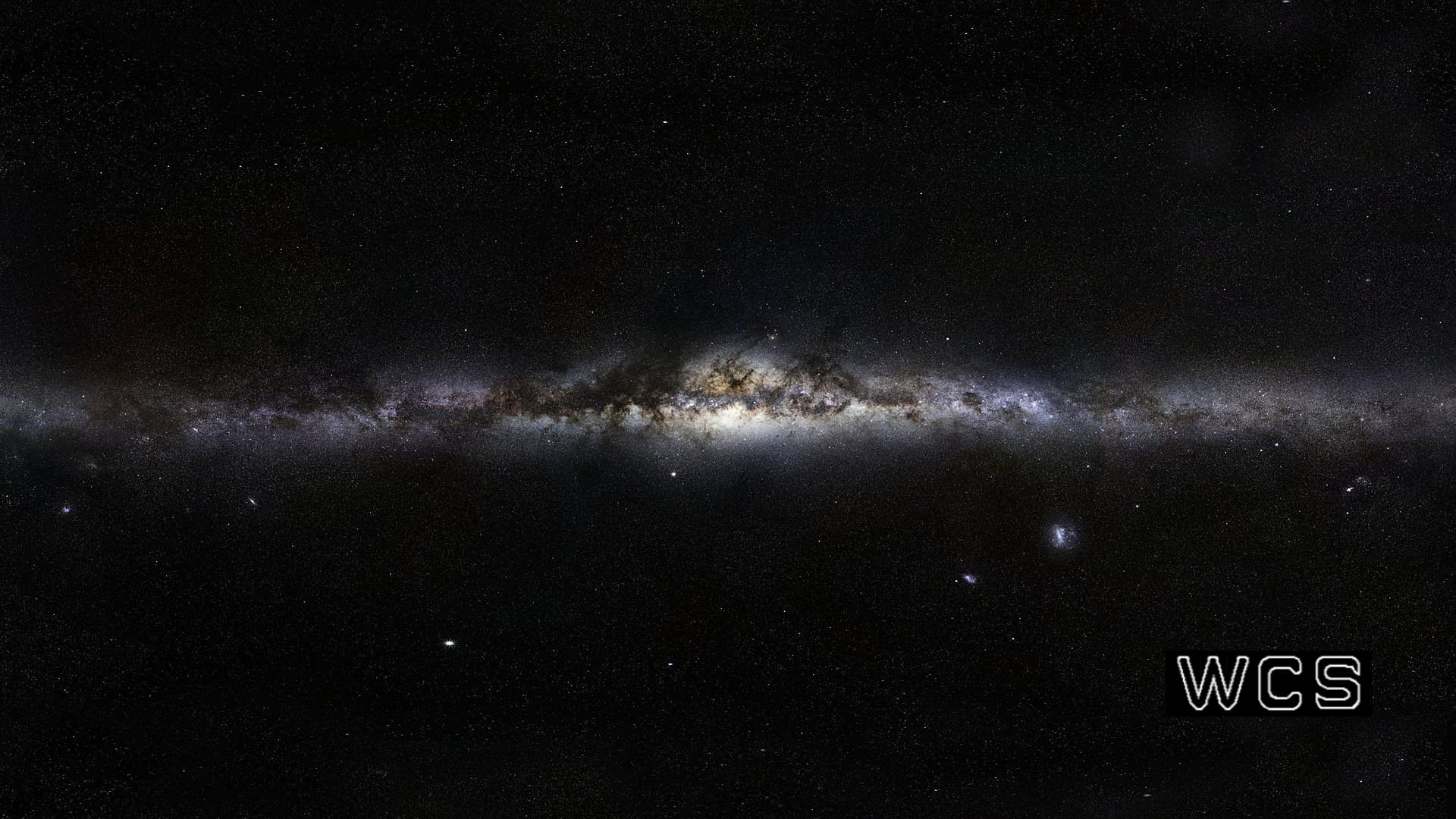
to produce this:
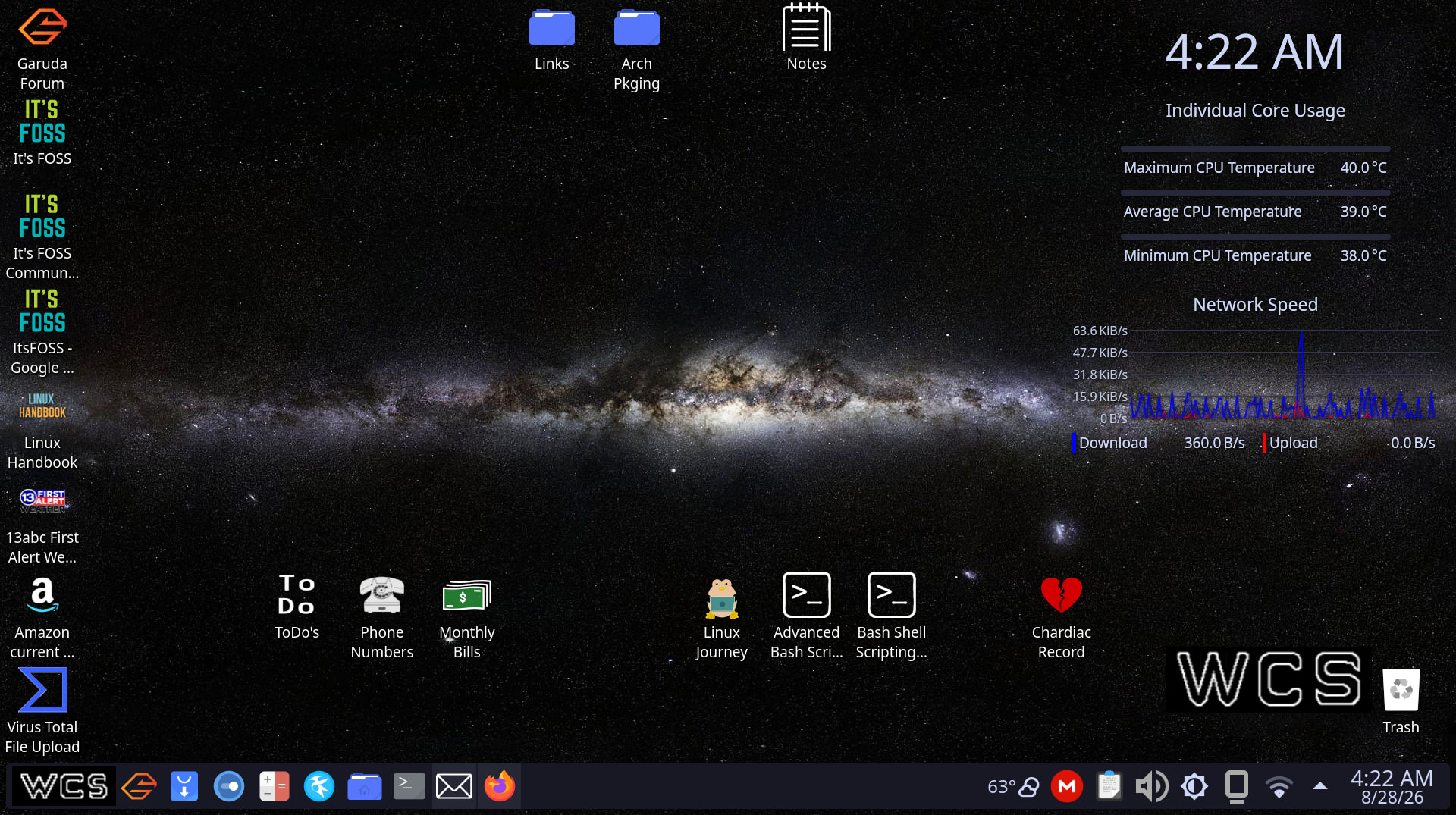
On an earlier, similar post I saw this image from another FOSS’er, and I liked it, so I copied and modified it for my own use (added the WCS; bottom-right).
I spent a considerable amount of time modifying/customizing all the available appearance settings in the KDE System Settings app. Now that I have my system looking and working as I want, I used a CLI utility named konsave to create, export and save my current system configuration profile to a file I’ve named WCS_Mokka_Black.knsv, then copied it to a sub-directory under Documents so it’s synchronized with all my important files to my cloud service (mega.nz) in the event something bad happens to my system drive, or computer, so I can restore all my work with just a few clicks.
In Windows, I use Veeam Agent, a free for personal use, enterprise quality image backup utility, saving my backup images to an LXC storage container I created on my Proxmox-powered home lab/server, I currently have nothing similar for my Garuda system. Because my distribution defaults to the btrfs file system, and Snapper tools in the event of a broken update, I haven’t yet worked out how to move snapshots to remote storage, or even whether it’d be worth the effort. I think I’ll make that my next project, and if/when I figure out how I want to proceed, I’ll write up a post here …
Ernie
5 Likes