This works on Fedora 42/Gnome. On Fedora43 Bugsie it installs but the printer is not working, nonstop printing empty pages. The network printer works find in Windows7
Is Fedora not compatible with Brother HL-3040CN? it is not in the PPD list either. Why is printing in FOSS so messy?
By défaut on linux printers are normally auto detected and added.
Is your printer on the wifi network or attached by a cable ?
Just to start problem solving
Switch off and disconnected your printer
Go into the control panel and printers section. If you can see your printer in the available devices, remove it. So you are back to a printer free system.
Then connect, power up your printer.
Wait a few mins for it to auto detect, you should get a message on the screen once détecter.
Go back into the control printers and make sure yours is listed
Right click and make it the défaut
Now try a print.
I have done all of this without the script from the supplier.
I’ve just been through this on RHEL 9 (and Fedora is part of that family)… I tried to find my Brother MFC in RHEL 9 Desktop (Gnome - it’s a VM in KVM) - it didn’t have a specific driver for my MFC-9335CDW - so - I tried another similar numbered Brother driver - and the test page worked…
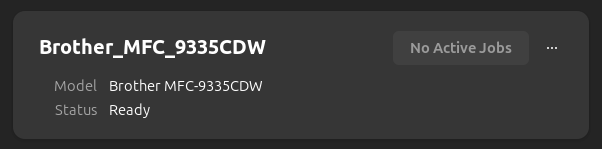
Ubuntu (and Mint too) just finds my printer and installs it :
Ubuntu’s been like that since at least version 15… it’s plug and play - it just finds it and installs it when I install my O/S (same happened on Mint [LMDE7] in a QEMU/KVM guest VM)… And it knows I’m in Australia and my default page size is A4…
And - one of my customers has bunch of Brother MFC spread out across the whole state of Western Australia (it’s huge - about 3 x Texas) - and a colleague is having a devil of a time on RHEL9 CUPS getting them to work (they sorta mostly work on the old Oracle Linux 7 CUPS servers - but that’s because they have the vendor specific RPM files installed - but - they’re ONLY 32 bit i386 - not x86_64 - brother don’t offer 64 bit version of their RPM driver packages).
Good luck! Driver support is one of the reasons I dumped Fedora as a potential option last time I distro-hopped - I didn’t want to have to add RPM-Fusion repo just to get accelerated GPU support… Pop!_OS, Mint, Ubuntu all offer that out of the box (Pop!_OS probably best at GPU support) - but my Ubuntu 24.04 works just fine with the OSS AMD drivers for my GPU (Radeon RX 6600/6600 XT/6600M)…
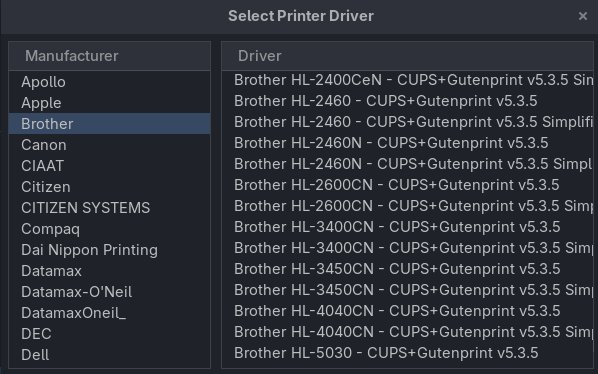
Just had a look at the list of Brother drivers that RHEL9 ships with…
There’s no HL-3040CN - but there is HL-3070-CW… You could try the postscript/foomatic version of the driver that RHEL include…
I setup my Brother MFC-9335CDW on RHEL9 using another driver from RHEL - Brother MFC-9320CW and it worked for me (i.e. test page printed just fine)… Don’t need to do that in Ubuntu…
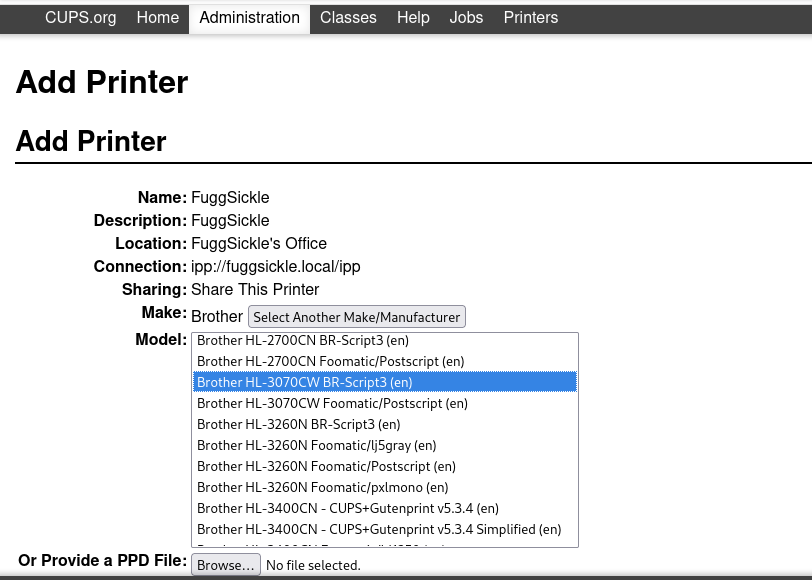
Anyway - I setup a printer on RHEL9 using the CUPS “Add Printer” WEB UI wizard - but its a fake non-existent printer so I can’t test it…
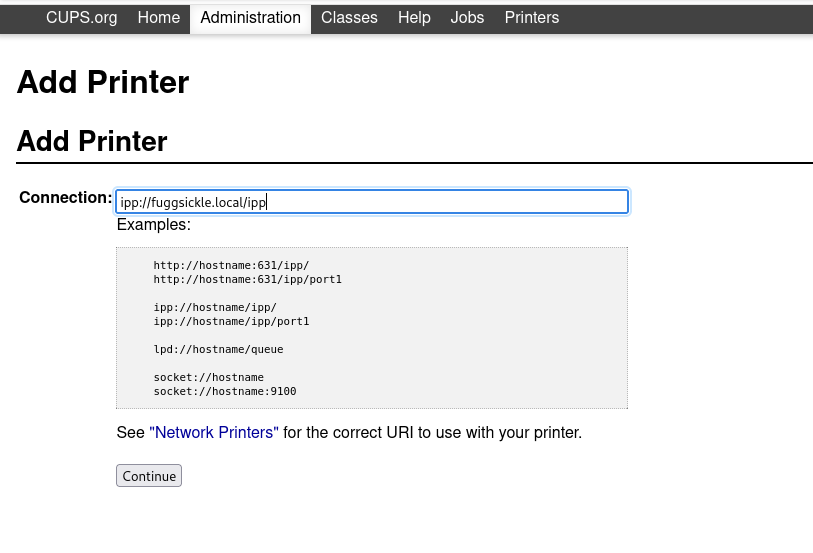
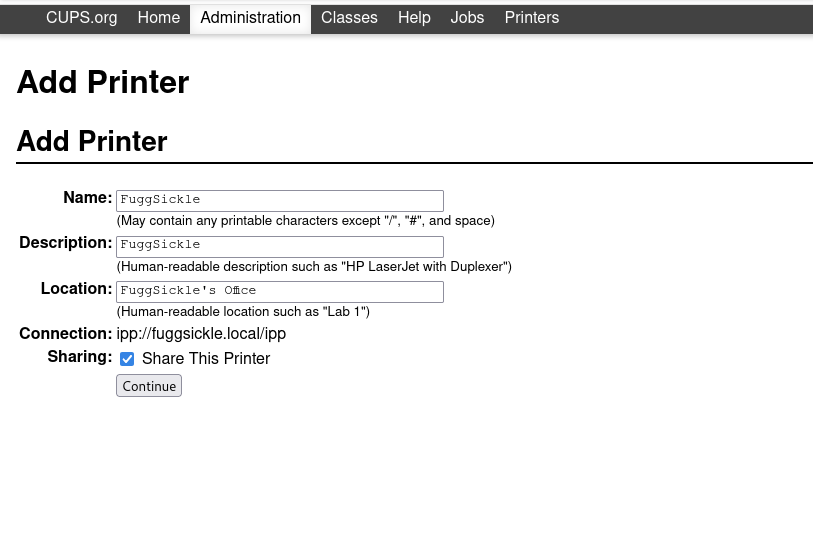
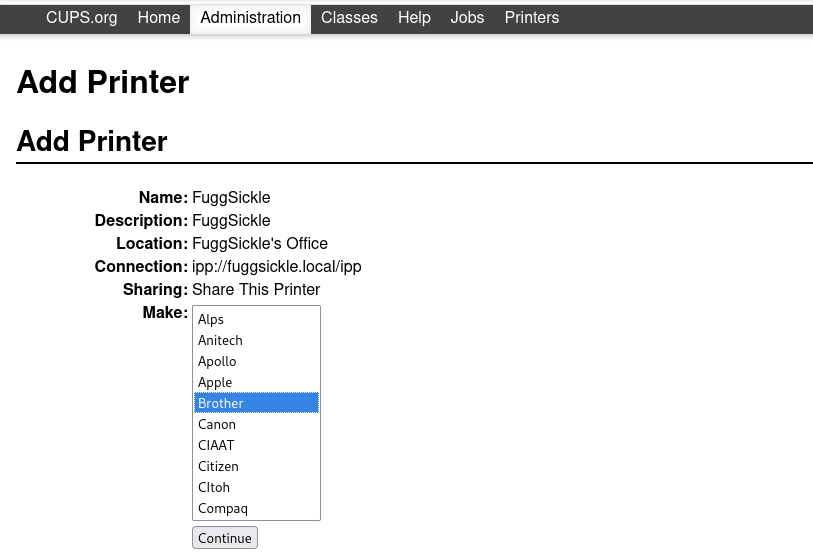
Screenshots of “http://localhost:631/” (need to be root) adding a printer (HL-3070CW) :
That connection string is made-up imaginary… But for my Brother MFC - that URI is “socket://10.0.0.112:9100” - I couldn’t tell you what yours needs to be… Is your Brother networked? Ethernet? WiFi? My MFC supports both…
That list of printers is from the vendor (i.e. Red Hat) - I’d probably recommend try the Foomatic/Postscript (en) one vs the “BR-Script3 (en)” I chose… I’m using the Foomatic one with my brother…
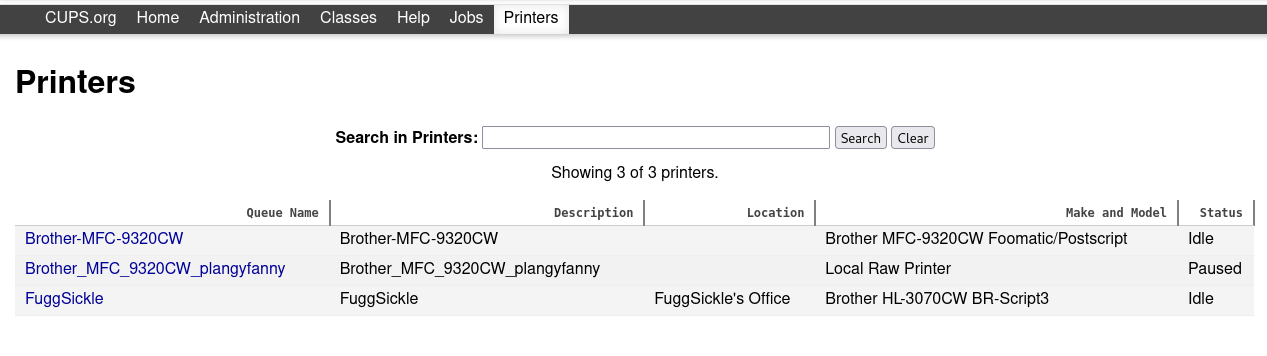
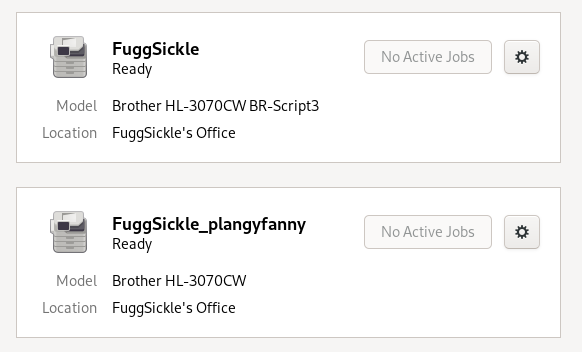
And new queue in CUPS (along with the existing one - i.e. an MFC-9335CDW but using the MFC-9320CW “driver”) :
Don’t ask me why it shows twice - I have no idea… RPM based distros like RHEL, Fedora, etc are not my daily driver - apart from supporting hundreds (maybe 1000s) of RHEL and Oracle headless servers in my job (including CUPS printing).
Used the URI for my Brother device socket://10.0.0.112:9100 as the Connection string for my network printer (can’t remember if that’s the ethernet, or wifi, IP address - but that doesn’t matter).
Smash the Maintenance button, then select “Print Test Page” and (it took longer than it normally does on Ubuntu on bare metal) out plops a CUPS print test page - in colour on A4…
$ sudo vivaldi [12027:12027:1220/101629.074462:ERROR:chromium/content/browser/zygote_host/zygote_host_impl_linux.cc:106] Running as root without --no-sandbox is not supported. See ``https://crbug.com/638180``.
Thanks yes I see that now , Thanks! How do I install hl3040cncupswrapper-1.1.2-2.i386.rpm and hl3040cnlpr-1.1.2-1.i386.rpm on Fedora 43 Budgie?
$ sudo dnf install ./hl3040cncupswrapper-1.1.2-2.i386.rpm --nogpgcheck
Updating and loading repositories:
Repositories loaded.
Failed to resolve the transaction:
Problem: conflicting requests

nothing provides hl3040cnlpr needed by hl3040cncupswrapper-1.1.2-2.i386 from @commandline
You can try to add to command line:
–skip-broken to skip uninstallable packages

$ sudo dnf install ./hl3040cnlpr-1.1.2-1.i386.rpm --nogpgcheck
Updating and loading repositories:
Repositories loaded.
Package                                     Arch        Version                                     Repository                  Size
Installing:
 hl3040cnlpr                                i386        1.1.2-1                                     @commandline             4.6 MiB

Transaction Summary:
 Installing:         1 package

Total size of inbound packages is 597 KiB. Need to download 0 B.
After this operation, 5 MiB extra will be used (install 5 MiB, remove 0 B).
Is this ok [y/N]: y
Running transaction
Transaction failed: Rpm transaction failed.
Warning: skipped OpenPGP checks for 1 package from repository: @commandline
  - package hl3040cnlpr-1.1.2-1.i386 does not verify: no digest
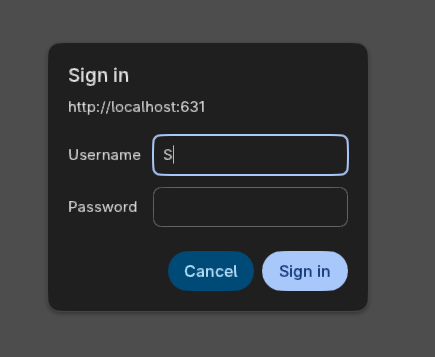
What I meant by “root” was the CUPS login prompt that pops up when you “Add Printer” in the CUPS "http://localhost:631/ web interface… i.e. login as root and use the root password - there are probably better ways of allowing an elevated user access to create printers - but I’m lazy and never found a need…
Don’t run your browser as root - NEVER EVER run your browser as root…
I thought 'cause you’re running Fedora - you must know stuff…
Curious why the choice of Fedora? or did you inherit a Fedora system from someone else?
I’d never recommend that to a newbie… Like everyone else on here says : “Linux Mint” (e.g. LMDE7 - which found my exact printer model and installed the driver - not when I wanted to add a printer - but when the LMDE7 installer “installed Linux”)…
Since Ubuntu 15 - installing the O/S has just kinda scanned my network - found my brother printer and installed the driver for it… Without me lifting a finger…
That’s not easy… that’s just wrong - sorry Nev… But on each UNIX or GNU/Linux system - there’s only one root… I don’t know what you’re trying to say here…
I think the OP @theking2 - should perhaps - NOT use root to do anything…
Because I don’t care enough - I don’t know the answer to “install a printer in the CUPS WEB UI” without using “root” and the password for root…
I still don’t understand why the OP is using Fedora… Why?
I’d suggest something thats way more Plug and Play like Linux Mint, or Ubuntu, or Zorin…