I have used Fedora as my main for about a month now and really like it
Today i updated it and now i cant even get to the logg in screen. I did post on fedora frum also but no answers yet.
1 Like
I don’t want to preach to the choir, but this is one of the reason to have a backup.
3 Likes
yes i understand that but this update will still be there and sometime i need to do an update.
1 Like
That can be
- login manager corrupted
- x server not starting
- graphics card driver issues
To get to a console login screen use the F1, F2, … buttons.
I think it is Alt F2… cant remember.
2 Likes
I saw on fedora forum there is more than just me and it seem related to the new kde plasma update
3 Likes
Wait for them to fix it.
3 Likes
I got one answer that i could type ctrl-alt-f3 to get to an logg screen
2 Likes
Or you can Ctrl+Alt+F4 to get a TTY console session…
Haven’t tried this on Fedora / RHEL - but it worked for me on Pop!_OS 22.04 and Ubuntu 22.04…
Ctrl+Alt+F1 or F4 or F5 or even F6… Be wary of F2 and F3 and F7 - these are sometime distro dependant - sometimes your DE is running on TTY3, and the logind running on TTY2 - but - some distros still run the DE and LoginD on TTY7… (note : Ctrl+Alt+F1..7 (or more?) are number by TTY… So Ctrl+Alt+F4 is TTY4…
i.e. Pop!_OS 22.04 :
Press Ctrl+Alt+F4
Login to the Text Console TTY (with your user account)
Once logged in type “startx” and your DE should start… I did this for about 18 months - it didn’t bother me really - as I hardly ever rebooted or logged out…
Note : this was 'cause something broke gdm (gnome display manager) on my AMD desktop system (with AMD GPU). Similar also happened on an AMD CPU/GPU ThinkPad running Ubuntu 22.04 (and the login to the TTY then run “startx” worked there too).
Some distros don’t have a “startx” script…
3 Likes
Scroll down a bit on this Fedora web page and it’ll tell you what to install, with the new KDE Plasma login manager.
Once you’re logged into a TTY Terminal display, try these commands from their website.
 sudo dnf install plasma-login-manager kcm-plasmalogin
 sudo systemctl enable --force plasmalogin.service
Reboot and hopefully this will sort it out?
If of course you have already tried this, then please ignore.
3 Likes
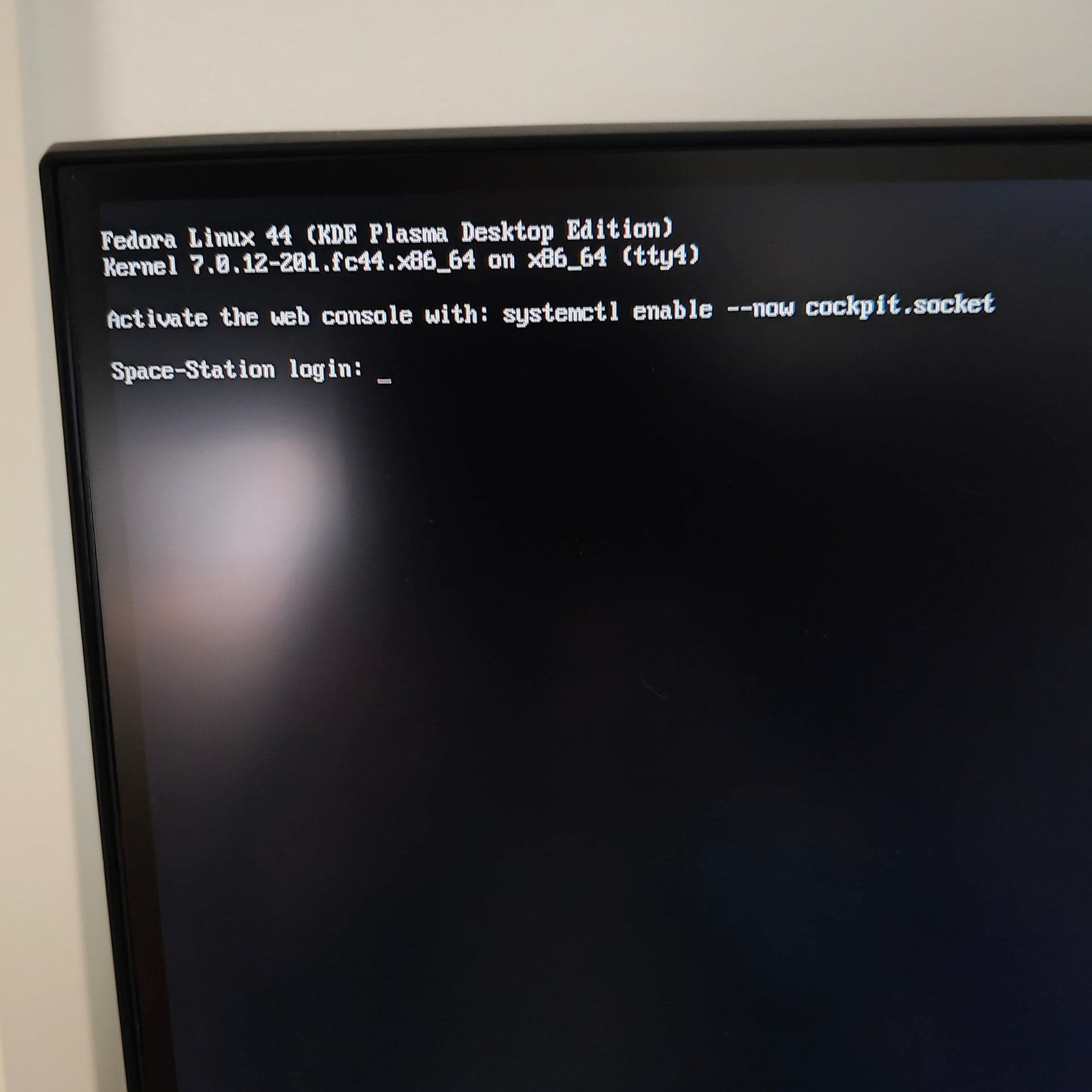
I get here but my password is not accepted and it is the password i used when i made the account when i installed Fedora
1 Like
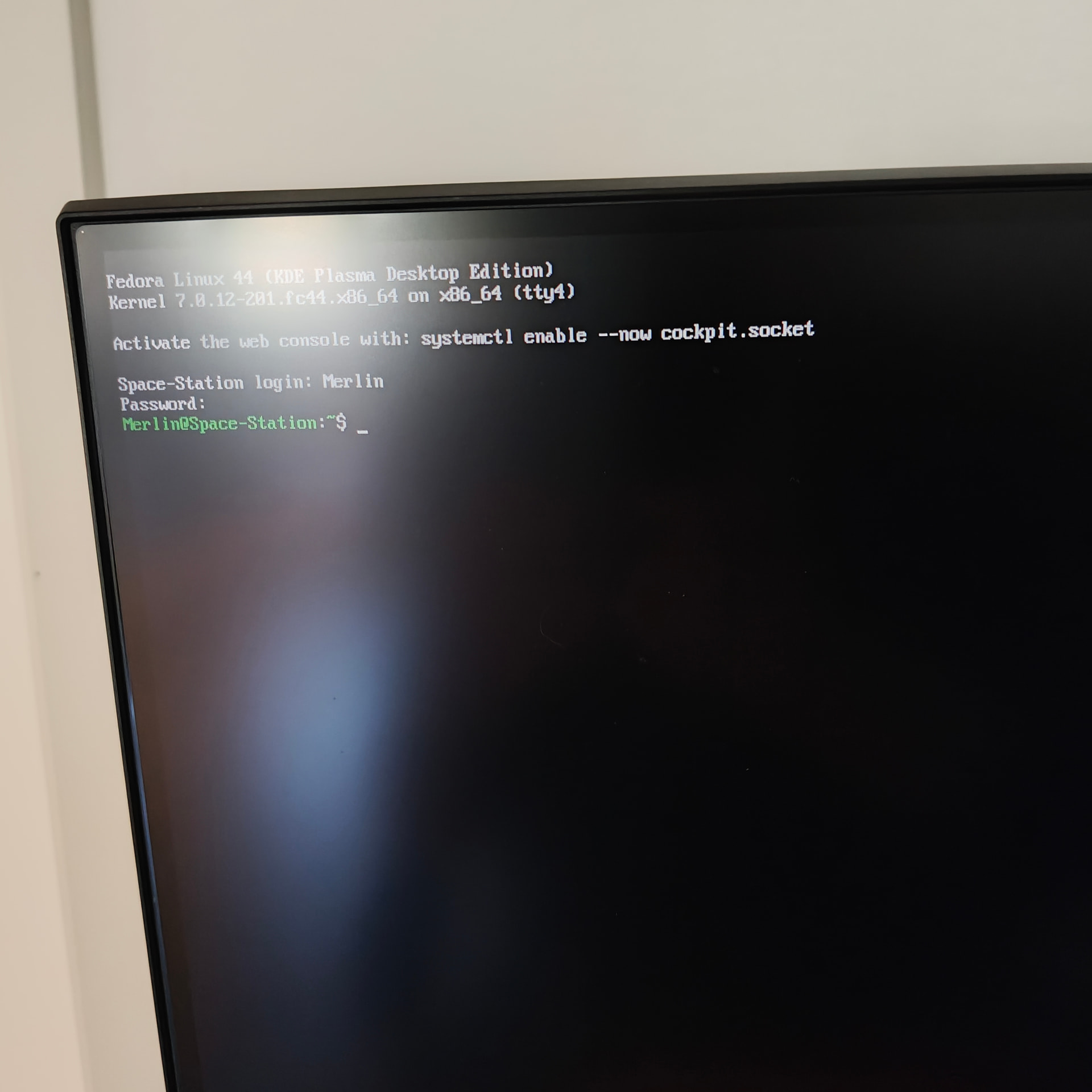
Nope that did not work
1 Like
What happens if you update your system from the tty and reboot?
2 Likes
I all ready updated fedora and the trouble started after the update,but sure i could do a fresh install and try that
1 Like
I meant that run the update again. If this is a bug maybe it’s fixed already and an update fixed it
2 Likes
Sounds like you need to try a new installation
1 Like
ah ok i try it.
1 Like
yes i have done 2 new installations and it the same
1 Like
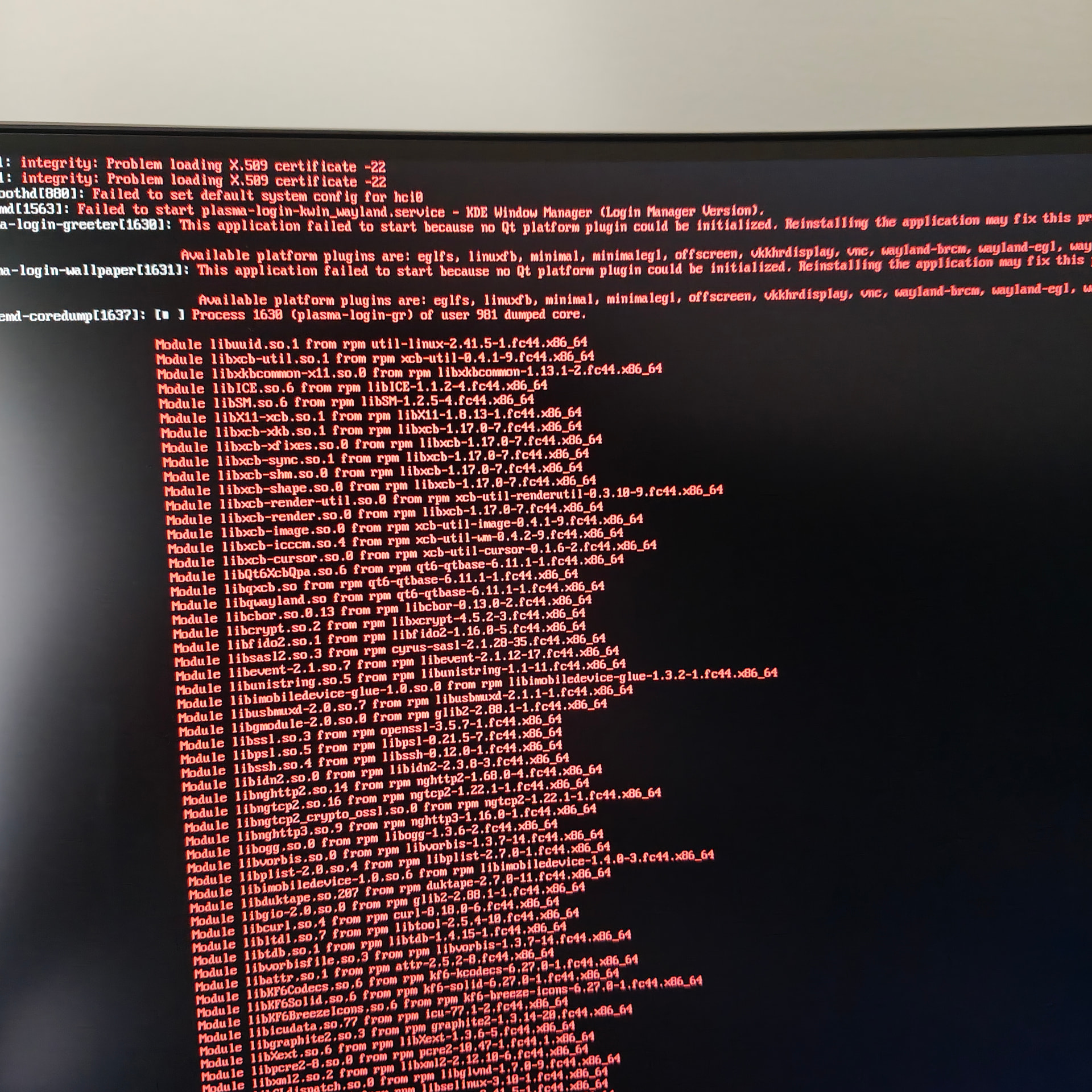
i did try to update in the terminal but there was no update
1 Like