Very interesting! Thanks for this…never tried or even read neatly about FreeBSD till now…
1 Like
I actually like ZFS - on FreeBSD and Solaris…
I had lacklustre performance on it with Ubuntu - but - admittedly I was using encryption - I read a guide about how to get Ubuntu to install on a ZFS encrypted fileystem… I don’t do that any more… I noticed that ZFS decrypt and encrypt processes were consuming CPU cycles - I NEVER see that with LUKS on EXT4
Not sure the ZFS drivers / software / libraries on Linux are quite ready for primetime…
anyway - if ZFS is a monster, then I guess so is btrfs…
I just found my Dell laptop that I’d been using for Gentoo (I’ve given up on Gentoo) and Windows 10 (hardly ever) I may wipe it and install GhostBSD… or maybe MidnightBSD… Hmmm…
2 Likes
Not quite as monstrous, but in the same category.
Both ZFS and Btrfs are fine products, … just too sophisticated for the average desktop.
We have one contributor (@ihasama ) who switched to Btrfs in Gentoo and is happy with the outcome.
@daniel.m.tripp knows this, but for others to note… be careful if you do a hard install with ZFS… it will OWN your disk.
1 Like
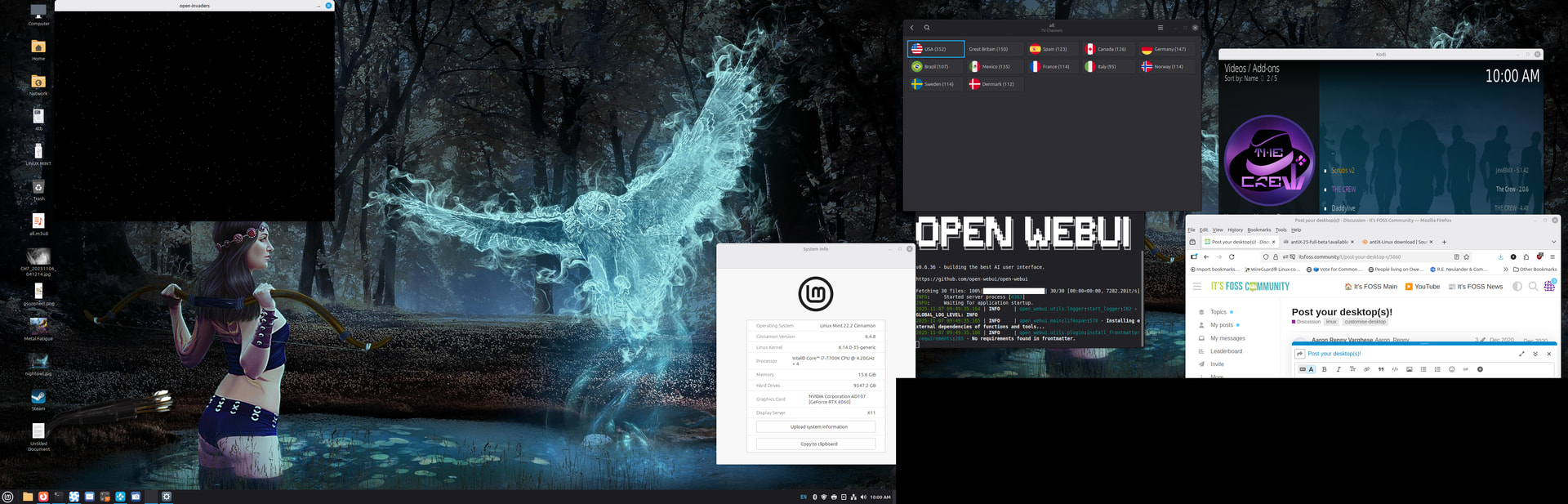
Nightowl hawk wallpaper provide by linux-apps.commercial. Used the intended name instead of the abbreviation
7 Likes
Yesterday installed lmde 7 and the desktop images are not very interesting a backward step, but noticed in the software library all the old ones exist so just put back the greek one.
3 Likes
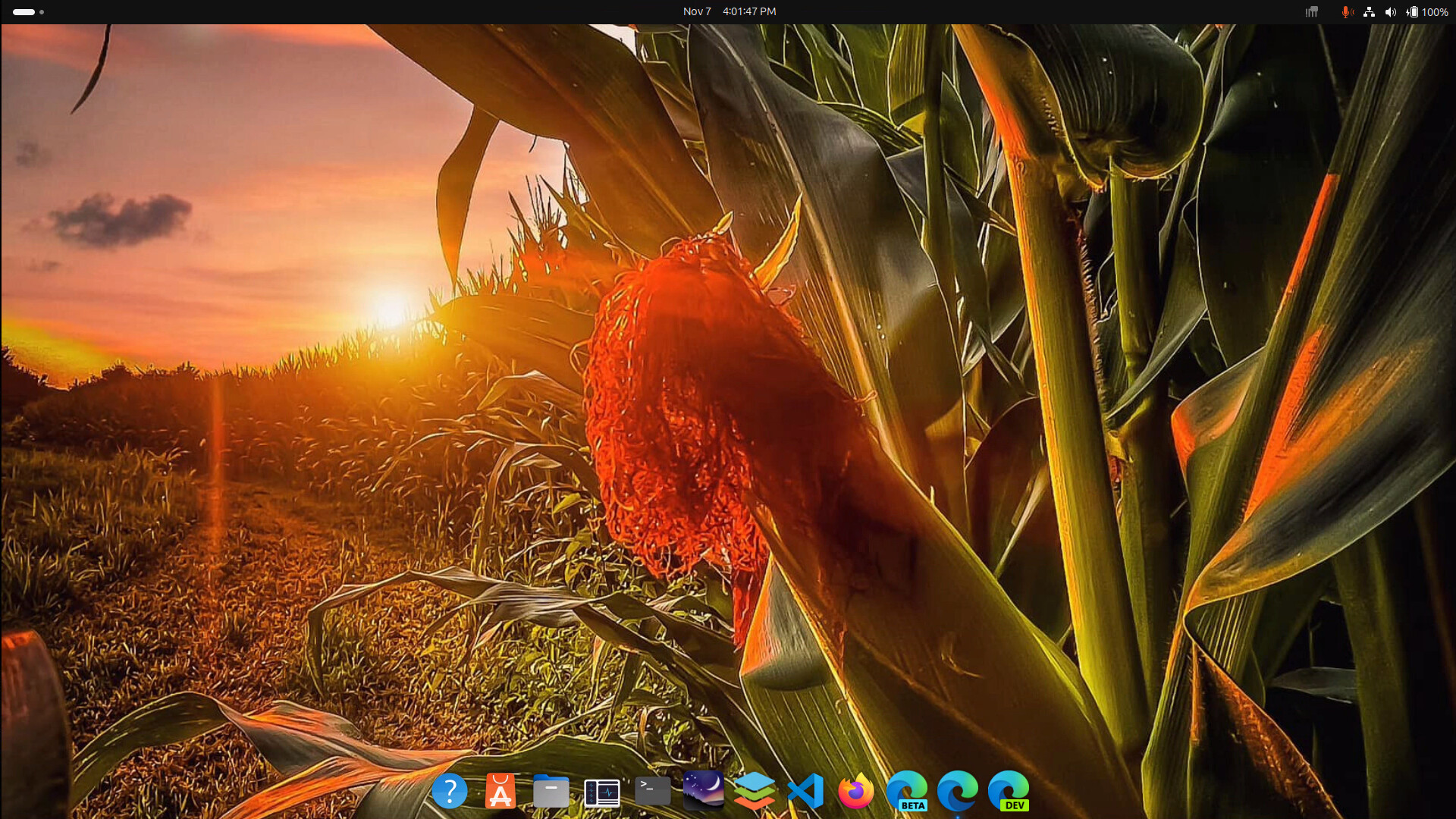
@pdecker
I prefer something less intrusive… neutral colours and less detail.
Each to his own.
5 Likes
Micheal Myers is lurking in there. Dont look.
1 Like
Got any hints on getting a desktop image to post?
1 Like
Screen shot (prntscrn key) it,
open a image drawing program,
paste screenshot (ctrl v)
save the image
Reply and attach
I use the Xfce ‘screenshot’ program… Other DE’s will have one similar.
It allows you to snap
- the whole screen
- a selected widow
- an area selected manually with the cursor
It saves to a .png file… by default in your Pictures folder.
Then you can use the ‘upload’ button (seventh button at the top of edit screen) to import the .png file into discourse.
2 Likes
+1
it looks very good
3 Likes
antiX has a really well done Conky setup.
May be worth a look
3 Likes
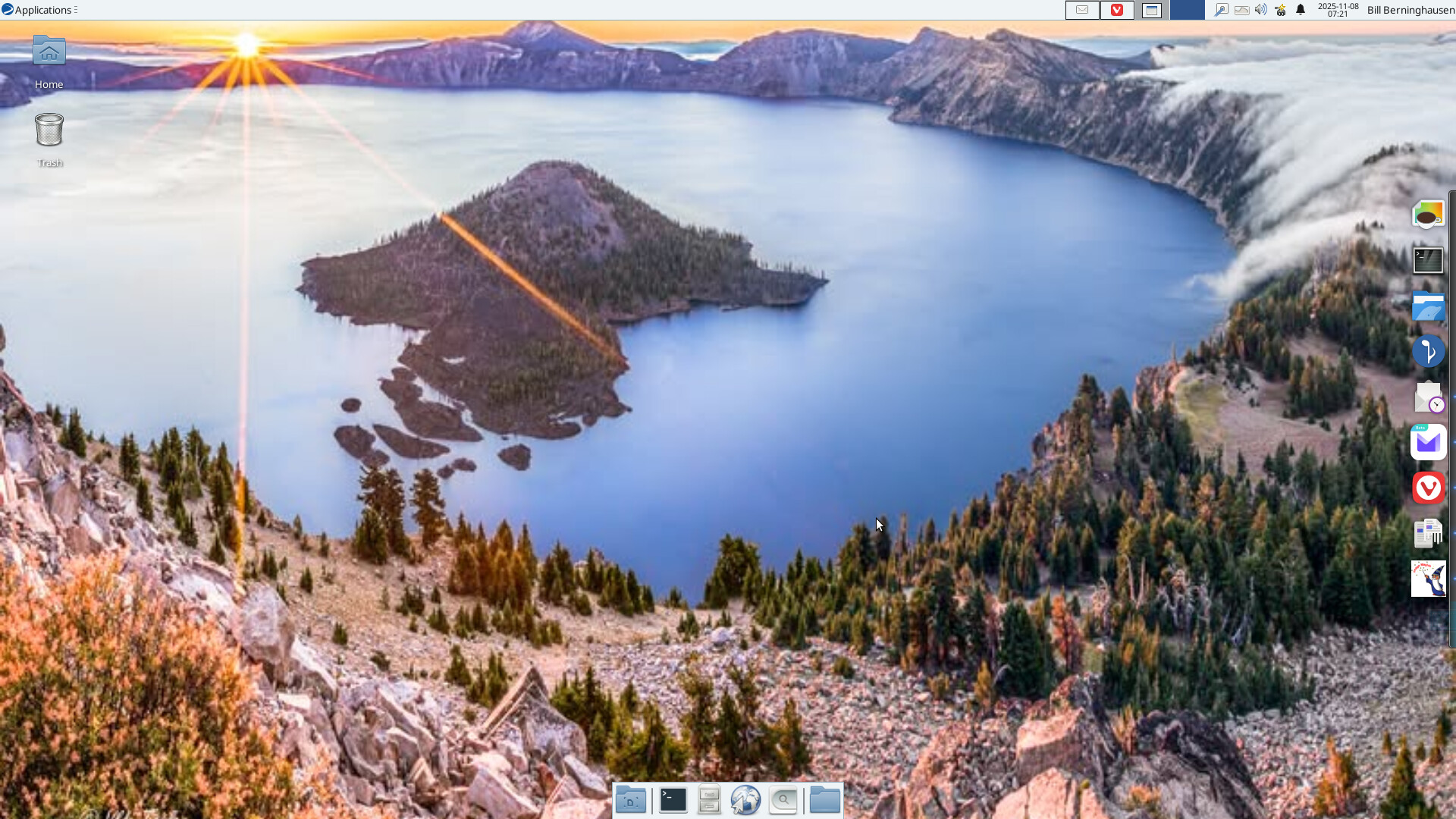
That’s the ones that easy catch us out. So obvious but hard to find.
Like the image makes me want to go for a swim
1 Like
It’s closed for swimming–too much garbage. And right now it’s just a bit nippy, 30F at night. Snow will come soon! But it’s a beautiful lake. I try to visit it every couple of years–only 200 miles away.
4 Likes
Australia does not have snow fed lakes. We hardly even have any snow.
There are a couple of volcanic lakes.
I will see if I can make a background of one of our inland salt lakes.
3 Likes
I saw you did get yours posted, nice pic. It’s cold here too. Maybe a long winter coming.
When I post a picture, I hit prntscrn and select the area I want. It’s then on the clipboard. At that point I can just hit ctrl-v in my post and it’ll show up. If I need to make some modifications first, I use Pinta on Ubuntu. It’s similar to Paint on Windows.
3 Likes
Screenshot used to be a right-click menu choice on Firefox. Now Firefox fails most of the time, so I use Vivaldi. Some distros don’t handle the PrtScr key the same way, either. Now I’m using Modicia and Vivaldi and I’ll have to check the documentation to figure this one out.
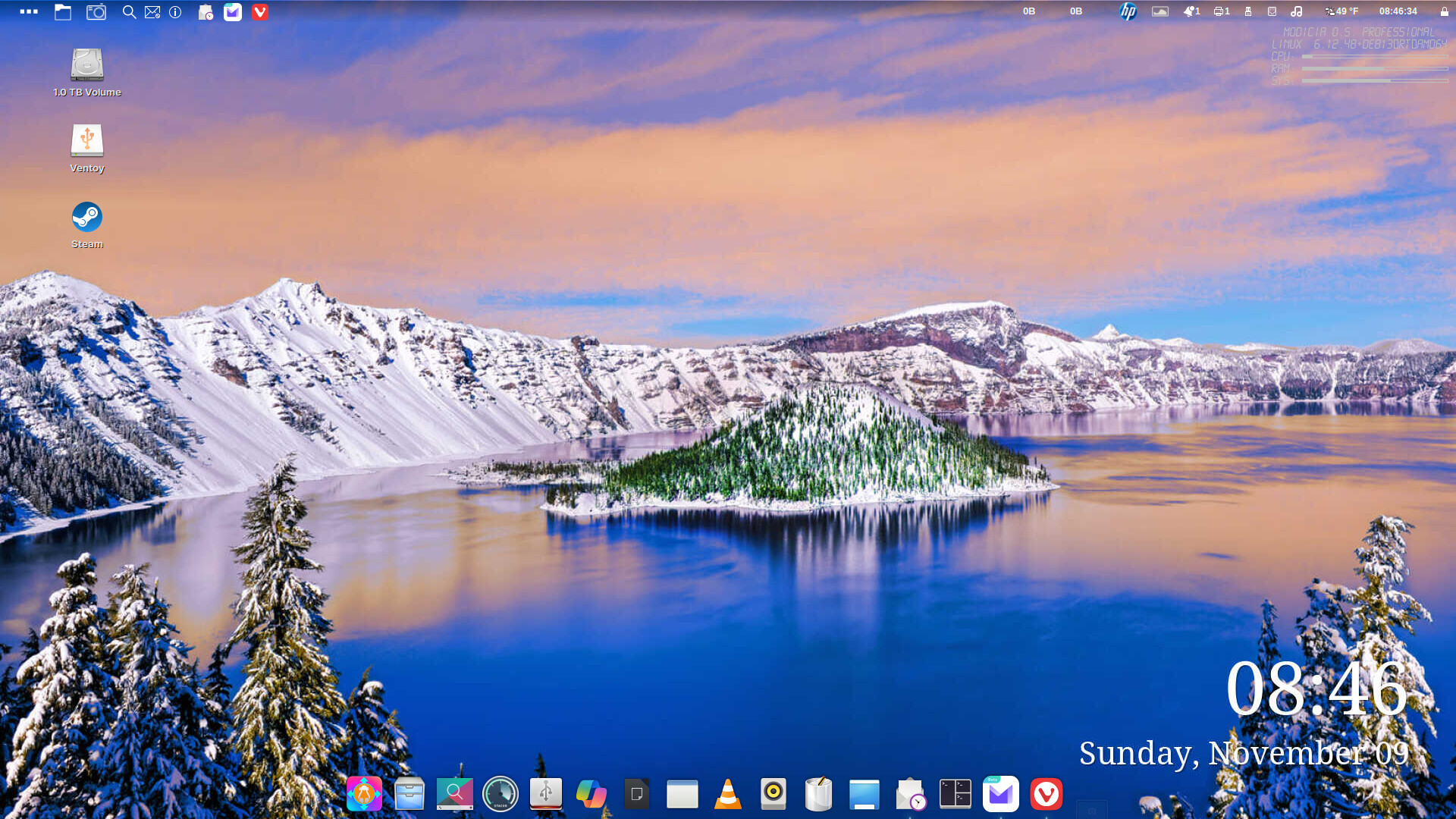
Here’s the same lake, in early winter. Turns out Modicia has a Screenshot app in its default selection of software. Lots to learn!
4 Likes
That looks cold, prefer summer beach images on my desktop especially now with winter on its way, snow on the mountains does nothing for me
1 Like