Bruno,
Thanks for the screenshot of the system info.
I will try to help as best I can and to the best of my knowledge, but my approach may seem simplistic, but I can’t do it any other way.
From what I can see in the screenshot you posted, it looks like the webcam is recognized as USB-Audio:
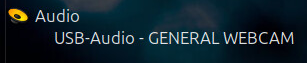
As I said earlier, I believe that the camera’s audio hardware is being detected.
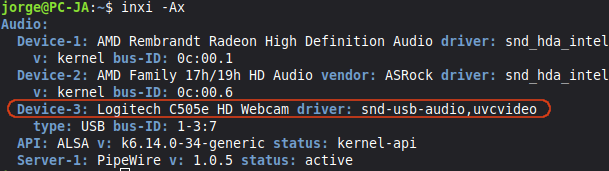
I connected my USB webcam, ran the command inxi -Ax, and verified that I have the same drivers as you for the webcam:
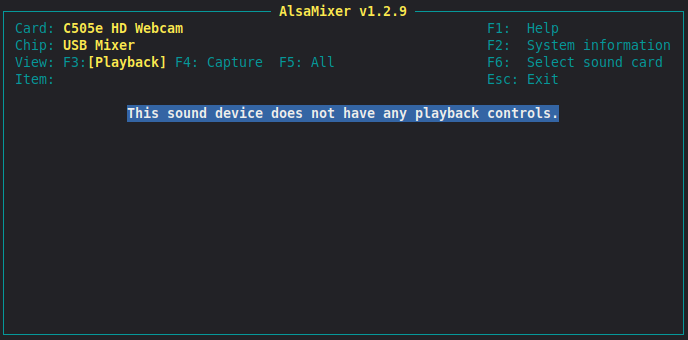
If I try to view the audio source in alsamixer, I get the same information as you:
I need you to do a test, please:
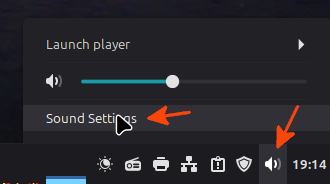
- With your webcam on, click on the speaker icon on the panel next to the clock, then click on Sound Settings:
- In the Sound window that opens, click the Input button and check that you have the Webcam Microphone device. If you do, check that the volume is at 100% and speak a little to see if the Input level bar changes:
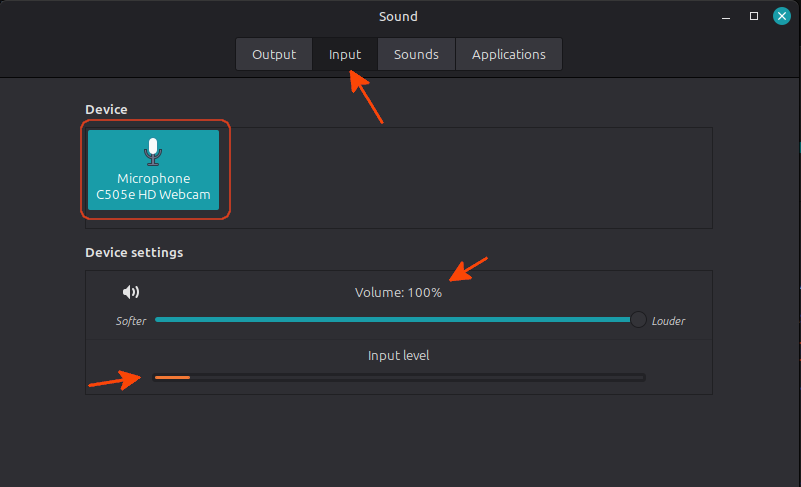
For now, I don’t need you to test Zoom.
Please give me your feedback, thanks.
Jorge