Surprising results from the Terminal Personality Quiz.
Minimal yes. Void and Gentoo no. Alpine only in containers so far.
Has anyone else taken the quiz?
Surprising results from the Terminal Personality Quiz.
Minimal yes. Void and Gentoo no. Alpine only in containers so far.
Has anyone else taken the quiz?
Haven’t seen it. I only use apt (install, update, upgrade) and fastfetch, now that neofetch is dead.
A link to the quiz would be useful…
Sorry. Here is a link.
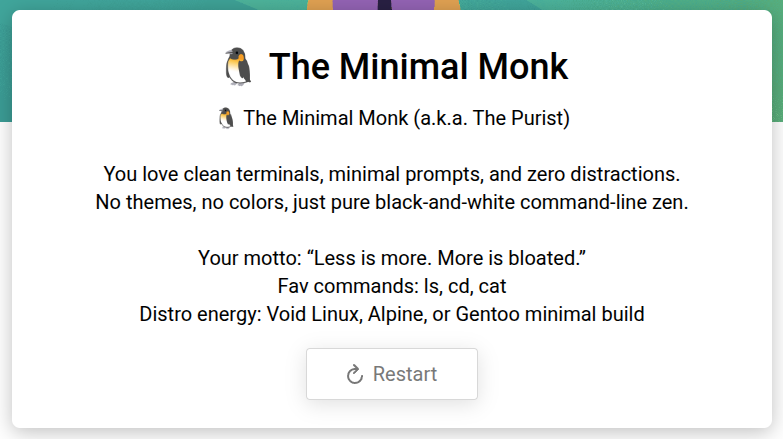
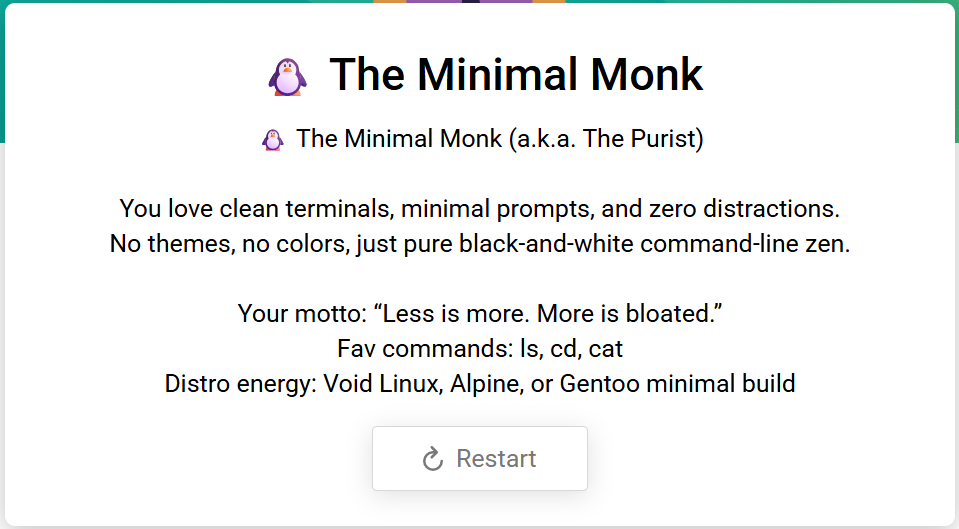
I’m also a minimal monk. LOL not surprised
I got Minimal Monk too. Some of the questions do not offer any option that suits me…I had to choose closest approximation.
Same here - minimal monk…
This one confounded me :
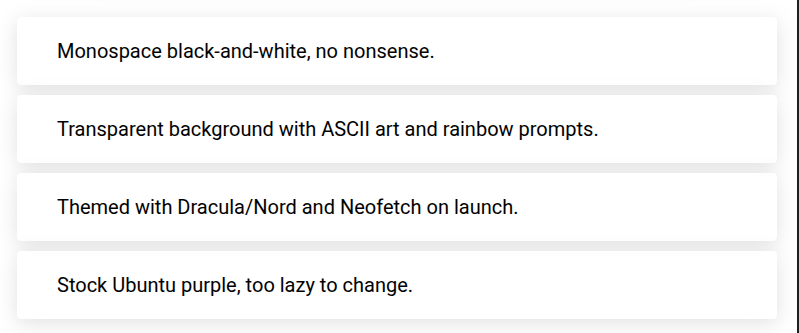
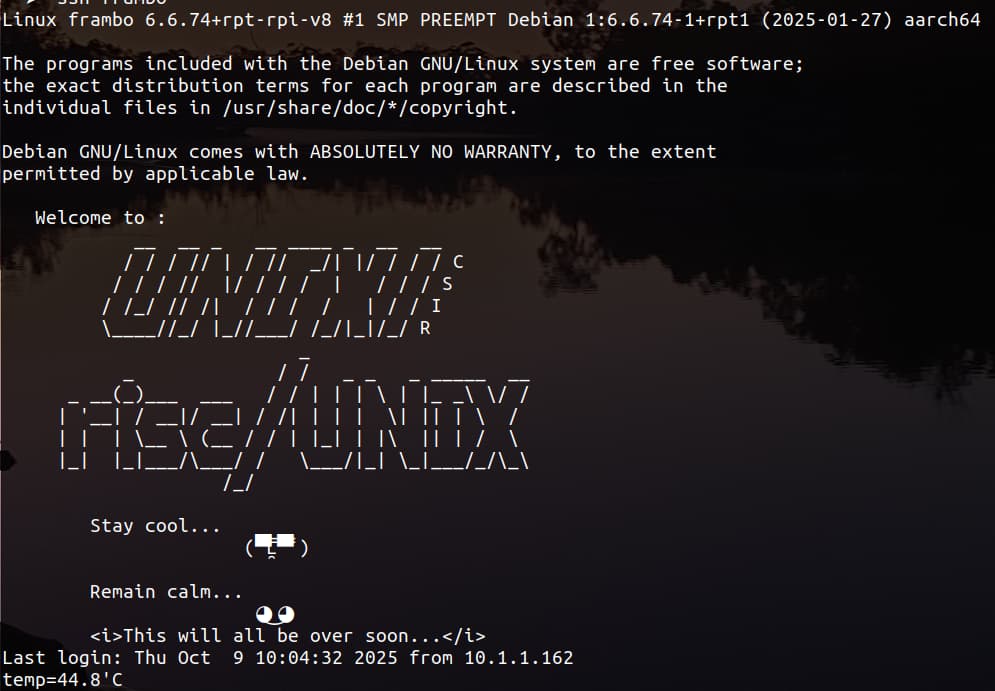
Because I have oh-my-zsh theming in my .zshrc and use zsh… But monospace black-and-white came closest - I don’t have any ascii art (except when I log in to one of my RPi devices - I have an /etc/motd)
anyway - I did it again and picked “Transparent background with ASCII art and rainbow prompts.” - I don’t have too much rainbow shit 'cause I’m colour blind - but I insist on transparent background…
When I first install zsh and oh-my-zsh - I nearly always pick the “gnzh” ZSH theme - but I I then have to use sed because the default is to colour remote prompts red - and I can’t read that on a black background… So :
╭─x@titanii ~/MPZ
╰─➤ cd .oh-my-zsh/custom/themes
╭─x@titanii ~/.oh-my-zsh/custom/themes
╰─➤ cp ../../themes/gnzh.zsh-theme ./dmt-gnzh.zsh-theme
╭─x@titanii ~/.oh-my-zsh/custom/themes
╰─➤ sed -i 's/red/141/g' dmt-gnzh.zsh-theme
╭─x@titanii ~/.oh-my-zsh/custom/themes
╰─➤ vi ~/.zshrc
...
ZSH_THEME="dmt-gnzh"
...
:
ZZ
I use the terminal when I need to. A few times I have run into trouble and have used it to find solutions. Thus far I haven’t blown up my software. I don’t know much about the coding or the rules, but get by finding examples and applying them. It’s really an unique feature to have compared to a closed system like MS.
Another Minimal Monk 
You can safely use a terminal in your own username. Lots of things like copying or moving files are easier to do with terminal commands.
It is only if you become root, or use sudo, that you may do damage if not careful. There is really no protective strategy ( other than do backups)… just be conservative and check each line before you hit return.
Hilarious. I recognize ‘sudo apt update’ and ‘sudo apt install,’ but that’s about all. I found out that neofetch was replaced with fastfetch, but the rest of the quiz could have been written in New Zealandish–it was that difficult to understand. I’d have to take a course to get up to Minimal Monk.
There exists a debate about whether it is up or down.?
Thanks for that idea. I always use sudo but it’s not that often I am doing this.
And never, ever, use the rm -r command in the / (system root) directory. It will try to delete everything, every where and end up hosing your system!
@ernie :
Hi Ernest, 
You mean the root directory per se, right? I.e. the path /.
Yes that´s clear.
What I do on a regular basis as part of my update mechanism of waterfox is the following:
rm -r /opt/watefox-old
… which is an old security copy.
That´s another path though.
Many greetings from Rosika 
Here is an easily made mistake
rm -r /opt/ waterfox-old
dont try it.
The point of my Tongue-in-cheek reference was to remind folks that some commands can be very devastating, if used carelessly. The ‘rm -r’ command removes all files in the current directory, as well as everything in all sub-directories, and those directories too, so executing that command from the root (/) directory could theoretically wipe the entire system, including everything in your home directory! I’d call that really devastating, for sure, and all because the command was used carelessly. The command you describe will remove everything in your /opt/waterfox-old directory, and any existing sub-directories under it. That command, as described, won’t be devastating at all, because it does exactly what you intended.
Smiles, Ernie
Hi again,
@nevj :
Hi Neville,
I see, Neville.
Yes, the whitespace which you inserted would mean that everything in /opt would be wiped.
On my system:
ll /opt/
total 16K
drwxr-xr-x 3 root   root   4,0K Mär 26  2022 google
drwxr-xr-x 7 root   root   4,0K Sep 25  2022 libreoffice7.3
drwxr-xr-x 7 rosika rosika 4,0K Okt  8 15:41 waterfox
drwxr-xr-x 7 rosika rosika 4,0K Sep 11 10:45 waterfox-old
… the other entries would also be affected this way.
But at least not as devastating as what Ernest warned us of:
Thanks, Neville.
@ernie :
Hi Ernest,
thanks for providing your feedback, too.
Yes, that was very thoughtful of you. Thanks a lot.
Thanks for the confirmation. That were my thoughts as well.
BTW:
Terminal programs (for example rm) do not know a “Recycle Bin”. Therefore you have to be very careful when using rm. That´s clear so far.
If you want to use a recycle bin on the command line and not delete the files immediately, you can use the trash command instead.
For DEB-based systems:
sudo apt-get install trash-cli
Examples:
trash-list shows you the contents of your normal trashcan.sudo trash-list shows you the contents of your root trashcantrash-restore is self-explanatorytrash [FILE] of course deletes the selected file (can be recovered though)I have to use the command sudo trash /var/lib/vnstat/vnstat.db once every 28 days for successfully running a certain script I wrote for my 4G web-stick.
As I tend to forget to empty the trashcan the old files are still there :
sudo trash-list
2024-09-08 13:15:39 /var/lib/vnstat/vnstat.db
[...]
2023-12-31 14:38:55 /var/lib/vnstat/vnstat.db
2024-02-25 14:06:03 /var/lib/vnstat/vnstat.db
(30 entires).
The base line is: Instead of using rm employing the trash command would be a more secure way of deleting files and folders from within a terminal.
Many greetings from Rosika 
I just made a rookie mistake with the rm command…
I wanted to delete files with numbers in front - by range - and type rm {01..05}*, but instead typed rm {01..05} * i.e. with a space - I was prompted “are you sure blah blah” and I said “sure, yes, go ahead” 
Lucky they weren’t irreplaceable - they were just some mp3 files I created using ffmpeg on some flac files…
I was being lazy…
Also - couldn’t figure out how to break ranges with commas - e.g.
rm {01..05,09,11,13,16..20}*