The default Xfce , as you can see in reply 15, is rather bare.
It has 4 workspaces in the top panel, but the bottom panel is not much more than a placeholder
Those ‘cogs’ in the middle are empty places where you can add a launcher icon.
To configure an Xfce panel in antiX, there is no menu button … you right click on the panel , and go to Panel → Panel Preferences.
There I was able to put Firefox, Thunderbird, and Thunar where the ‘cogs’ were, and I was able to add a cpu-monitor, network-monitor, and sensor-monitor on the right hand end.
Now it looks like my lower panel in MX
The 6 CPU’s are not very active.
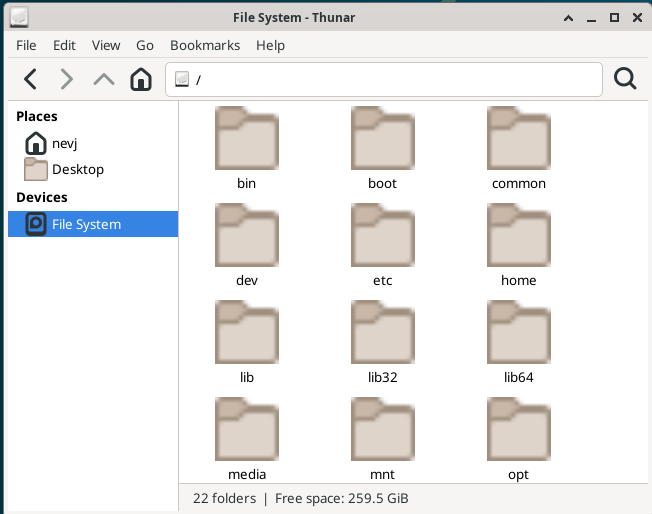
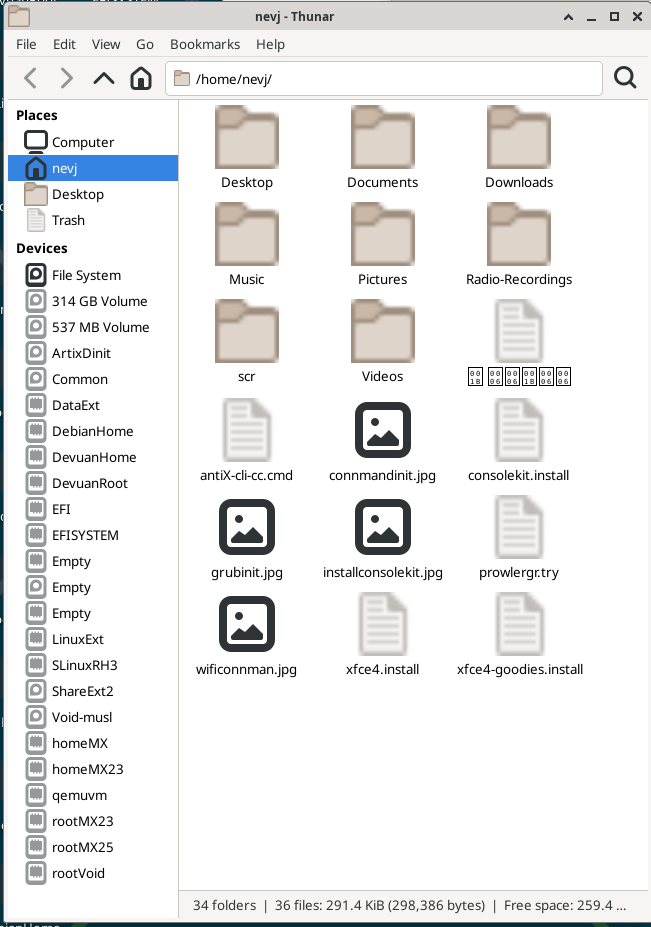
I think Thunar needs configuring… it is not finding any unmounted partitions, … only the root filesystem?
No , a reboot is not the solution.
I remember now… I had this problem with Thunar before … in Alpine … the solution is documented here
What I need to do is
apt install gvfs
apt install udisks2
gvfs is needed for Thunar to see usb and cdrom devices, and udisks2 is required for Thunar to see unmounted internal disk partitions.
Actually the install of udisks2 is unnecessary … gvfs drags it in.
I Debian, that would be it, but in antiX/dinit, the gvfsd daemon is not started by installing the package, I need to reboot, then I can see
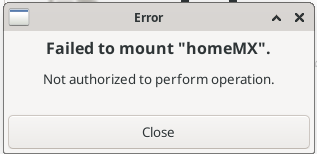
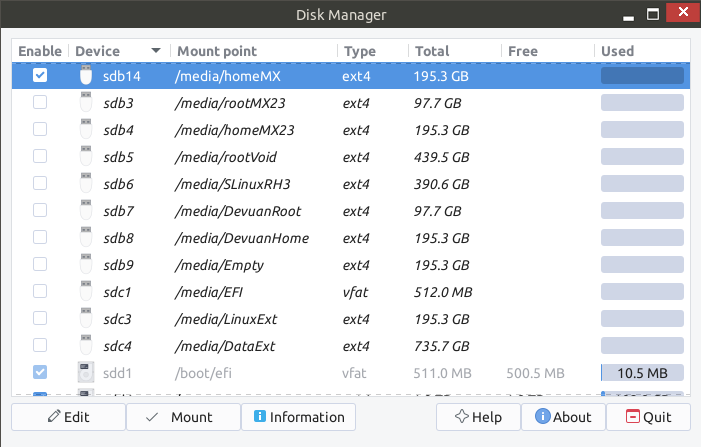
Yes, i know I am not root, but Thunar is supposed to be able to do user mounts.
Another puzzle … gvfsd and udisksd are daemons and are running, but no corresponding service shows in the Control Centre ‘Dinit Startup Services’ gui, and there are no service files in /etc/dinit.d.
Are these daemons services or not?
Question for @ProwlerGr
Why do gvfsd and udisksd not have a dinit service configuration?
Do they need one? What starts them if they are not under dinit?
Oh, I´m sorry to hear that.
I just looked around a bit further but the method you used should have worked.
That may very well be the case.
Check sources.list:
If updates do not appear, you may need to ensure your repository sources are pointing to the stable antiX-26 repositories rather than testing, using the Repo Manager in the Control Centre.
also interesting:
Runit/SysVinit: If you are using runit, note that some package updates might require special handling if they interact with the init system, though this is usually managed automatically in newer versions
(from Google AI)
Digging a bit deeper I also found this (also from Google AI):
Updating from antiX-26-rc1 to the final version often fails due to changes in the underlying Debian Trixie repositories or init system conflicts (e.g., runit vs. sysvinit)
A fresh install of the final antiX-26 ISO is highly recommended over upgrading to avoid broken packages or configuration issues
Hi Bill,
Did you get a live antiX screen?
The installer is a one of the icons … ie the installer is a program that runs in the live distro.
It is a really nice GUI installer … used in antiX and MX. … their very own installer.
Cheers,
Neville
PS. Make sure you get the new antiX26 release … not antix26-rc1
When I took a look at antiX26 in Gnome Boxes, it booted VERY slowly but eventually opened to a desktop display. The same iso, placed on a usb stick by Balena Etcher, just gives me a prompt to open a CLI session. I’m nearly ready to just toss it into the bucket of ‘who cares’ distros. Am I missing an important step somewhere?
So booting your usb stick did not even get to the screen shown in my first post to this topic?
There must be a graphics driver problem.
Can you try it in another machine?
Can you login at the CLI prompt?
For the antiX-26 live system (ISO/USB), the default login credentials are:

* **Username:** `demo`
* **Password:** `demo`

**Root Access (Live System):**

* **Root Password:** `root`
Where did you get the download? … Are you sure it is the official download and did you checksum it.?
What are your bios settings? It may need to be uefi boot. I have not tested it with legacy boot.
MX uses same installer. It is called ‘gazelle installer’
I would like to see this solved. It is most likely your nvidia card causing the issue.
It is also possible that your usb drive is faulty or the iso was not copied to it properly.
Could you try an MX install?